HOW TO USE IT
About the Christmas list template
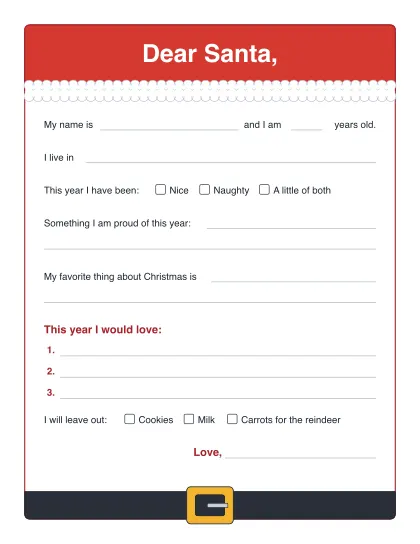
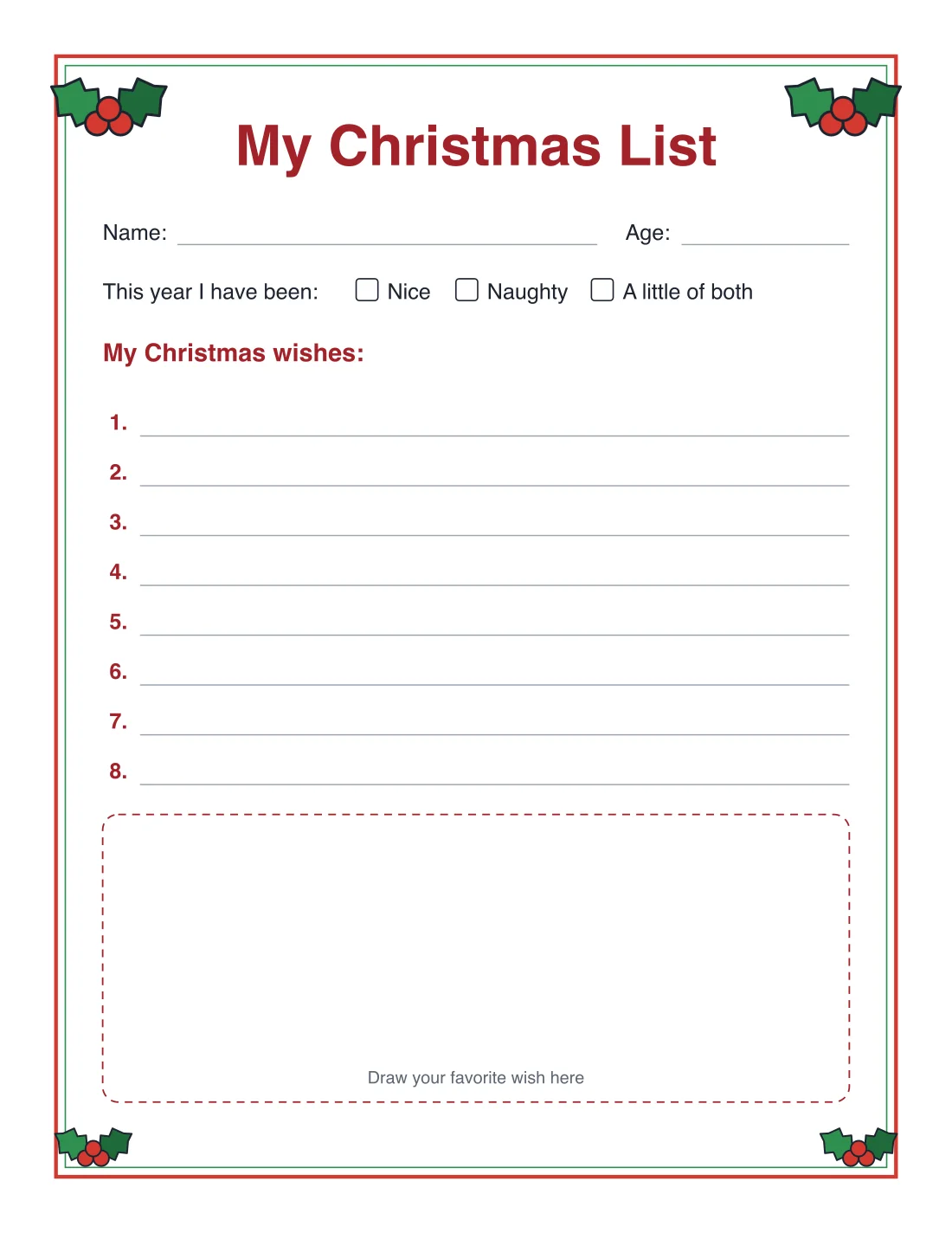
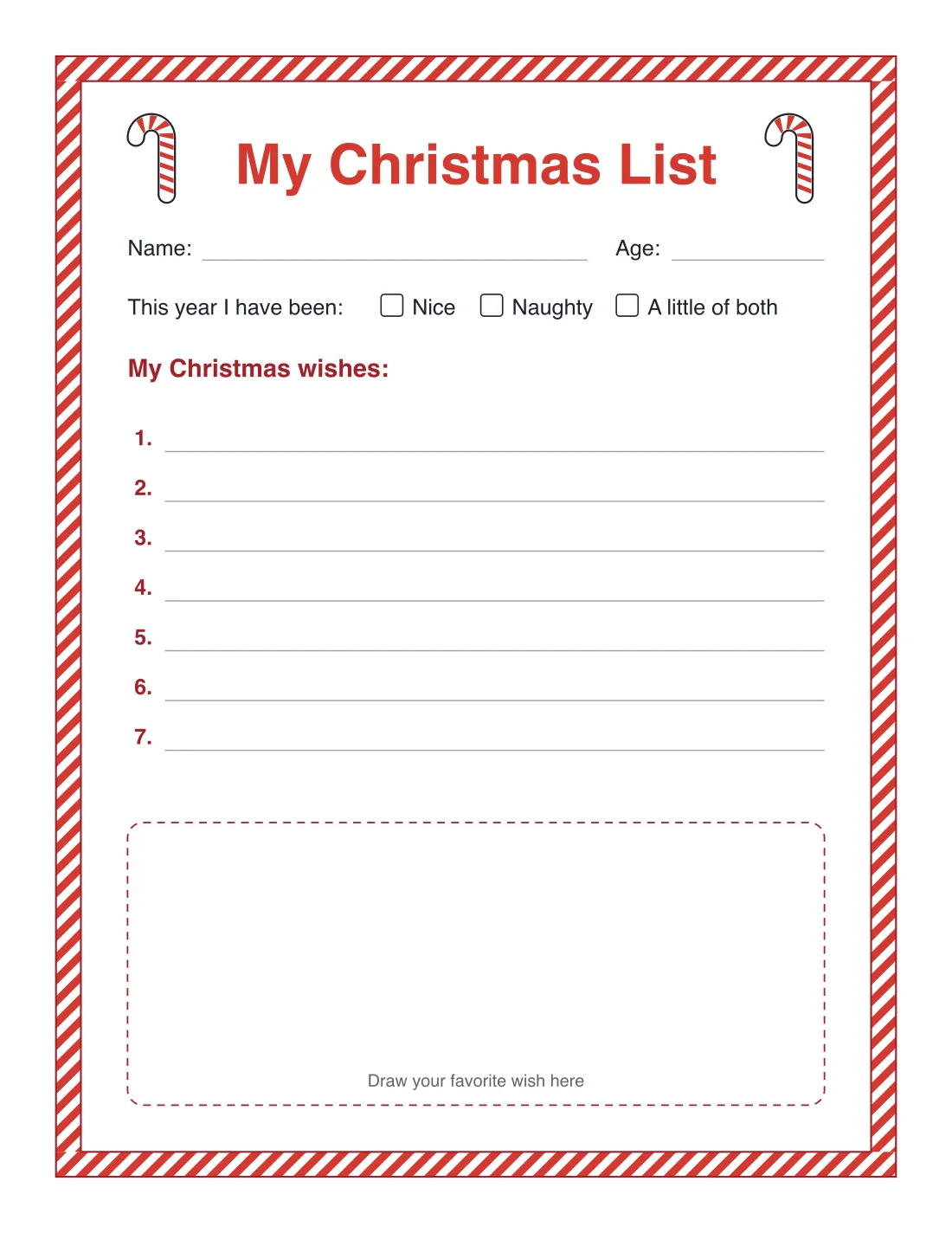
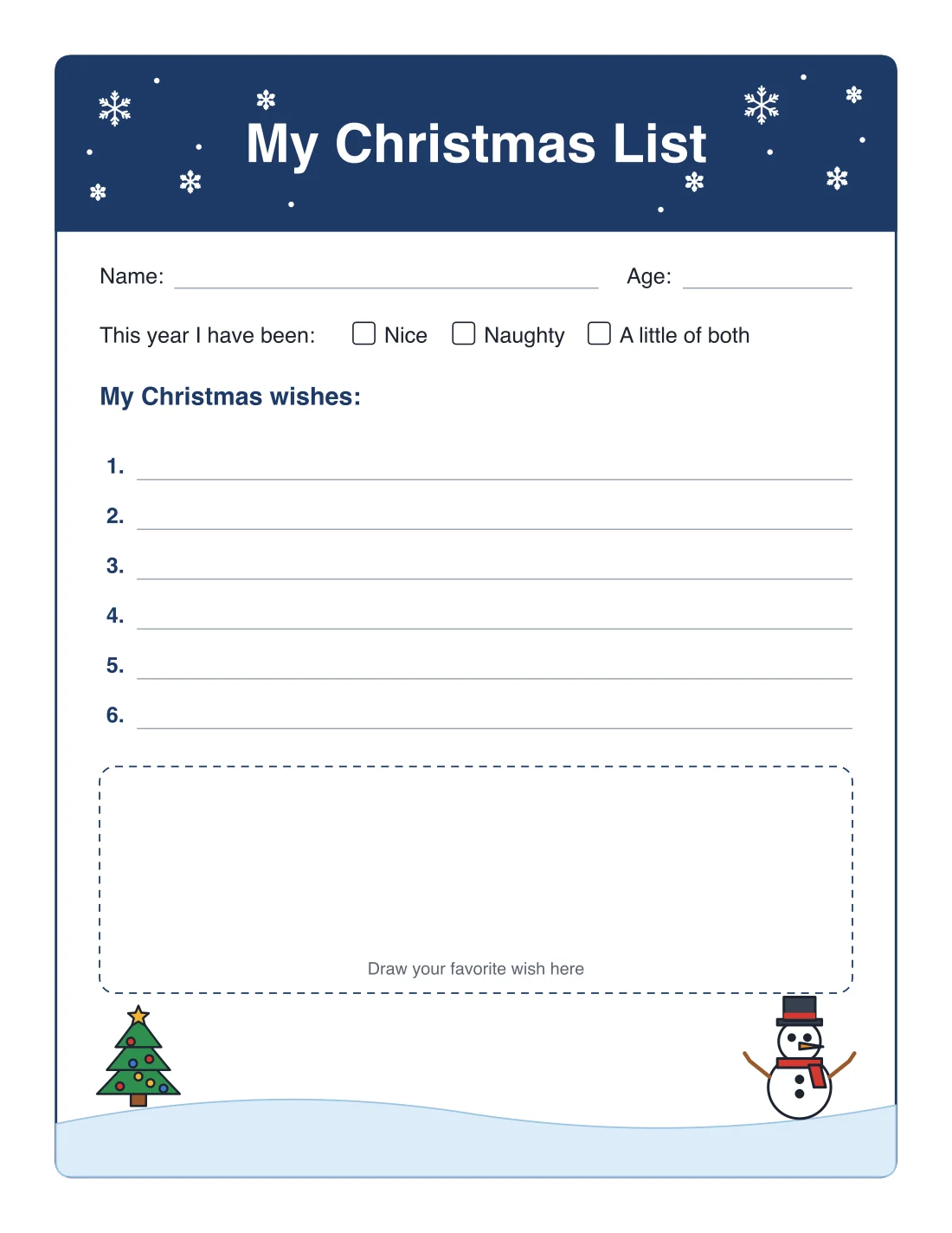
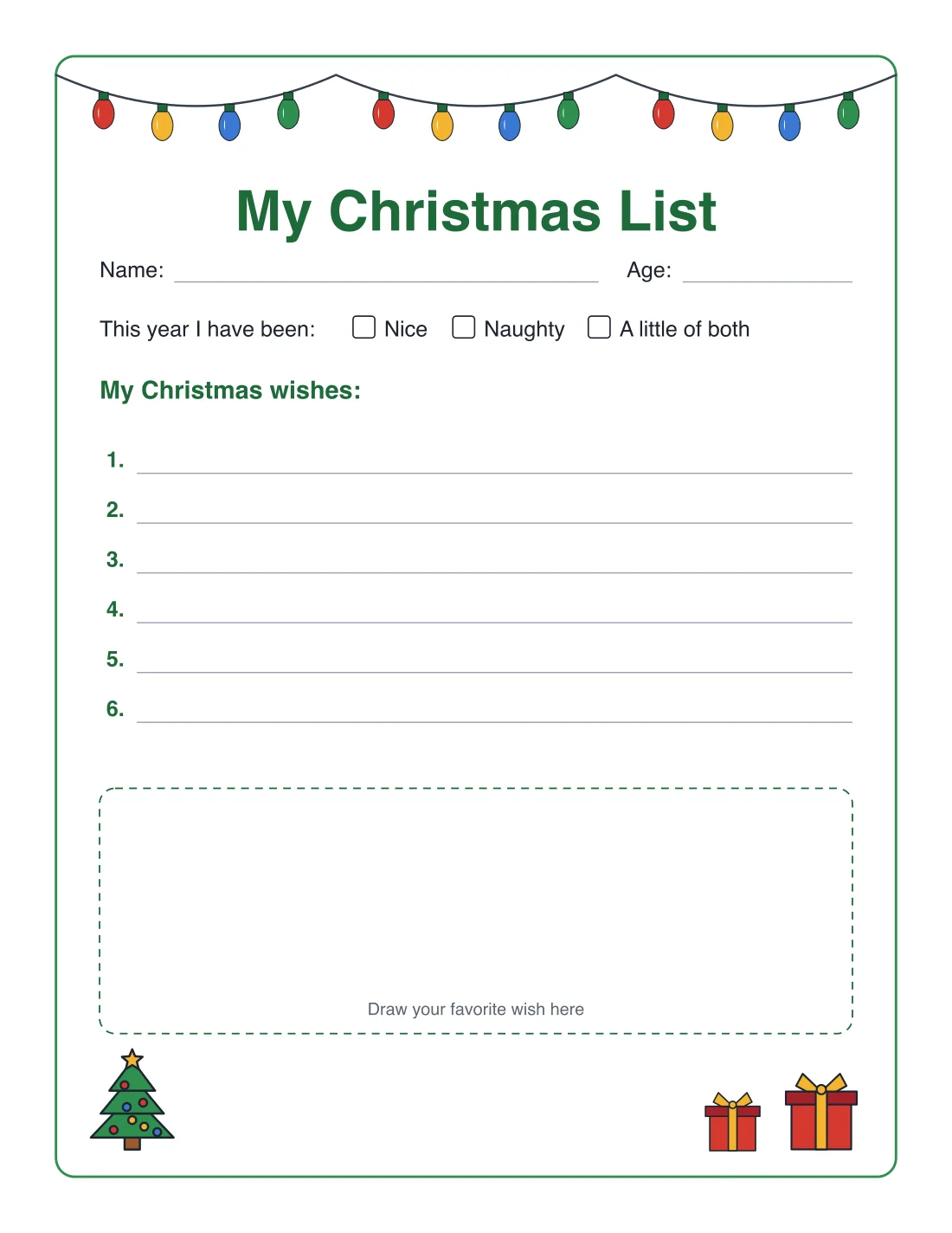
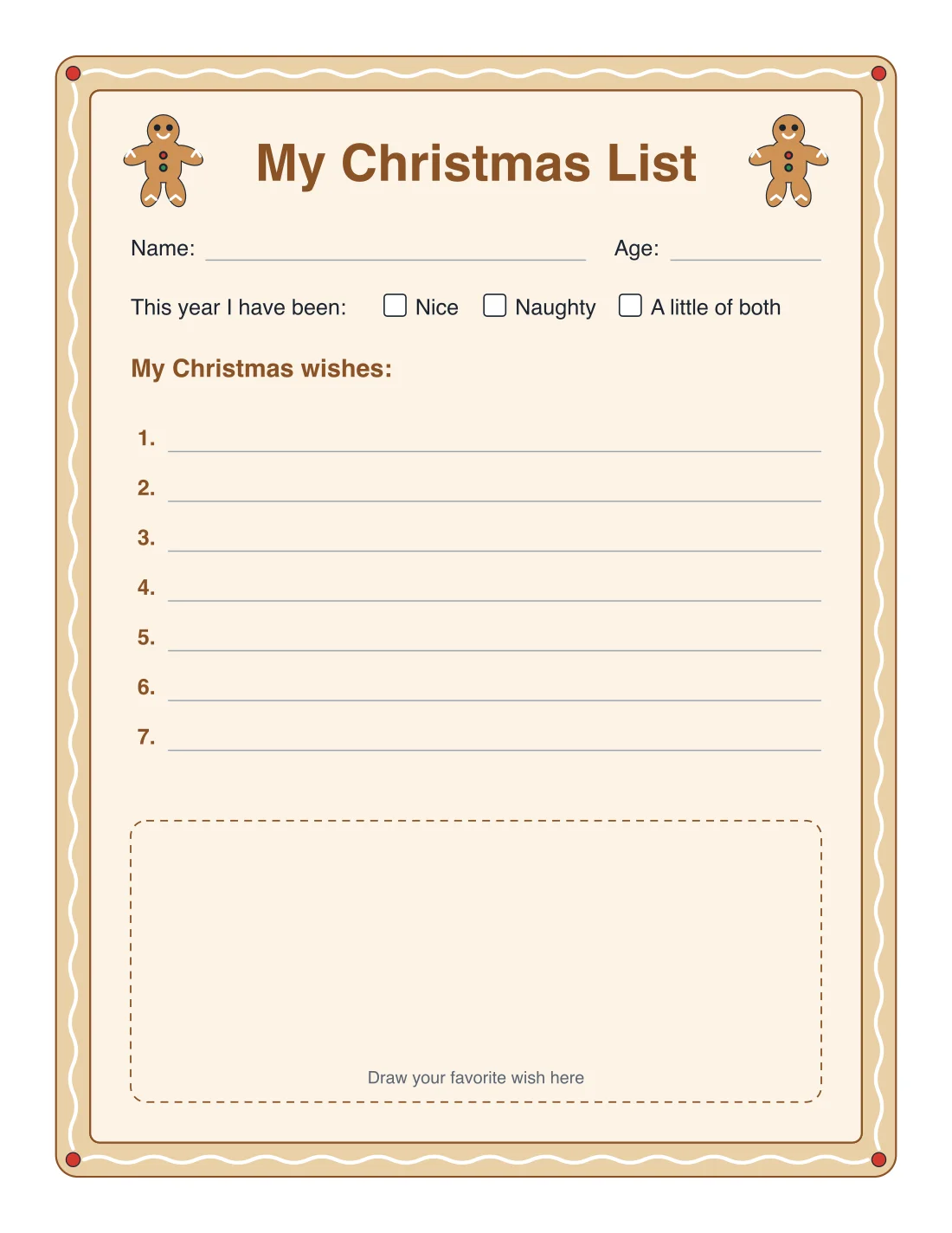
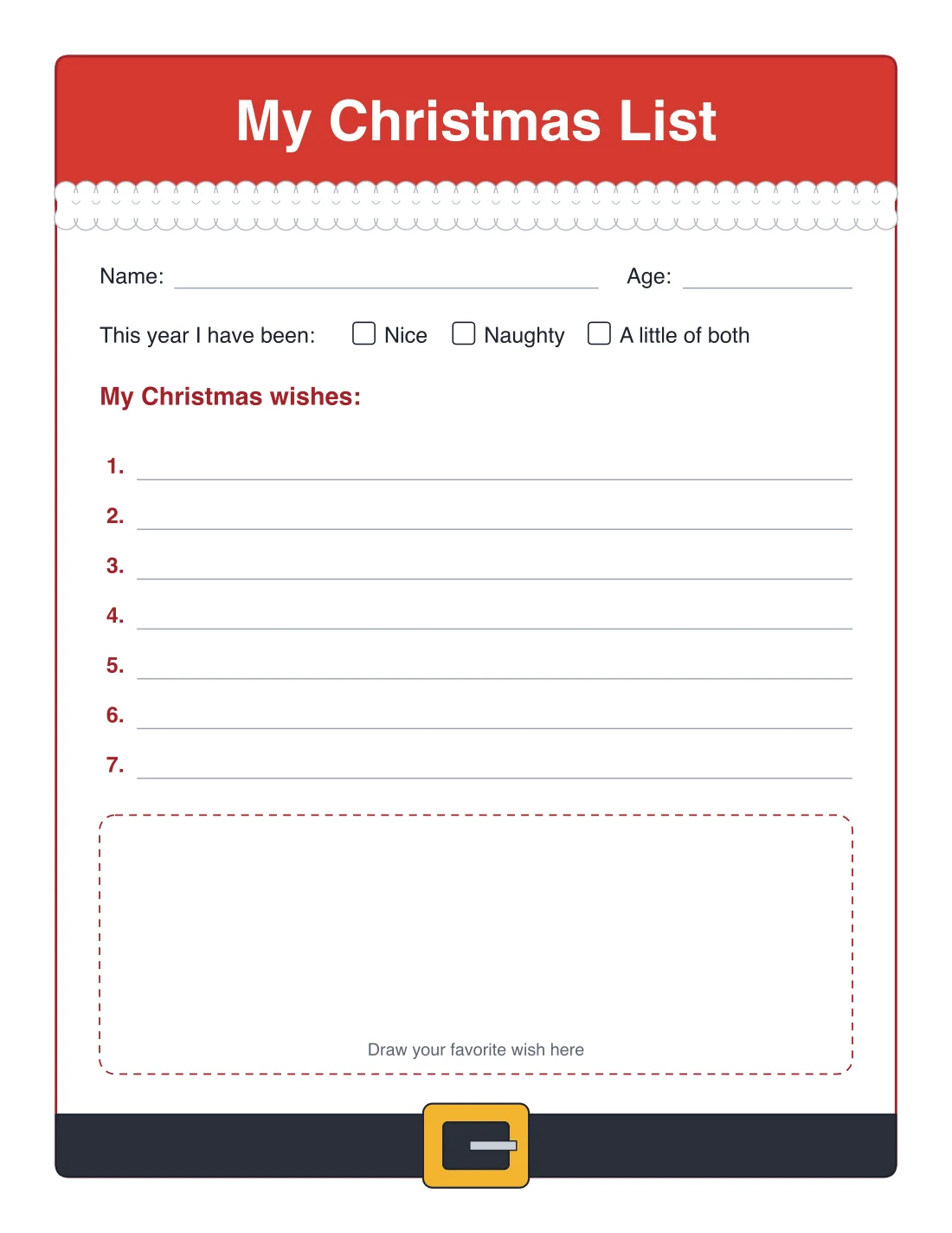
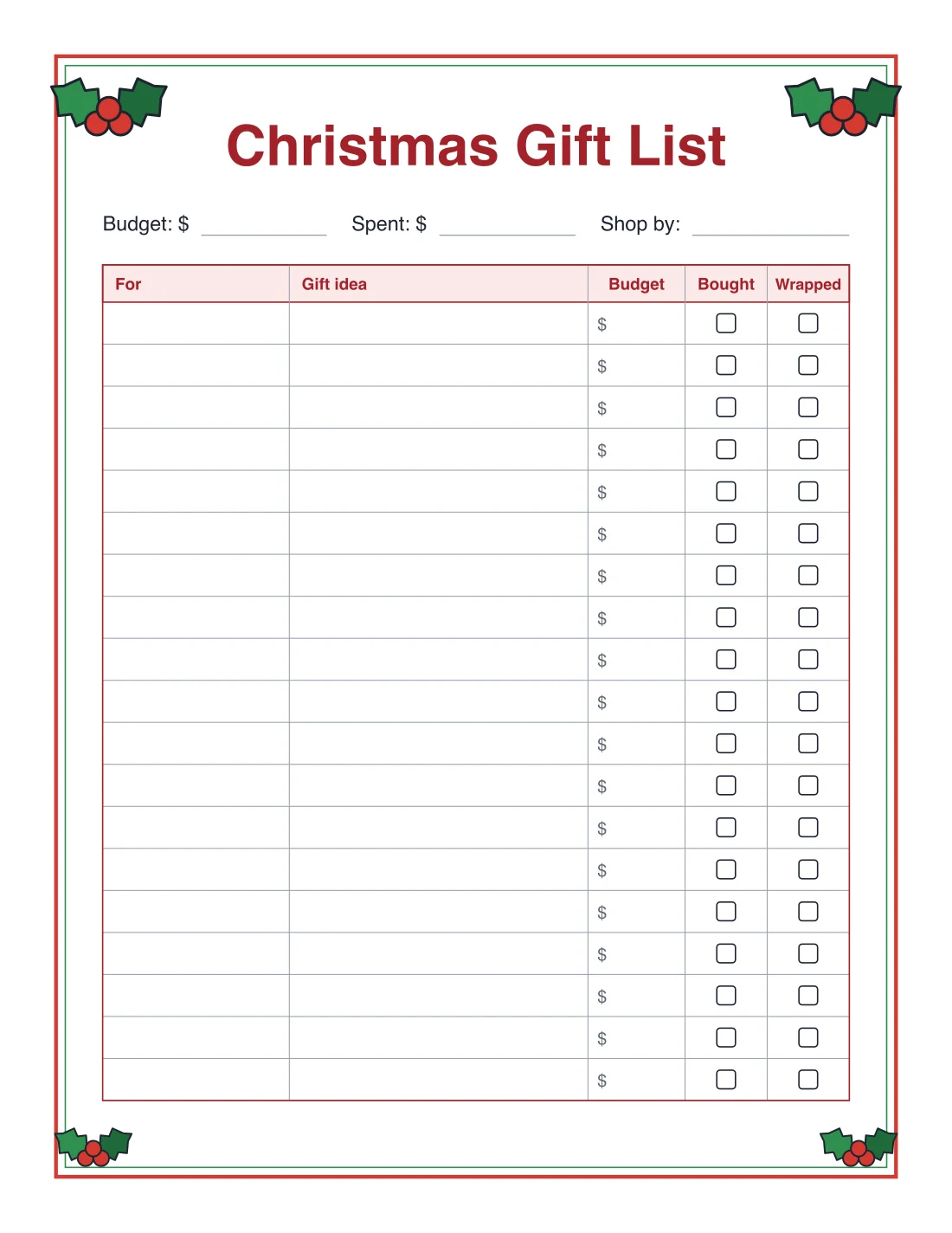
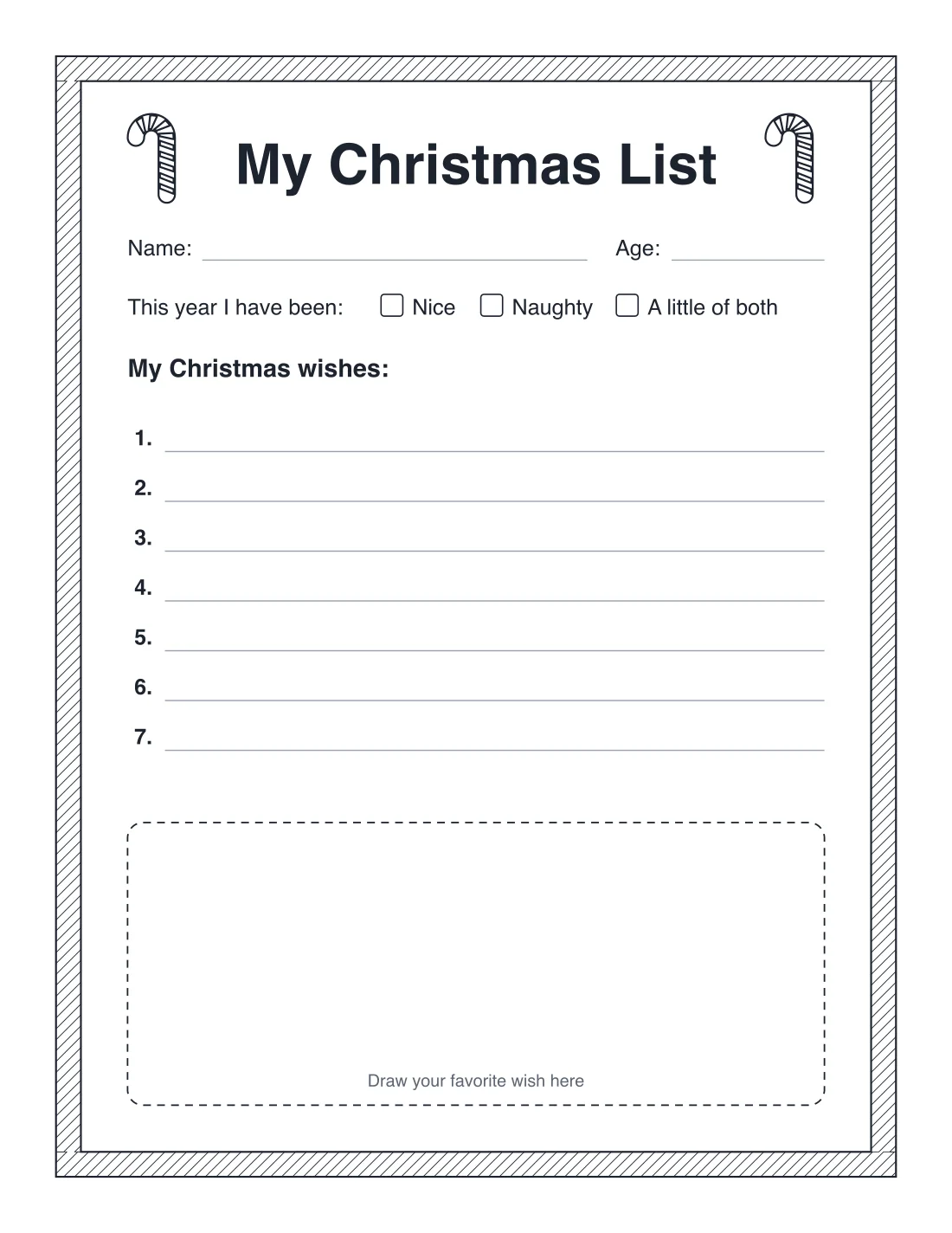
This Christmas list template comes in two versions. The kids wish list has a big title, lines for the child's name and age, a playful "This year I have been: nice, naughty or a little of both" checkbox row, numbered lines for up to 12 wishes and an optional box to draw the favorite wish. The gift list is made for parents and anyone who shops for a crowd: a table with columns for who the gift is for, the gift idea, the budget, and checkboxes for bought and wrapped.
Both versions share the same six designs: Holly, Candy cane, Snowy night, Twinkle lights, Gingerbread and Santa suit. Each one prints in full color, or in black and white with every motif drawn as an outline, so kids can color the border while they think about what to ask for and you save colored ink.
You can print the list blank and fill it in by hand, or type into the form first. Every field is optional. Whatever you type lands on the matching line in the preview, and anything you leave empty stays a clean writing line. Nothing you type is uploaded; the file is made in your browser.
How to print your Christmas list template
1. Pick the list and a design
Choose the kids wish list or the gift list for adults, then click through the six designs. The preview updates instantly.
2. Type it in or leave it blank
Add a name, age and wishes (one per line) if you want them printed. Leave the fields empty for a blank list to fill in with a pencil.
3. Choose color or black and white
Full color looks best on the fridge. Black and white turns every decoration into an outline to color in.
4. Download and print at 100%
Download the PDF (or a PNG for sharing), then print on US Letter or A4 at "Actual size" so the border is not cut off.
What is on each Christmas list
| Version | What it includes | Best for |
|---|---|---|
| Kids wish list | Name and age, "I have been" checkboxes, up to 12 numbered wish lines, optional drawing box | Kids writing to Santa or giving parents and grandparents ideas |
| Kids wish list without the drawing box | Name and age, checkboxes, up to 12 numbered lines | Older kids with longer lists |
| Gift list for adults | Budget, spent and shop-by date; rows for who it is for, gift idea, budget, bought and wrapped | Planning presents for family, coworkers and teachers |
Tips for a Christmas wish list that helps everyone
- Add details that make shopping easy: size, color, the exact book or game title, and a store if it only comes from one place.
- Ask kids to number their wishes in order. The first lines are the ones they care about most, which helps when the list is long.
- Pre-readers can use the drawing box: they draw their top wish, and you write the words underneath for them.
- Make a copy for each person who asks for ideas, or send a PNG by text so grandparents far away can see it too.
- Write the wish list by early December. That leaves time for shipping and for Santa to read it.
Using the gift list to stay on budget
The adult gift list works like a simple holiday shopping planner. Write your total budget at the top, list everyone you are buying for, and give each person a spending limit. As you shop, tick "Bought" and write what you spent, then tick "Wrapped" on Christmas Eve so nobody gets missed.
If several relatives shop for the same kids, keep one shared list on the fridge or share a photo of it. The "For" and "Gift idea" columns make it obvious what is already covered, which is the easiest way to avoid two people buying the same toy.
Need more rows? The list fills the page with 15 to 19 rows on US Letter, depending on the design. Print a second copy for coworkers, neighbors and teacher gifts, or type the names in so each row is already labeled.