HOW TO USE IT
About the Halloween coloring pages
Halloween is on October 31, and the weeks before it are full of costumes, pumpkins and classroom parties. These Halloween coloring pages keep the fun and leave out the fright: every face smiles, the ghosts wave, the bats look friendly and there is nothing gory or creepy anywhere, so they suit preschoolers as well as older kids and classroom parties.
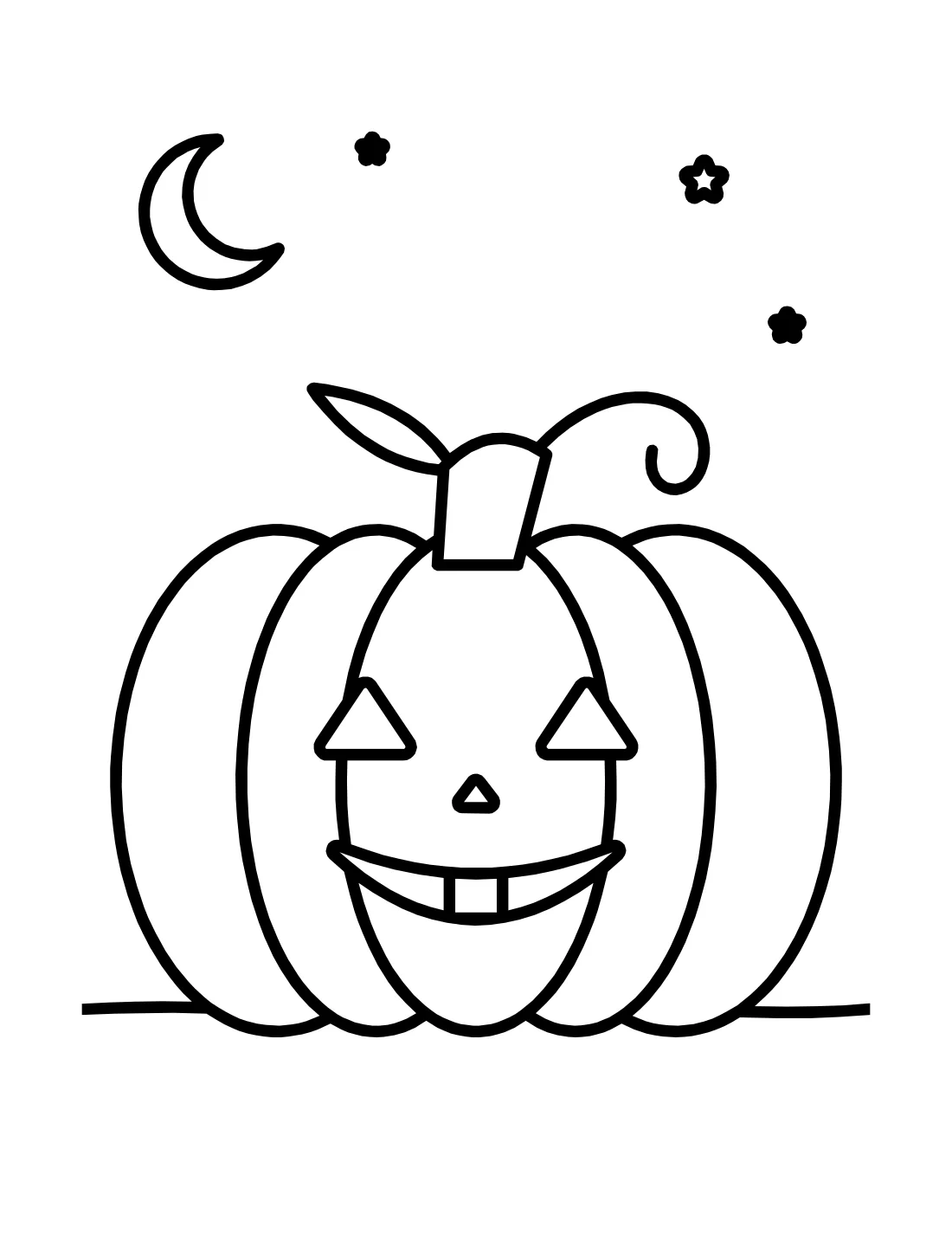
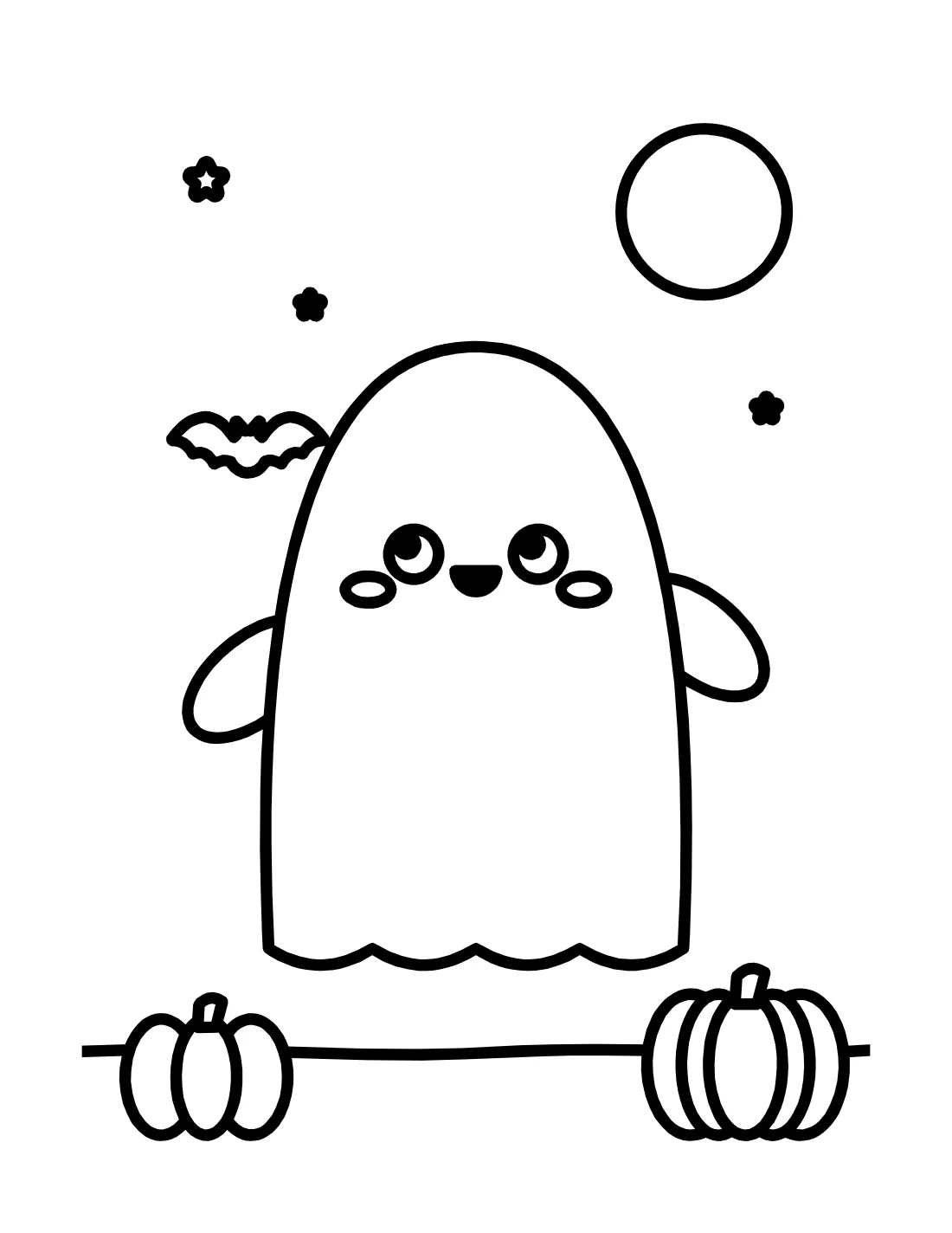
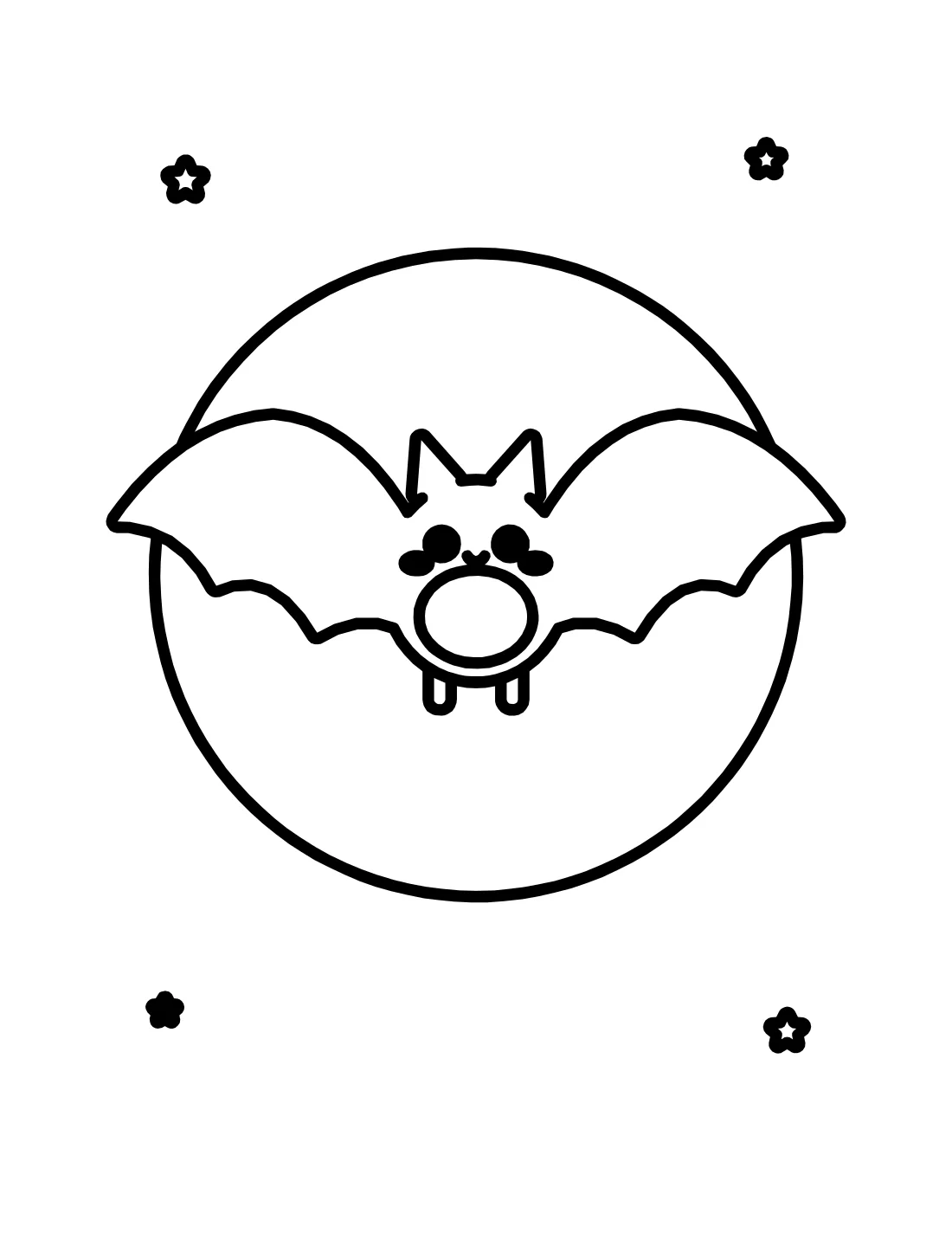
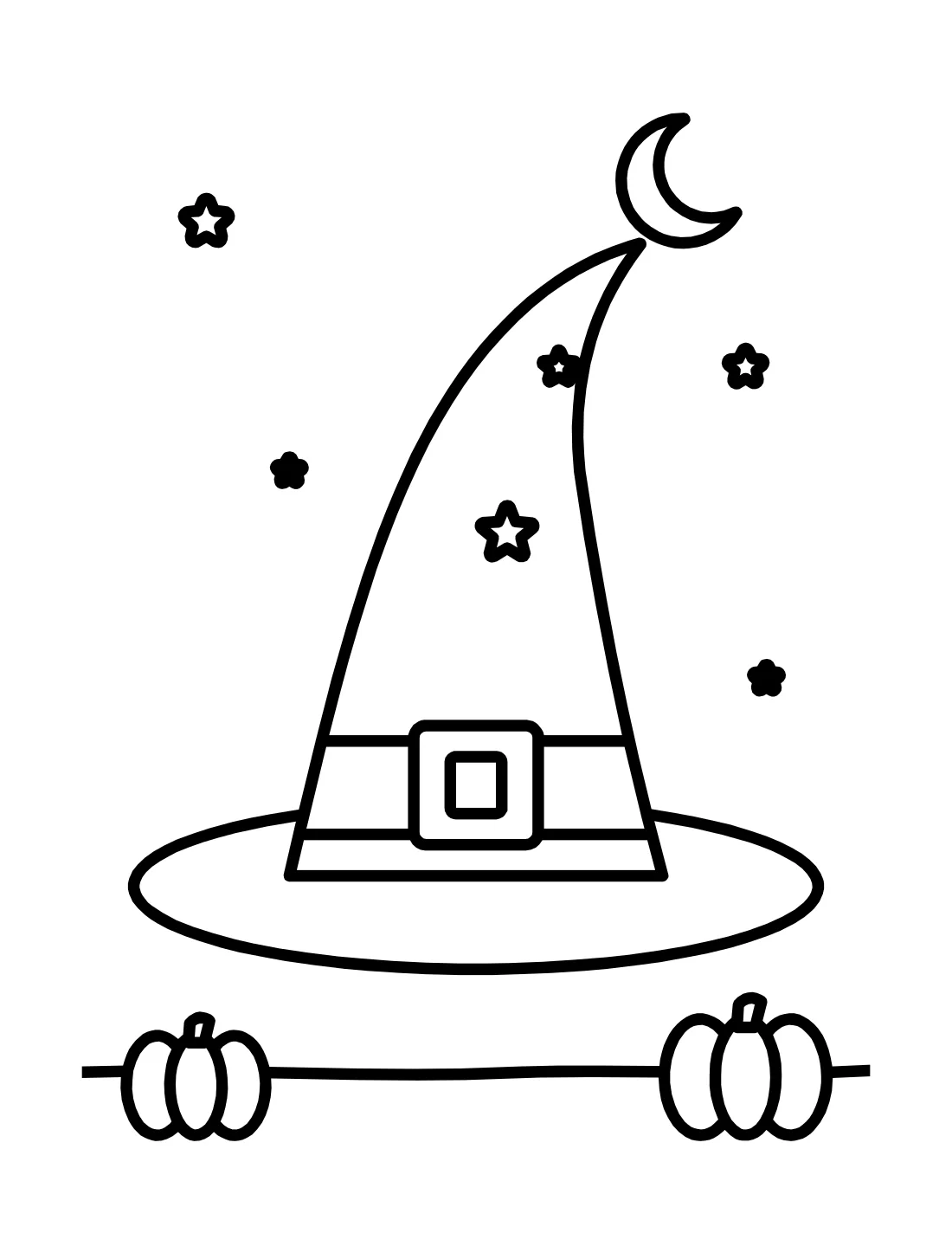
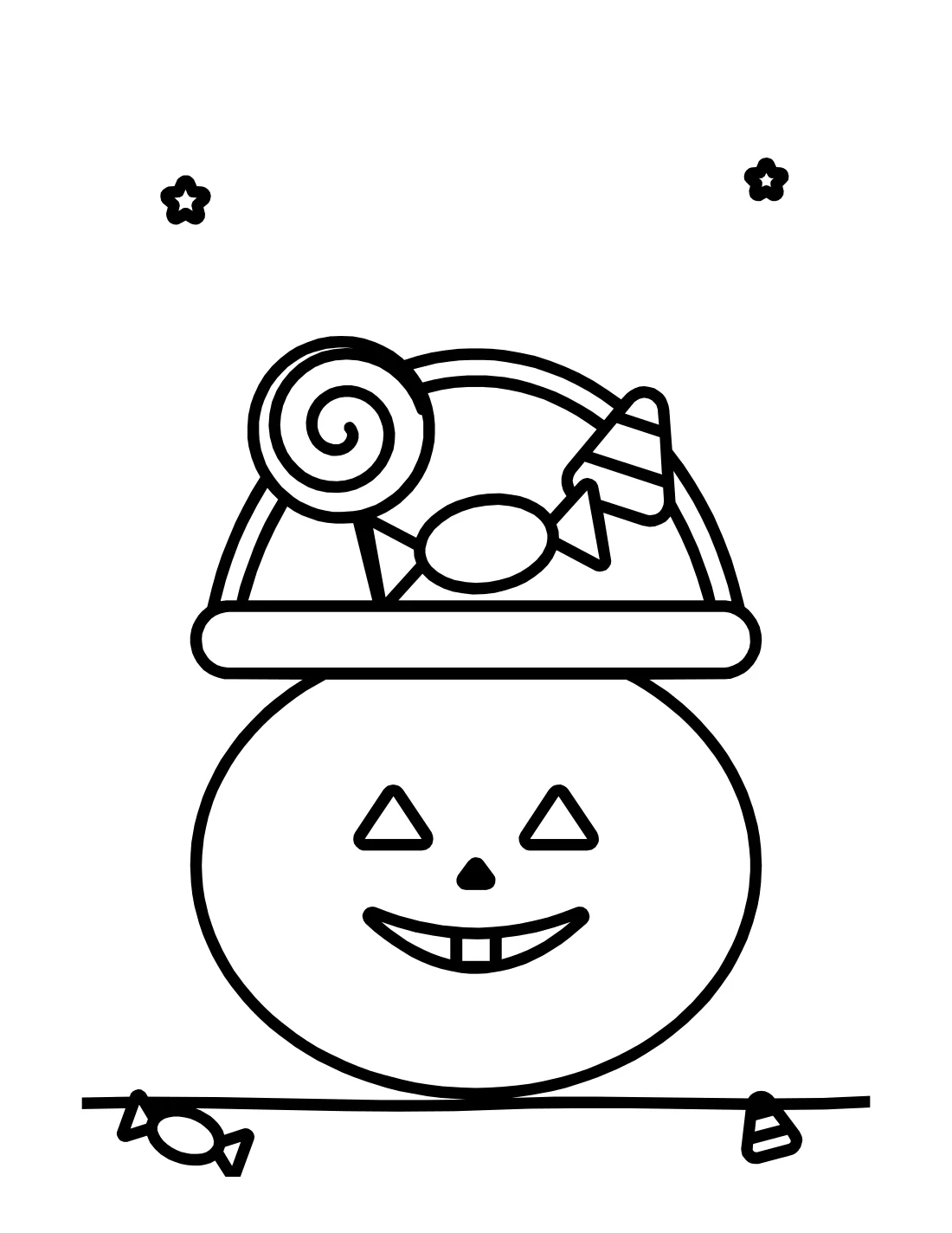
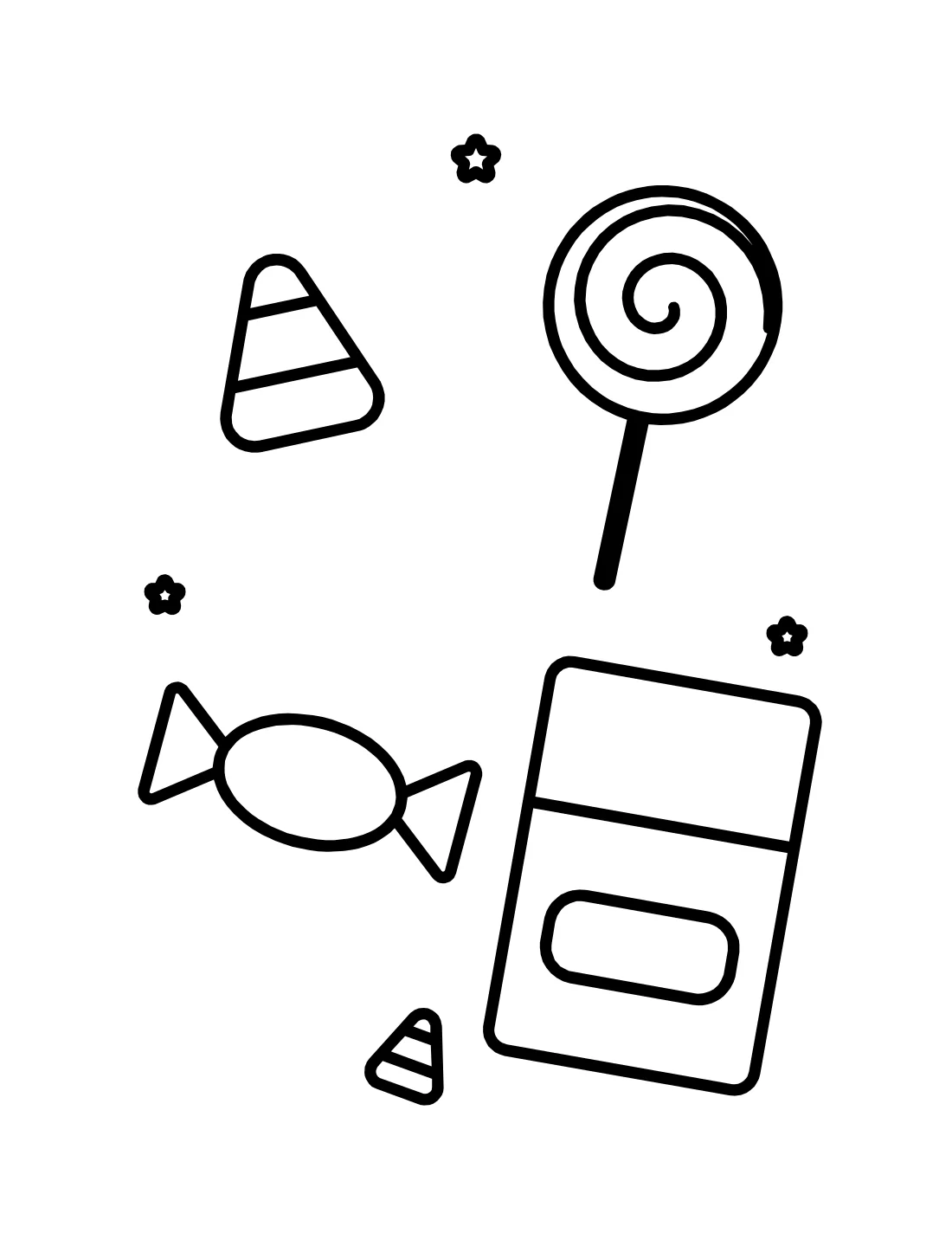
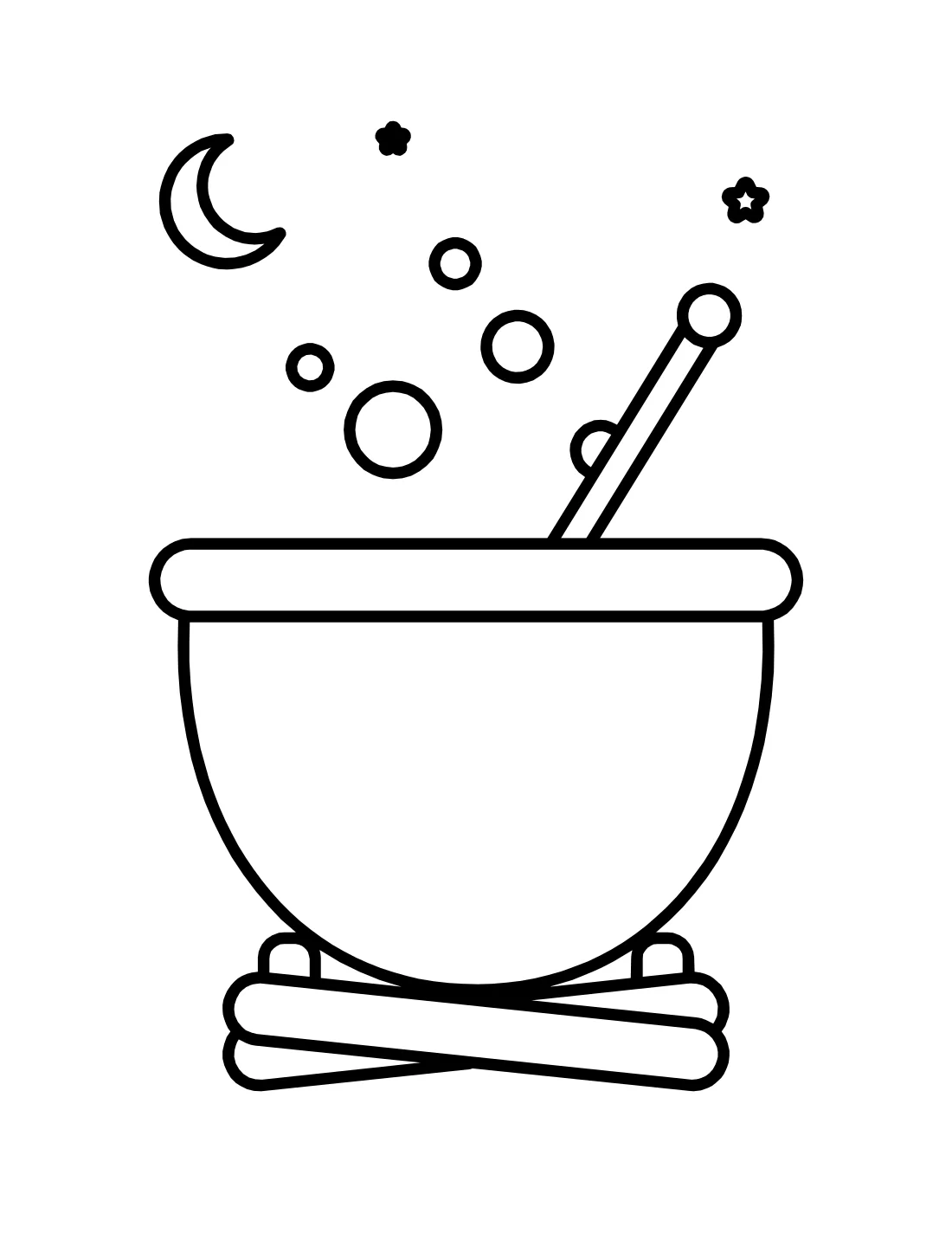
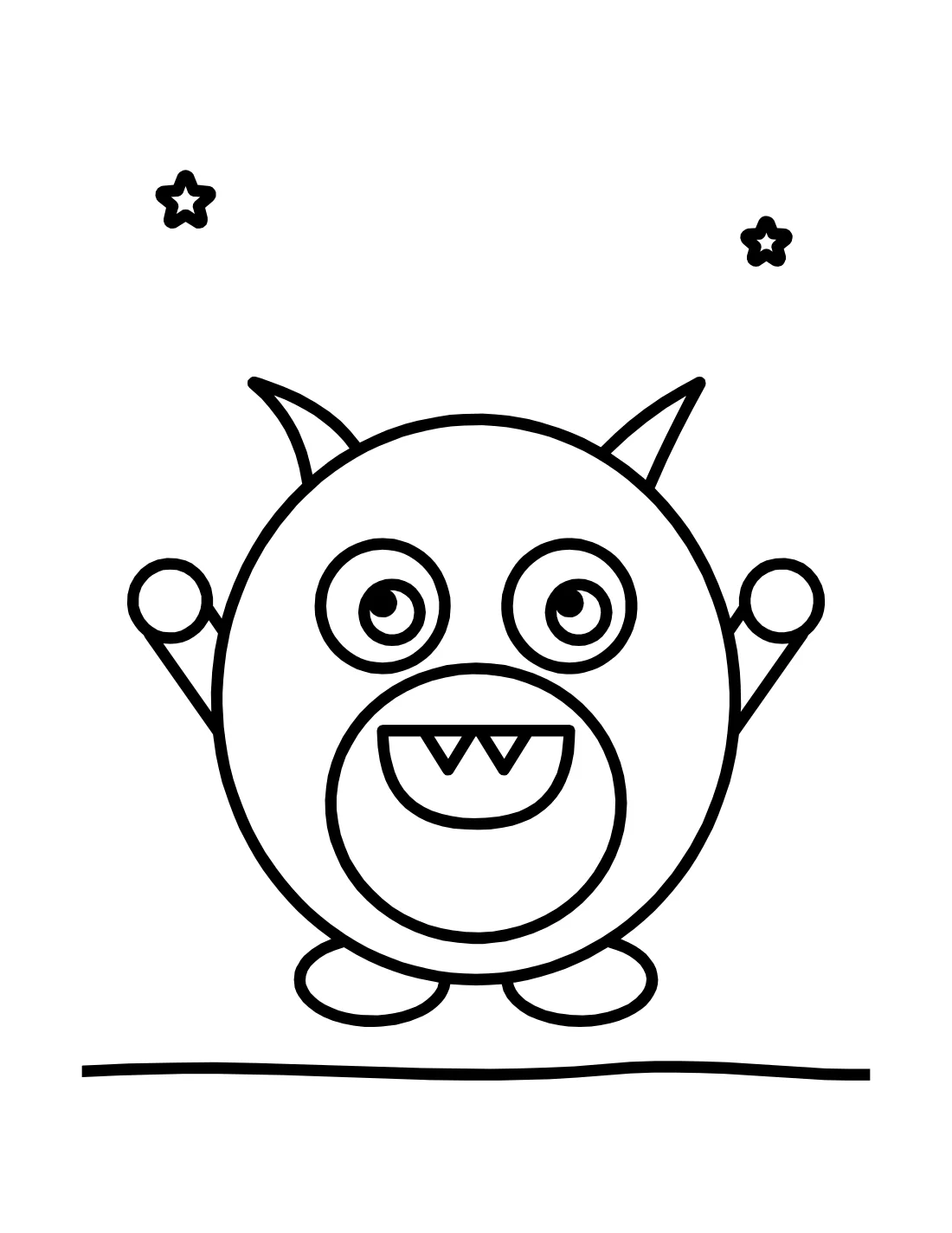
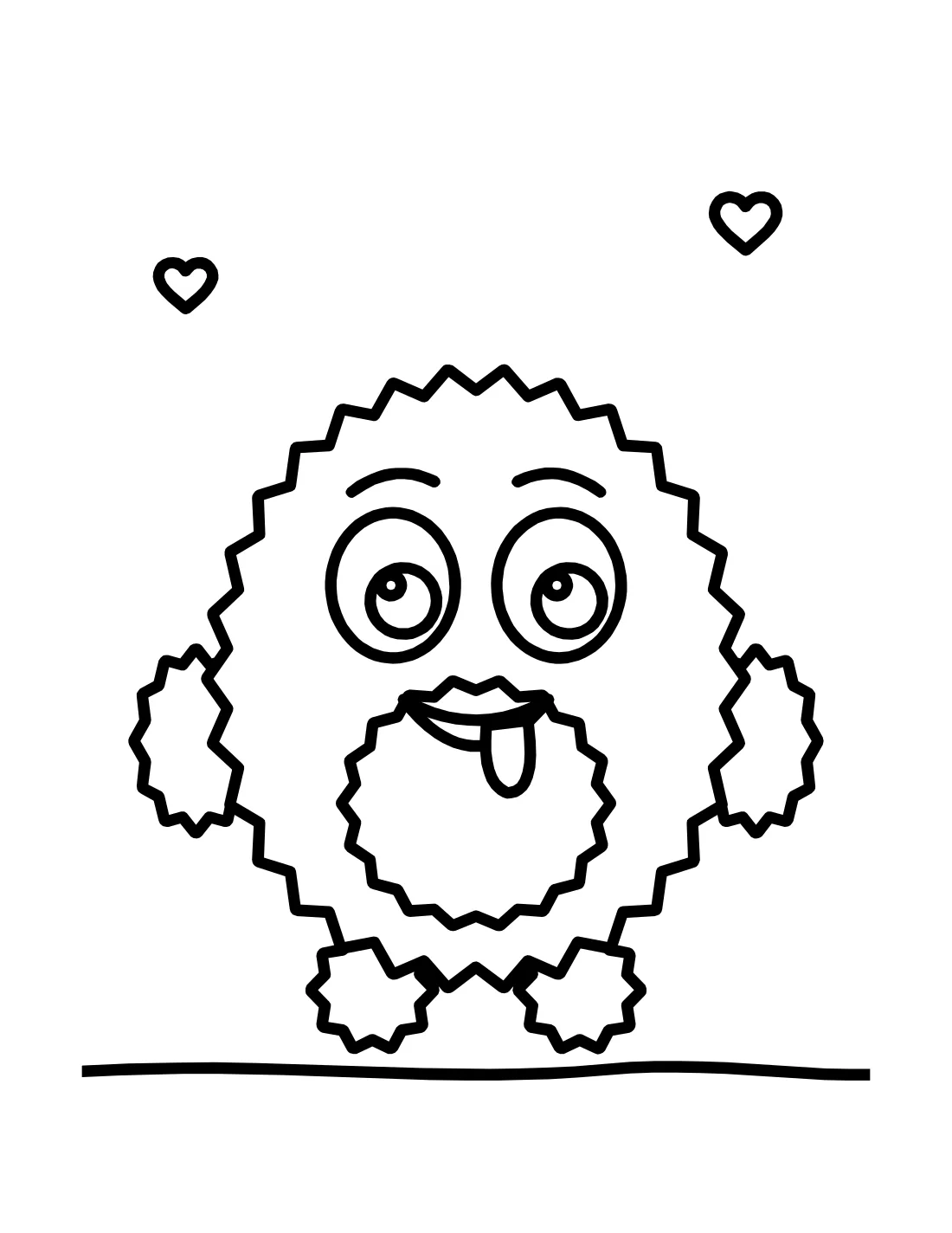
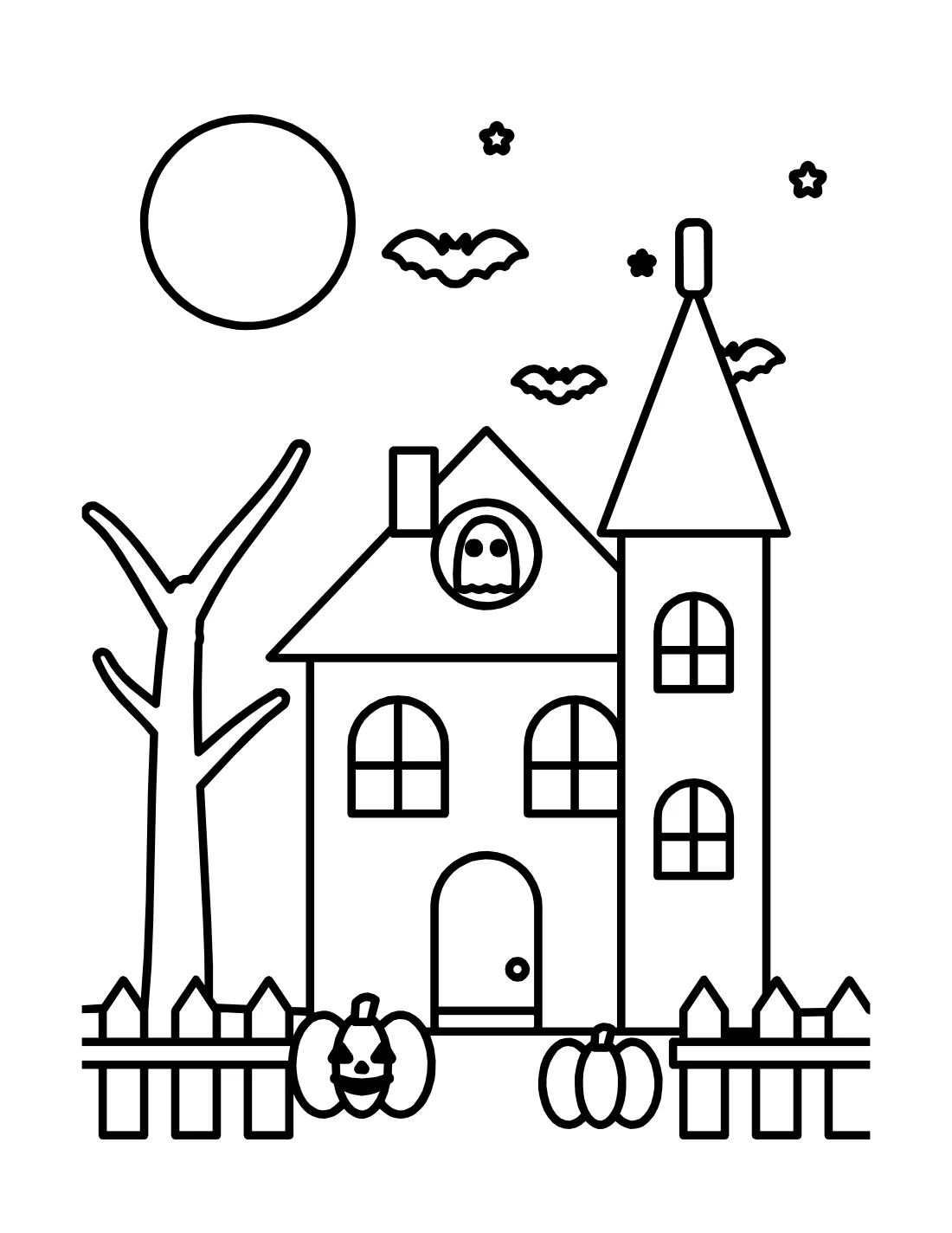
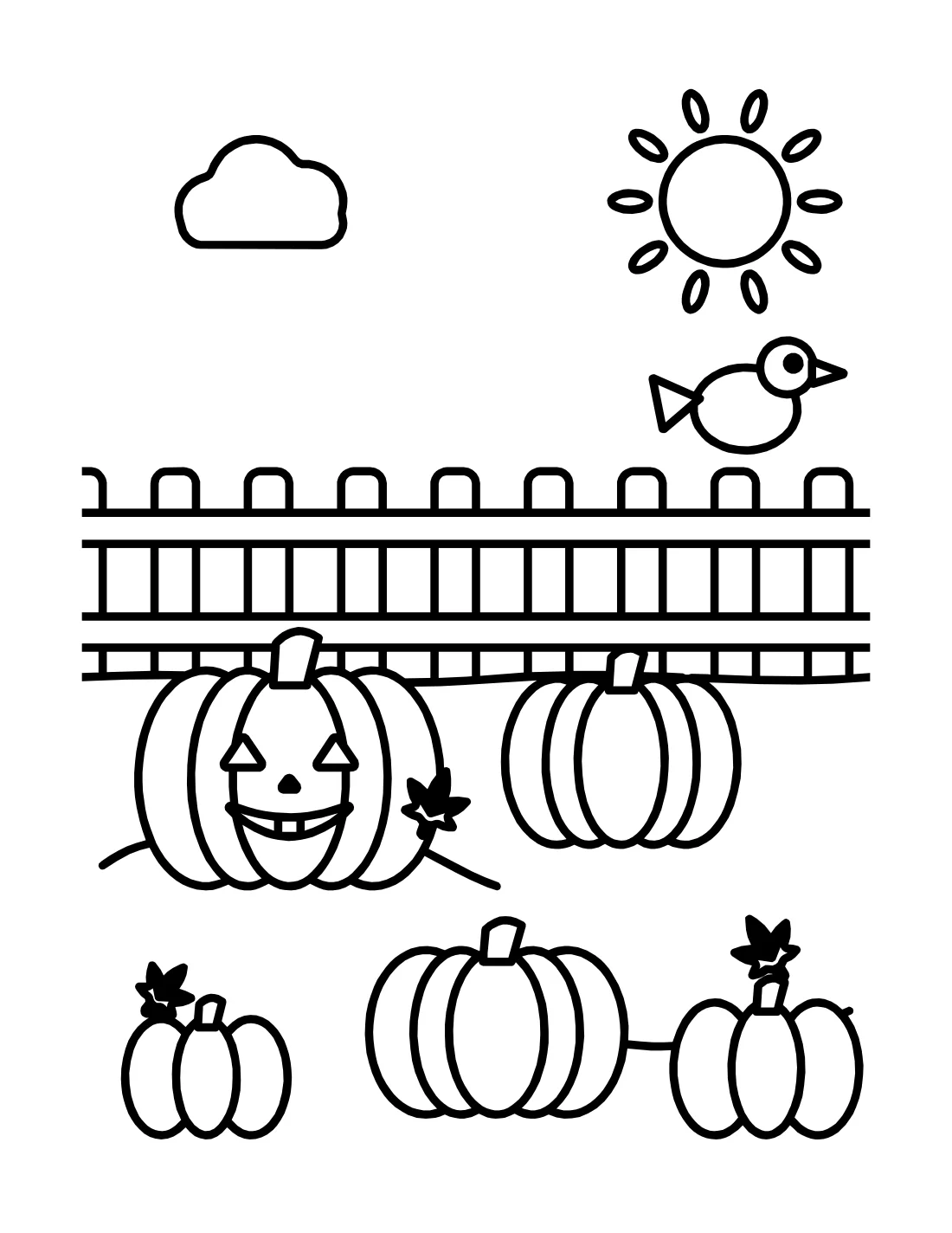
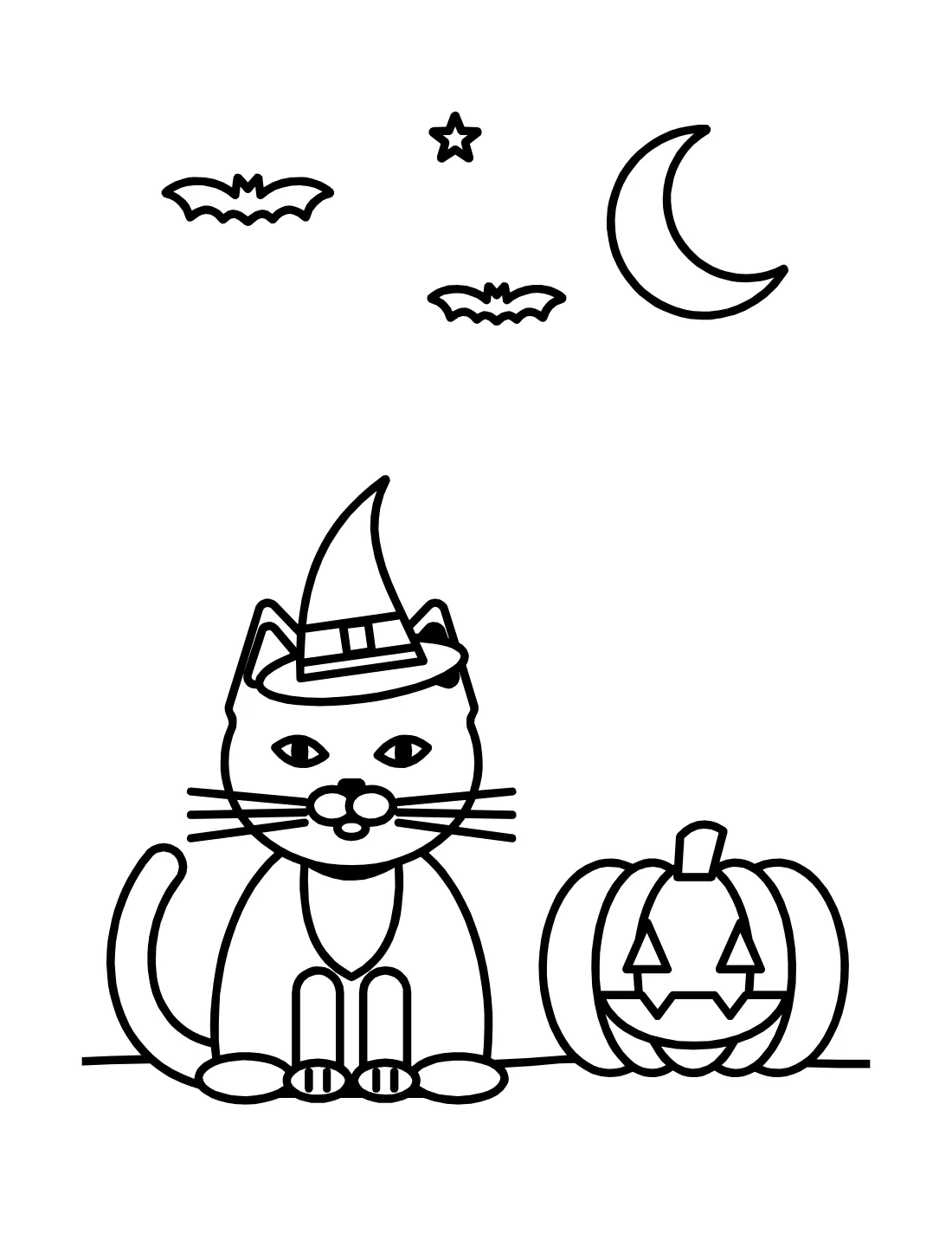
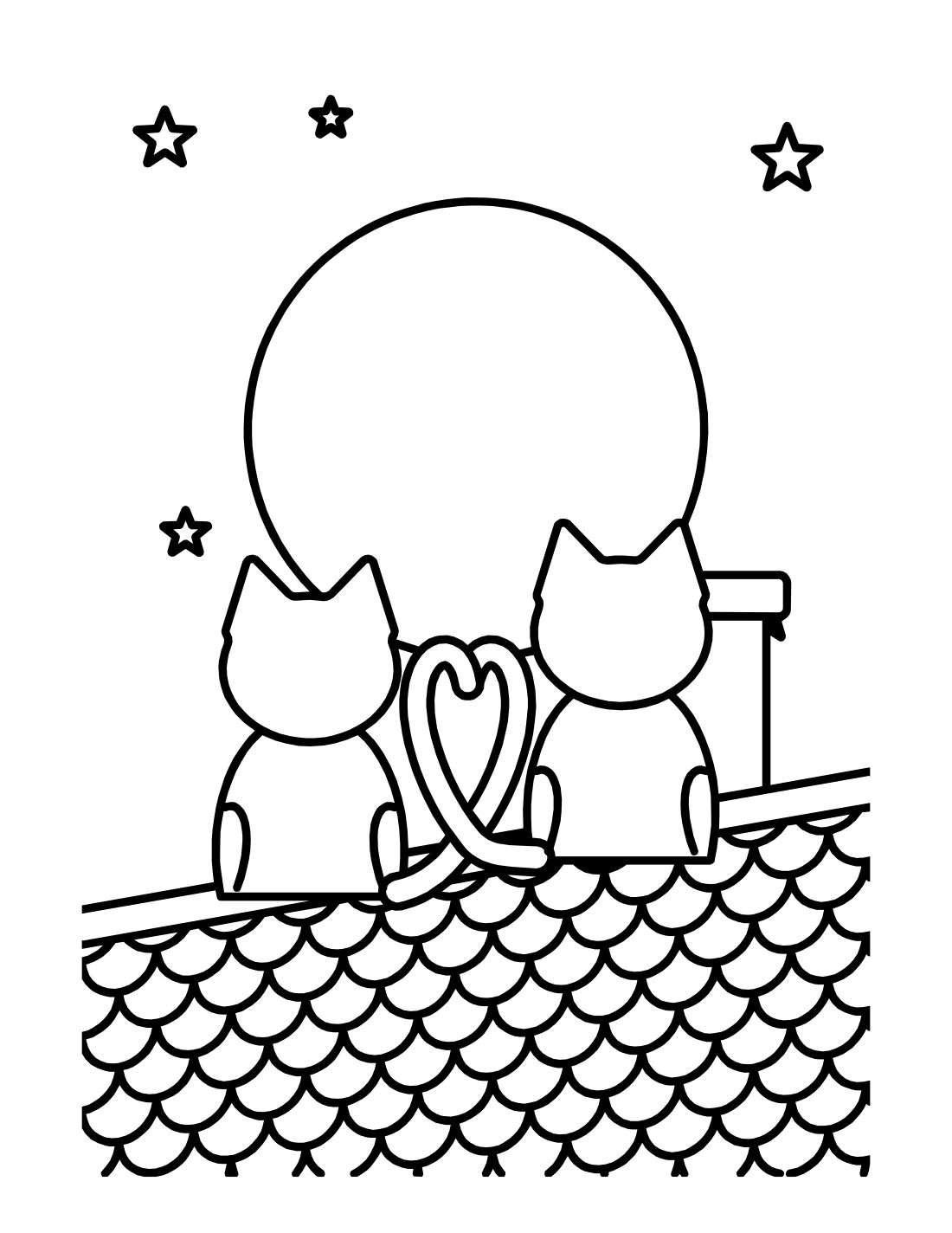
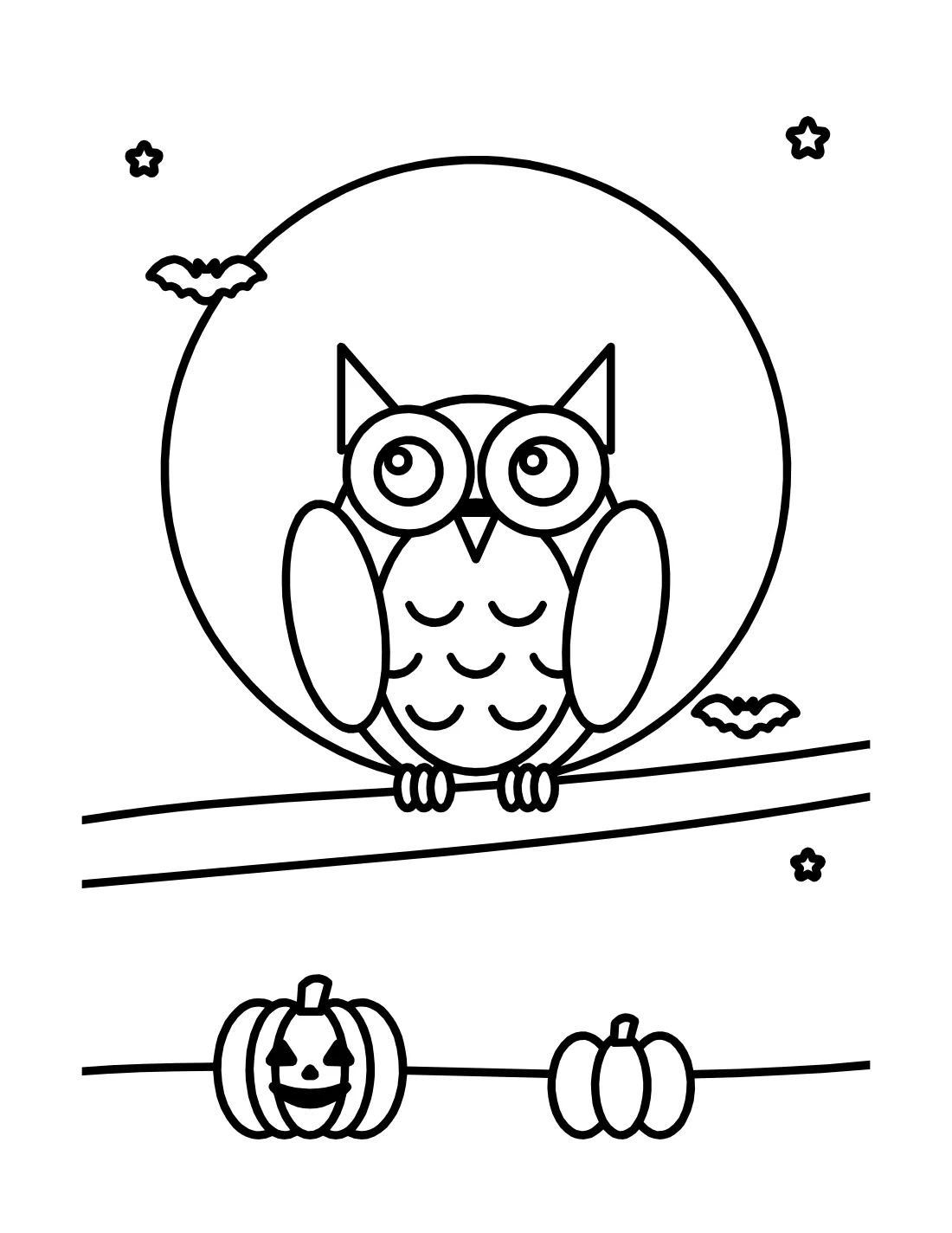
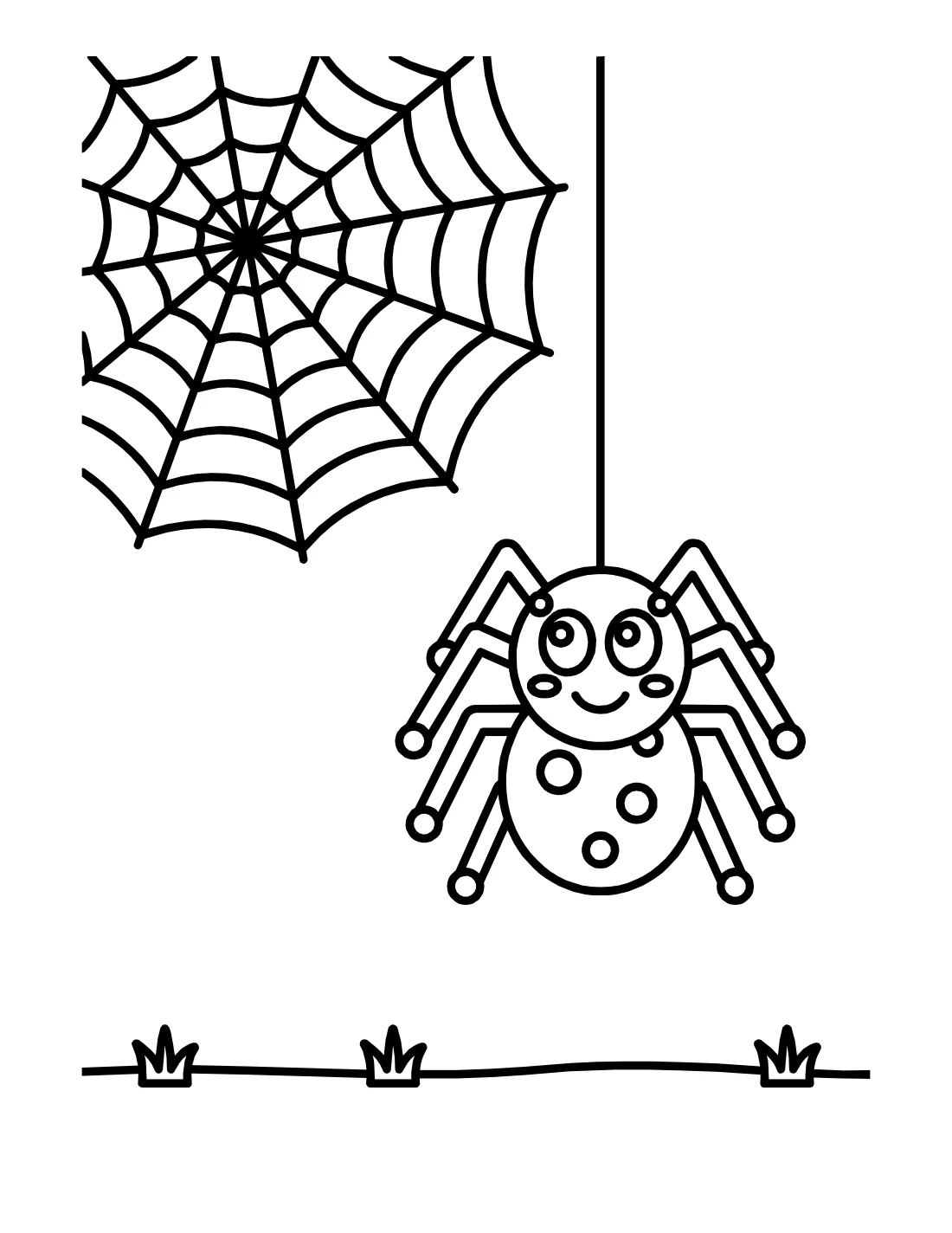
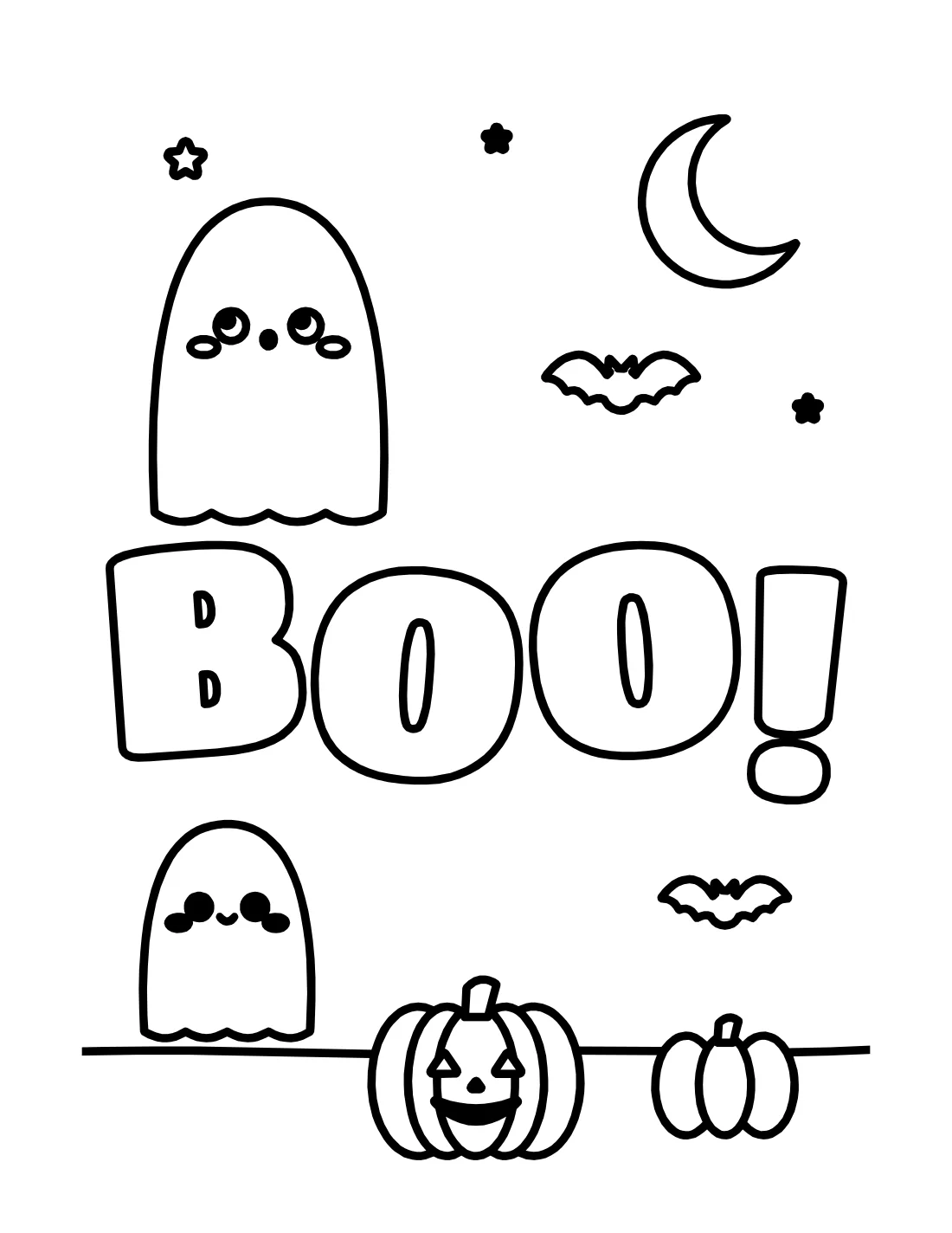
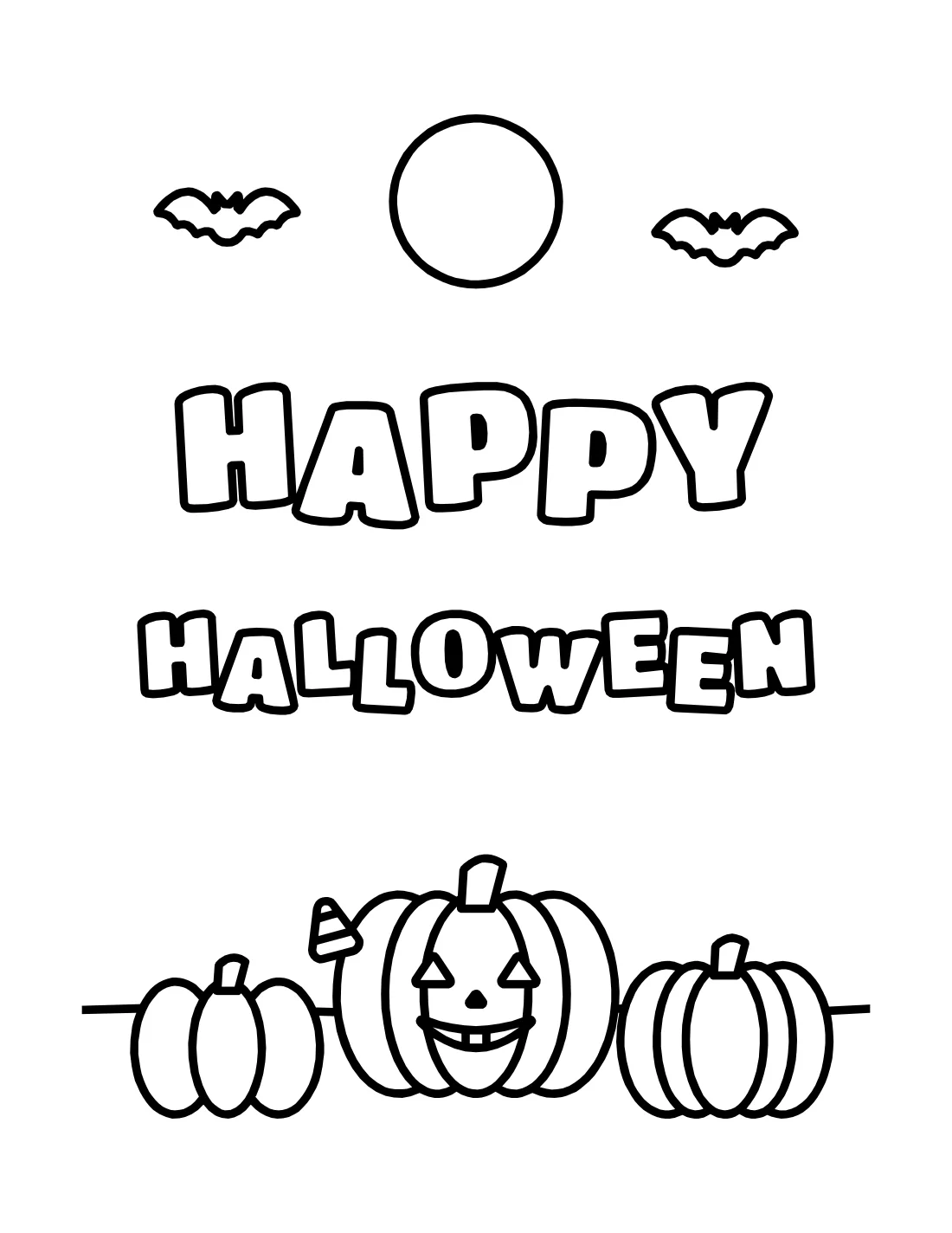
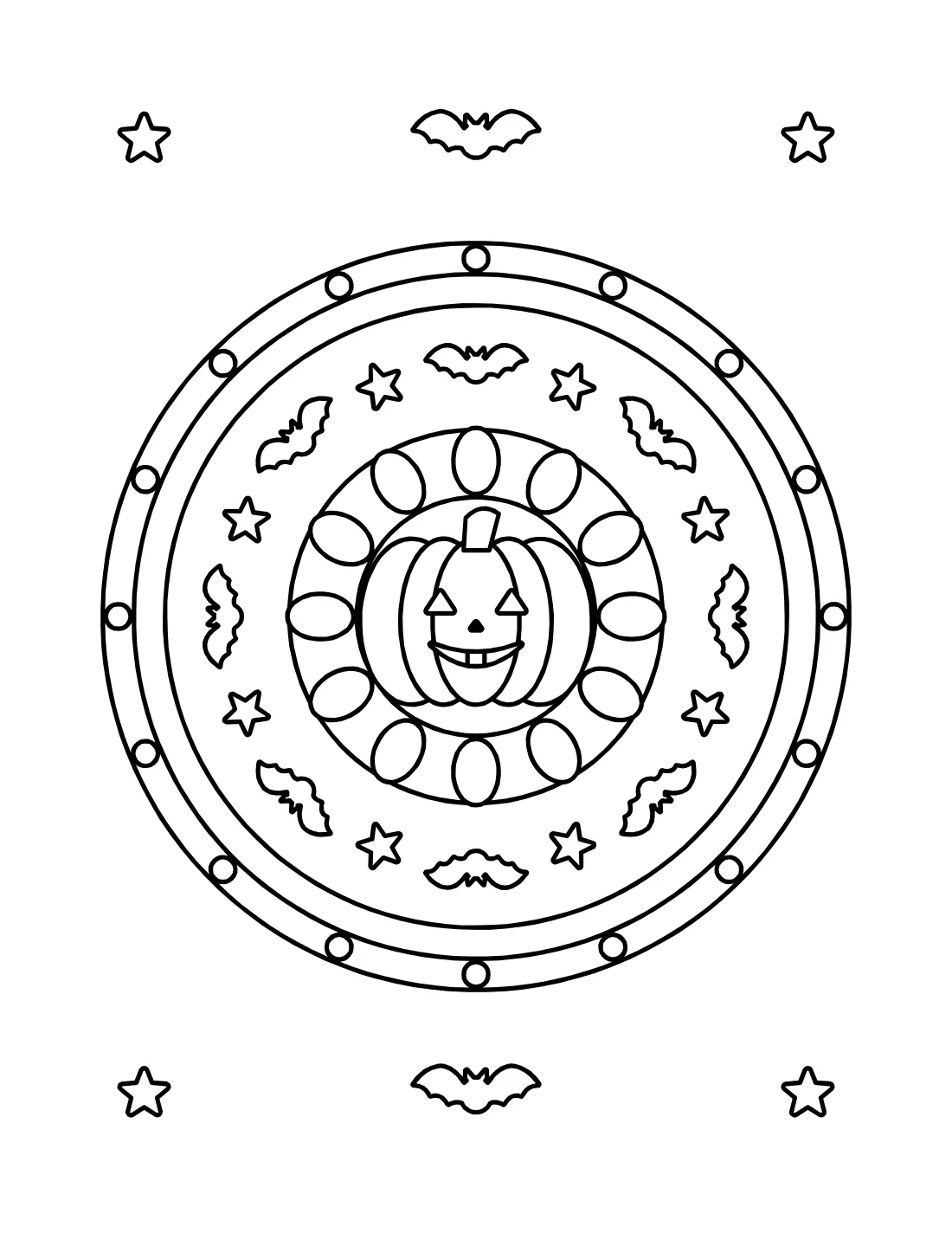
The 9 Easy pages have thick outlines and big areas: a jack-o'-lantern with a friendly grin, a smiling ghost, a bat in front of the full moon, a witch hat with a buckle, a bubbling cauldron, a trick-or-treat bucket full of candy, a page of Halloween candy and two cheerful monsters. The 8 Kids pages are little scenes: a haunted house with a ghost peeking from the attic, a pumpkin patch, a cat in a witch hat, two cats on a roof under the moon, an owl on a branch, a friendly spider, "BOO!" in bubble letters and "Happy Halloween" with pumpkins. One Detailed page, a Halloween mandala, is for older kids and adults.
Every page prints at full size on US Letter or A4 with a half-inch margin and no logo or watermark.
How to print your Halloween coloring pages
1. Pick a picture
Tap a thumbnail to see it full size on the page. The Easy, Kids and Detailed filters narrow the list down to pages that suit the child coloring.
2. Choose your paper size
US Letter (8.5 x 11 in) is selected by default. Switch to A4 if that is what your printer holds; the picture is rescaled and keeps a half-inch margin on every side.
3. Add a name line if you need one
Turn on the name line for classrooms, parties and libraries, so every finished page finds its way back to the right kid.
4. Download or print
Download the PDF for the cleanest print, a PNG for tablets and drawing apps, or press Print. In the print dialog choose "Actual size" or 100% scale so the margins stay even.
Which Halloween coloring pages suit which age
| Set | Pages | What is on them | Good for |
|---|---|---|---|
| Easy | 9 | Jack-o'-lantern, friendly ghost, bat, witch hat, cauldron, candy, monsters | Toddlers and preschool, chunky crayons |
| Kids | 8 | Haunted house, pumpkin patch, cats, owl, spider, Boo and Happy Halloween lettering | Ages 5 to 10, crayons and markers |
| Detailed | 1 | Halloween mandala with a jack-o'-lantern, bats and stars | Ages 10 and up and adults |
Pumpkin and jack-o'-lantern coloring pages
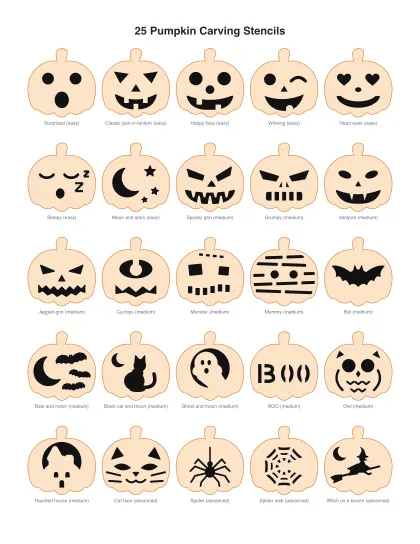
Pumpkins show up on most of these pages, and four of them have a jack-o'-lantern face: the big Easy jack-o'-lantern, the trick-or-treat bucket, the pumpkin patch and the center of the Halloween mandala. A coloring page is also a safe way to plan a real pumpkin: let kids color a few faces first, then pick their favorite to carve or draw on the pumpkin with a marker. Orange is the classic color, but white, green and striped pumpkins look great too.
Not-so-spooky pages for little kids
If a child is nervous about Halloween, start with the pages that are simply cute: the trick-or-treat bucket, the Halloween candy, the witch hat, the fluffy monster and the friendly ghost. Coloring a ghost with a big smile, or turning a bat purple with pink spots, is a good way to make the scary parts of the holiday feel friendly.
Halloween party and classroom ideas
- Coloring station: set out the Easy and Kids pages with orange, black, purple and green crayons.
- Name your pumpkin: turn on the name line and hang the finished jack-o'-lanterns in a row.
- Treat bag fronts: color a small page and glue it to a paper lunch bag for trick-or-treating.
- Window decorations: color the bat, ghost and cats on cardstock, cut them out and tape them to the window.
- Story starter: color the haunted house and tell who lives in it and what the ghost in the attic window is doing.
Printing tips: paper, crayons and ink
- Plain 20 lb copy paper is fine for crayons and colored pencils.
- Use 65 lb cardstock or heavier for markers, paint sticks or watercolor, and for anything you want to cut out or hang up.
- Print in black and white or grayscale. The pages are pure black lines, so they use very little ink.
- Choose "Actual size" in the print dialog. "Fit to page" shrinks the picture slightly and makes the margins uneven.
- Printing for a group? Download "All 18 pages (PDF)" once and set the number of copies in the print dialog, or filter first to print only the Easy pages.