HOW TO USE IT
About the daily planner template
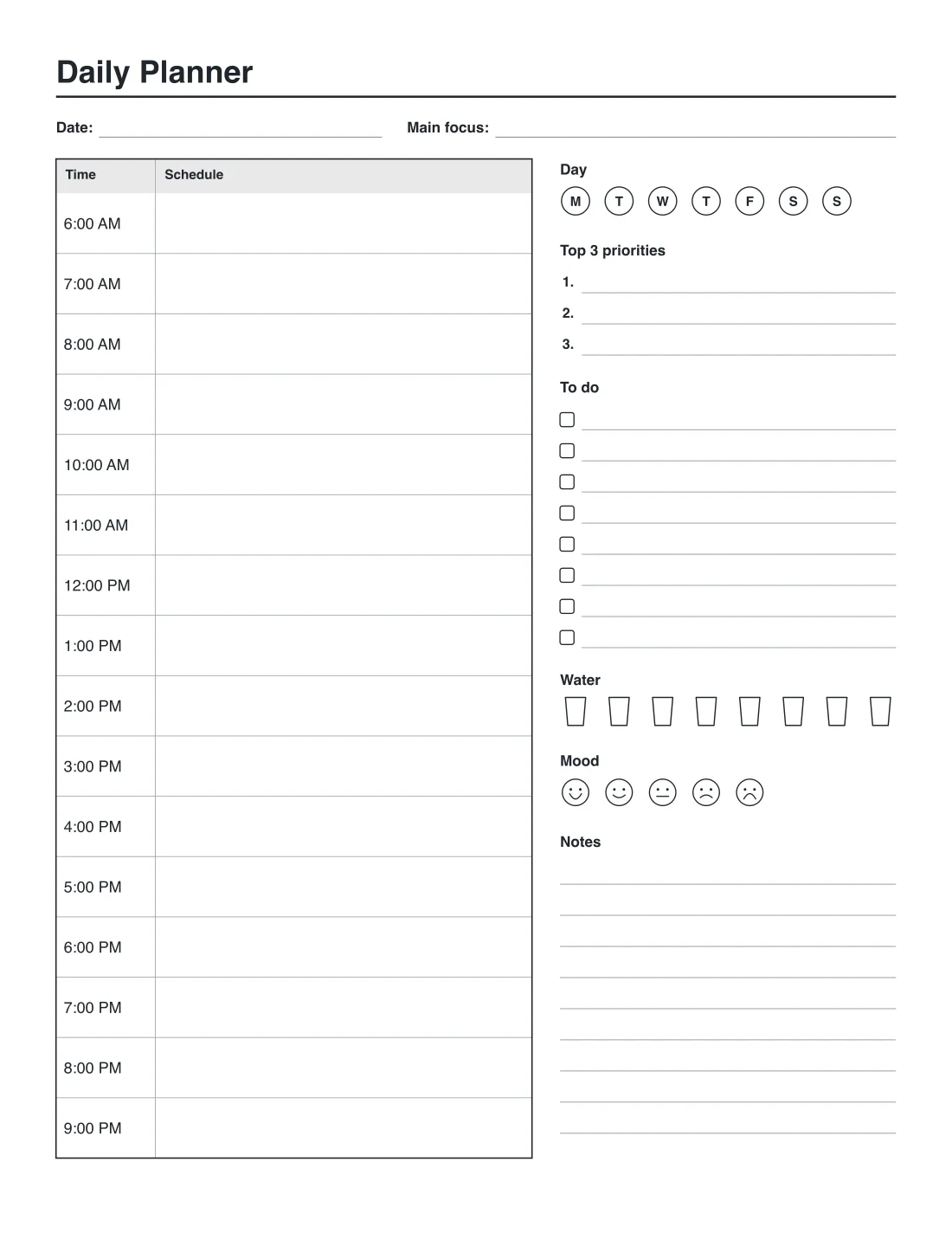
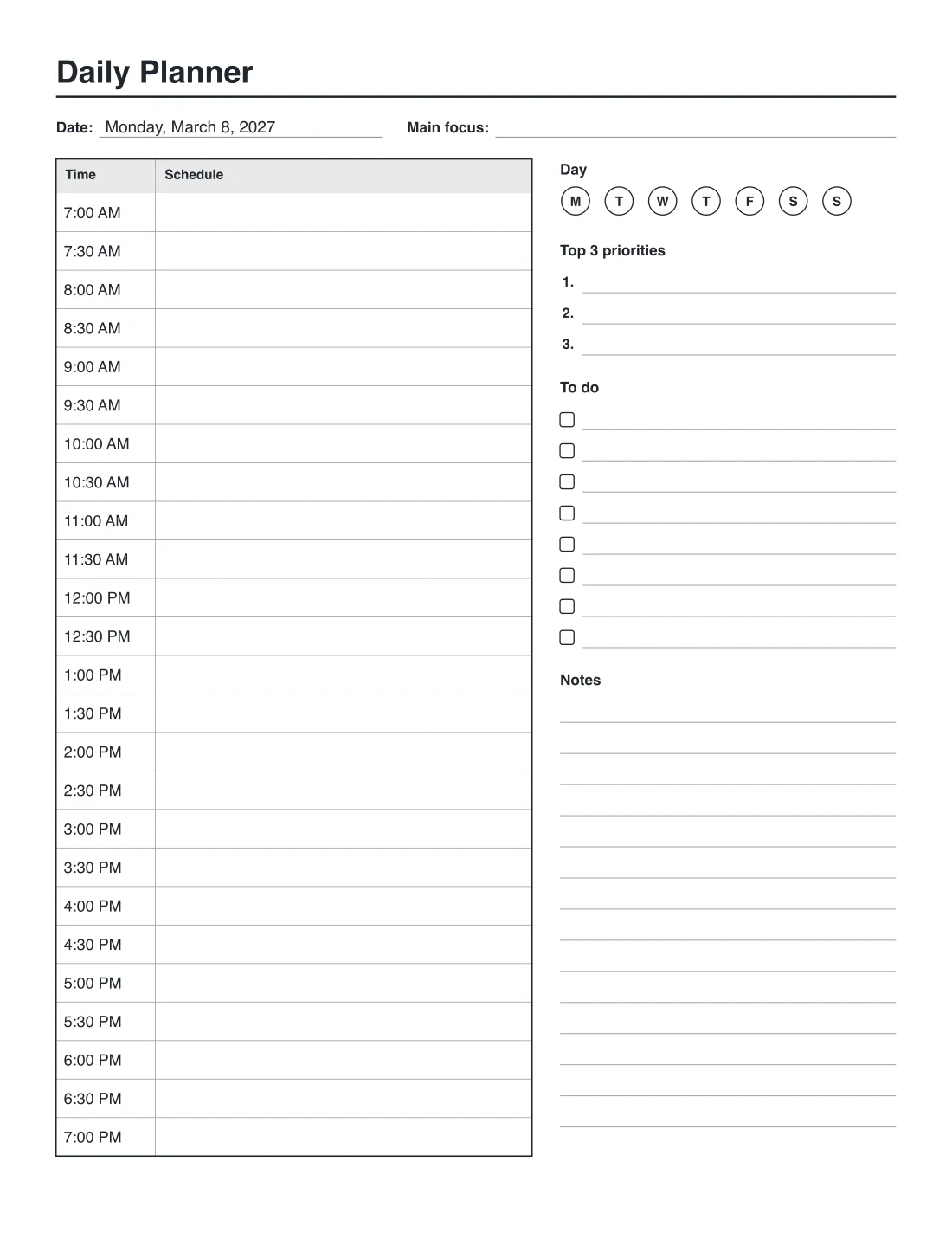
This daily planner template puts the whole day on one Letter or A4 page. On the left is an hourly schedule: choose the first and last hour and whether lines come every hour, every 30 minutes or every 15 minutes, and the times print down the side. A day starting at 6:00 AM and ending at 9:00 PM gives 16 roomy hourly lines; half-hour lines fit a busy workday on the same page.
On the right are the parts that keep a day on track: a row of weekday letters to circle (handy on an undated planner), your top 3 priorities, a to-do list with eight checkboxes, a water tracker with eight glasses, a mood tracker with five faces and notes lines that run to the bottom of the schedule. Switch off the weekday, water or mood trackers if you do not use them.
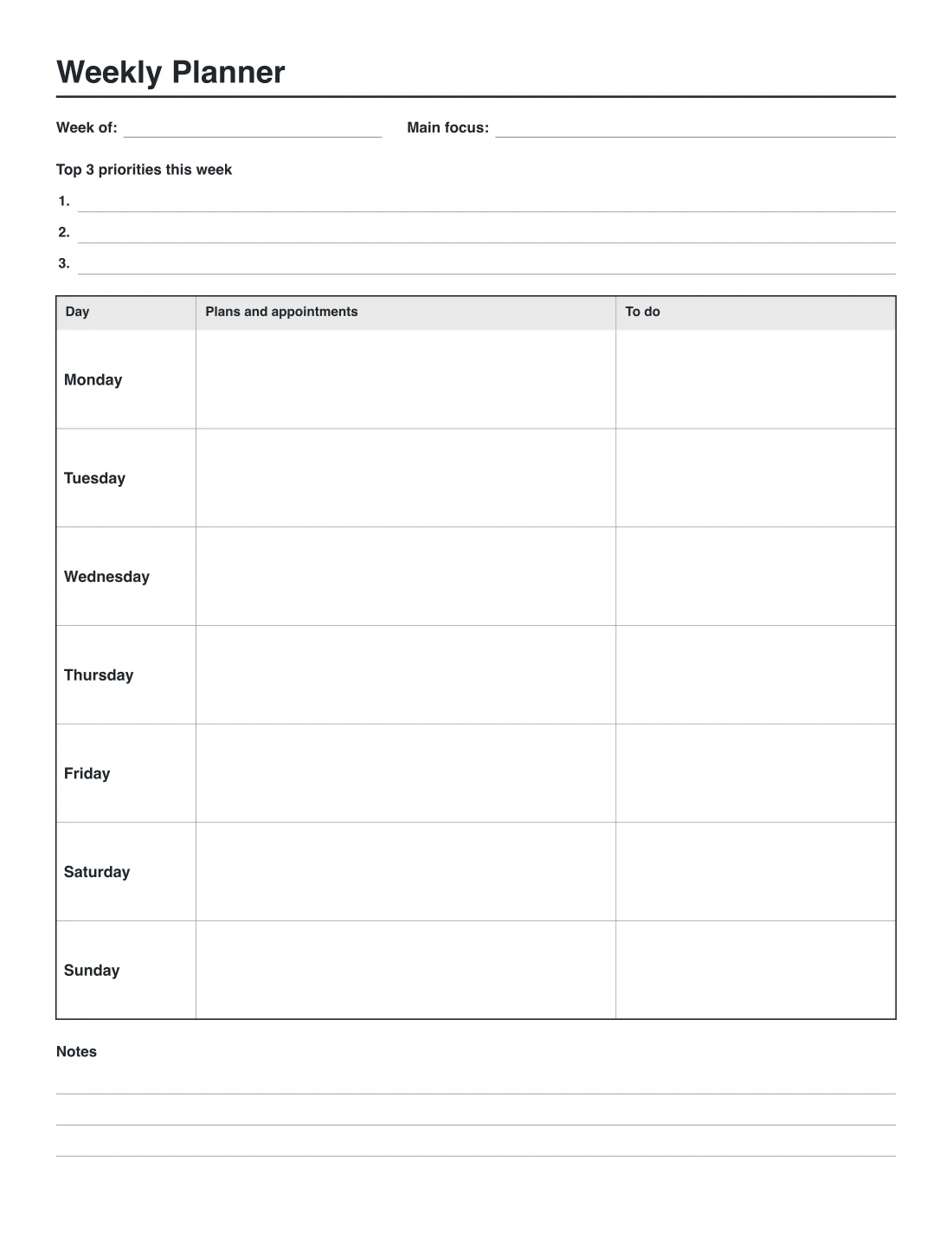
The weekly planner layout gives each day from Monday to Sunday (or Sunday to Saturday) a row with space for plans and appointments and a to-do column, with the week's top 3 priorities above and notes below. Both layouts download as PDF, PNG or an editable Word file.
How to print your daily planner template
1. Choose daily or weekly
Pick the daily planner with an hourly schedule or the weekly planner with a row for each day.
2. Set your hours
Choose the first and last hour and lines every 15, 30 or 60 minutes. Turn the trackers on or off.
3. Date it or keep it undated
Type a date and a main focus to print them, or leave the lines blank and circle the weekday by hand.
4. Print or edit
Download the PDF to print, a PNG for a tablet note app, or the Word file to type your plans in.
What is on the daily planner page
| Part | What it is for |
|---|---|
| Hourly schedule | Appointments, meetings, classes and time blocks from your first to your last hour |
| Top 3 priorities | The three things that would make today a success, even if nothing else gets done |
| To do | Eight checkbox lines for smaller tasks, errands and calls |
| Water and mood | Eight glasses to tick off and five faces to circle; both can be switched off |
| Notes | Ideas, phone numbers, a grocery item or how the day went |
How to plan your day on paper
- Fill in fixed appointments first: work hours, school pickup, meetings, classes and anything with a set time.
- Pick your top 3 priorities before the to-do list. If a task does not move one of them forward, it can usually wait.
- Block time for the priorities in the schedule, ideally when you have the most energy, and treat those blocks like appointments.
- Leave some empty lines. Things always take longer than planned, and a buffer keeps one delay from wrecking the afternoon.
- At the end of the day, tick off what is done and move anything left to tomorrow's page.
Daily planner or weekly planner?
A daily planner works best when your days are full of appointments or you like to time-block, because each hour has its own line. A weekly planner is better for seeing the shape of the week at a glance: who needs to be where, which evenings are free and which day has room for a big task. Many people use both, planning the week on Sunday and then a daily page each morning for the busiest days.
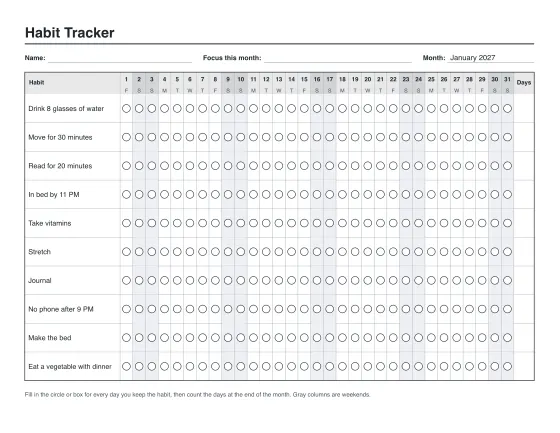
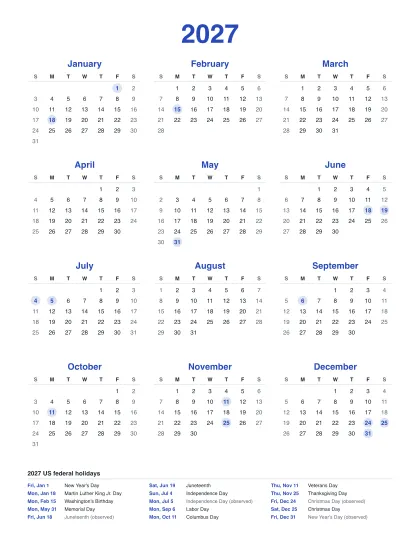
For a monthly view, print a page from the 2027 calendar, and for routines you want to repeat every day, such as exercise or reading, a habit tracker shows your streaks better than a to-do list.