HOW TO USE IT
About the grocery list template
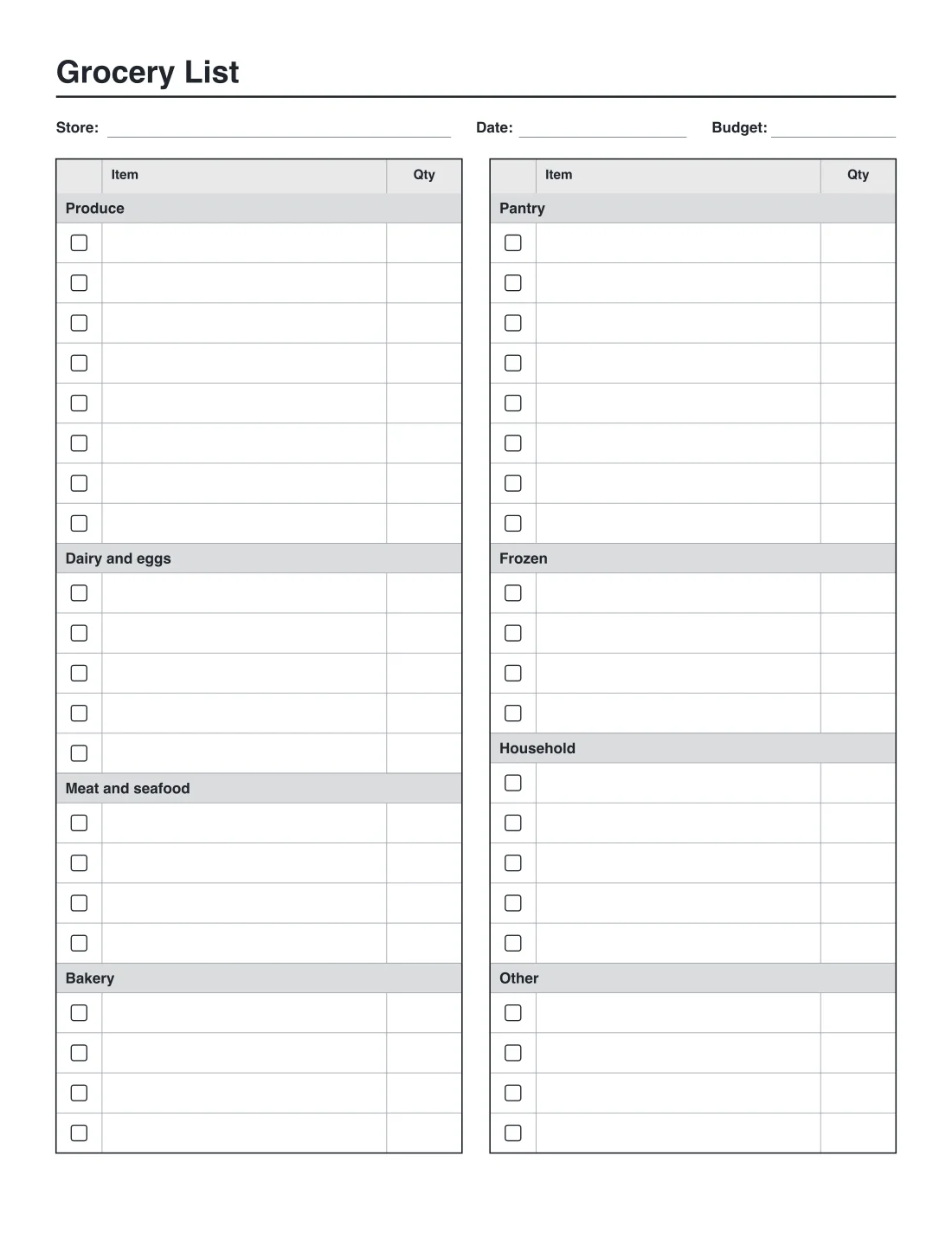
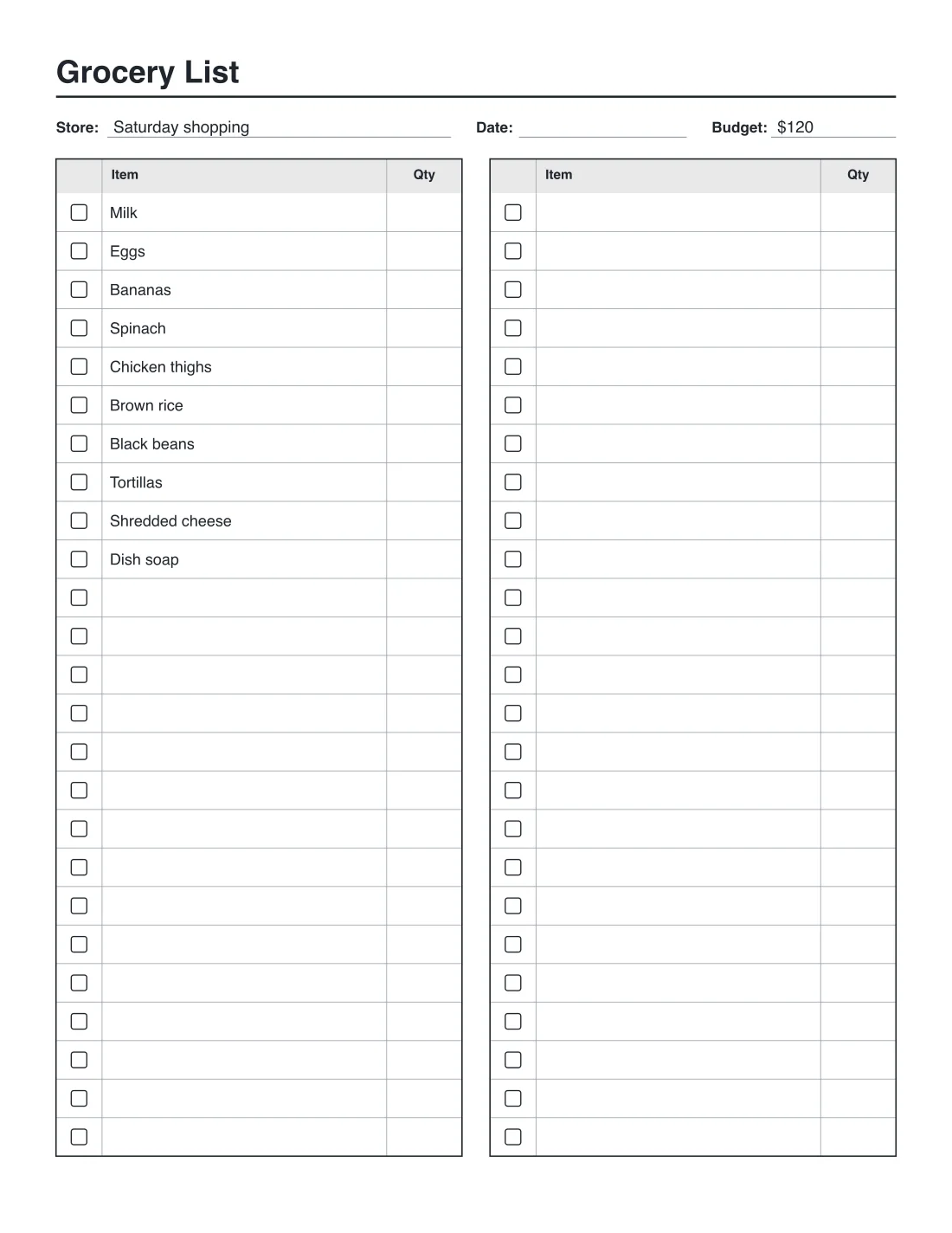
This grocery list template groups your list by store section, so you can shop one area at a time instead of crisscrossing the store. The categorized list runs in two columns on one Letter or A4 page, with blank lines under Produce, Dairy and eggs, Meat and seafood, Bakery, Pantry, Frozen, Household and Other. Each line has a checkbox to tick in the store and a Qty column for how many or how much.
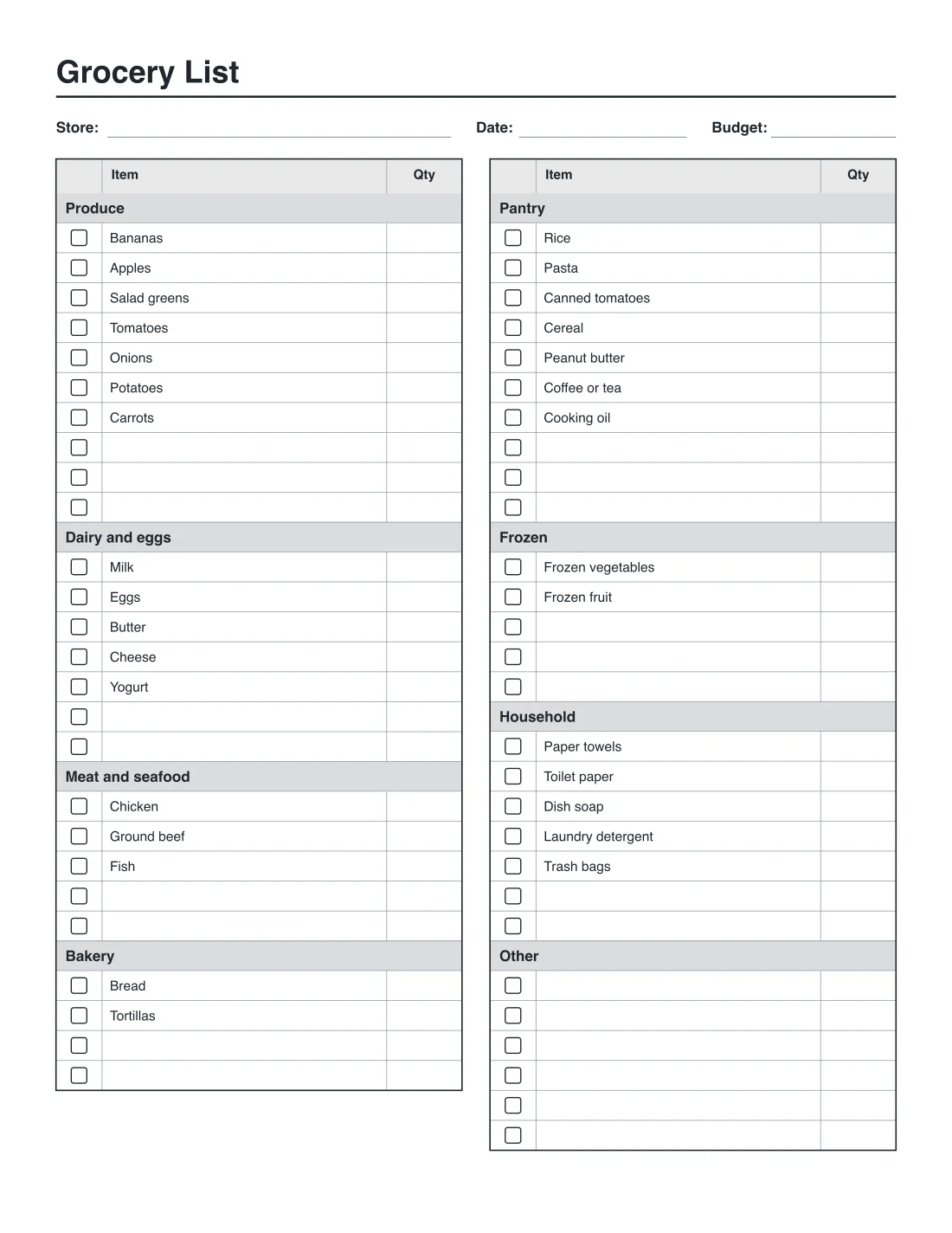
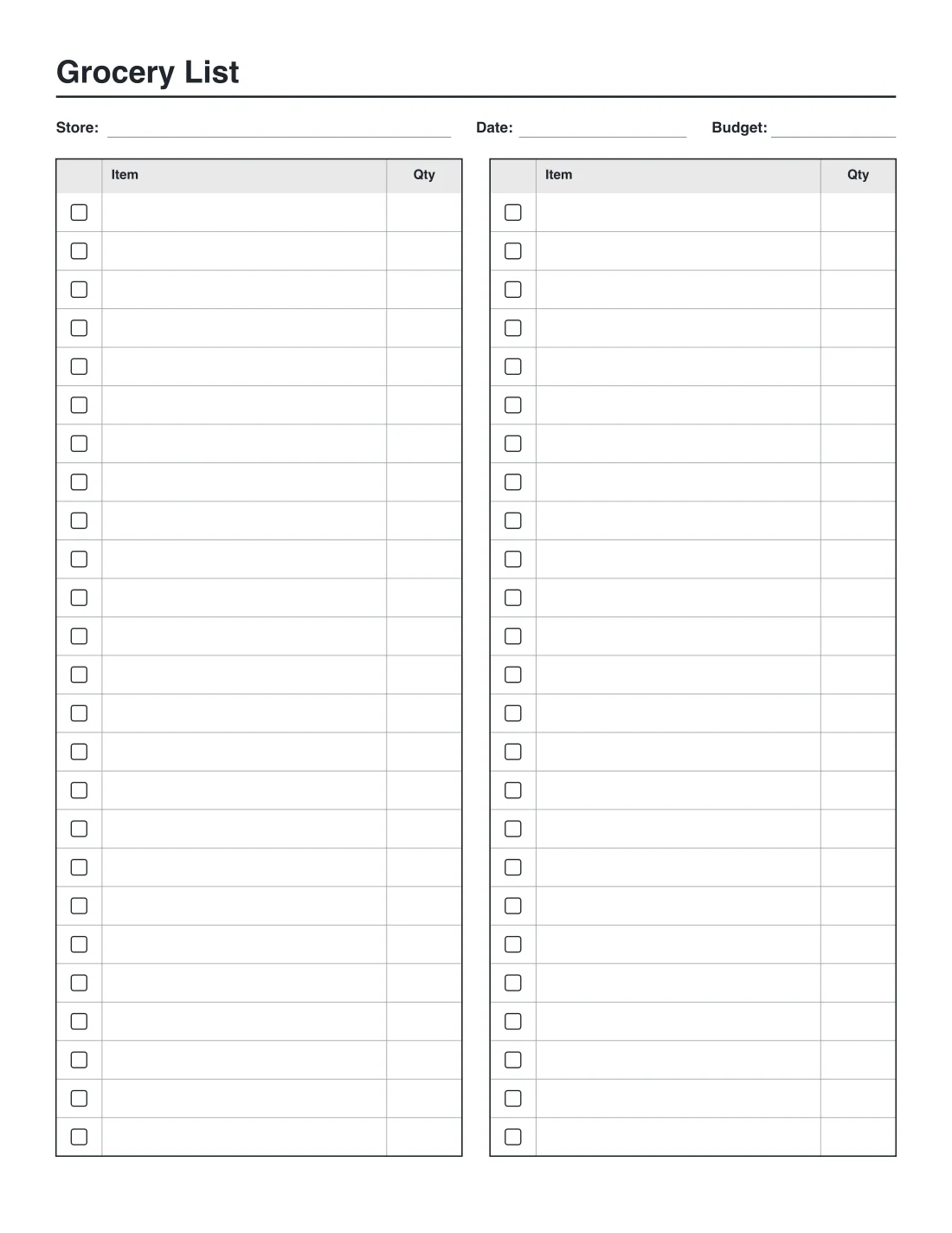
The "With common items" layout already lists staples many households buy every week, such as bananas, onions, milk, eggs, bread, rice, pasta, paper towels and dish soap, with blank lines left under each section for everything else. Circle or tick what you need before you go. The blank list is two columns of plain lines with checkboxes; type your items online and each one fills a line, or print it empty.
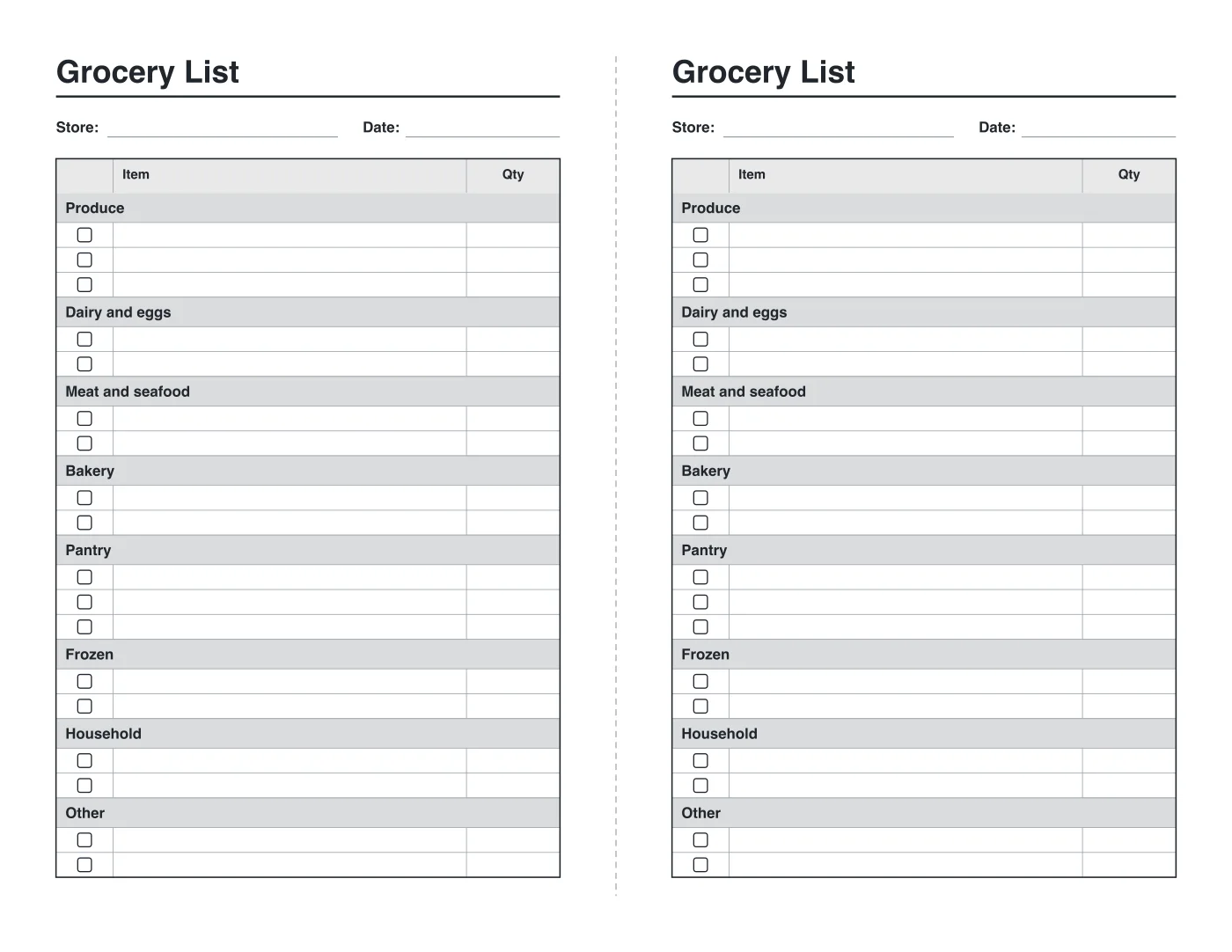
The two-per-page layout prints two half-sheet lists side by side on a landscape page with a dashed line to cut along, which is handy for a fridge pad or a smaller list in your bag. Switch off any category you never use, add your store, date and budget, and download a PDF, PNG or editable Word file.
How to print your grocery list template
1. Pick a list
By category, with common items, a blank list, or two half-sheet lists per page.
2. Adjust the sections
Switch off categories you do not need, or type your own items on the blank list, one per line.
3. Add the details
Type the store, date and budget if you like, and choose a color and Letter or A4.
4. Print and shop
Print at 100%, write in what you need through the week and tick items off as they go in the cart.
Which grocery list layout to use
| Layout | What you get | Good for |
|---|---|---|
| By category | 8 store sections with blank lines, checkboxes and a quantity column, in two columns | Weekly shopping, big stock-up trips |
| With common items | The same sections with everyday staples already listed | Building the list fast by ticking what you need |
| Blank list | 30 to 60 lines in two columns; type items online or write by hand | Quick lists, other stores, party shopping |
| Two per page | Two half-sheet lists with categories and a cut line | Fridge lists, smaller trips, saving paper |
Tips for a faster grocery trip
- Keep the list on the fridge and add items the moment something runs low, so nothing is forgotten on shopping day.
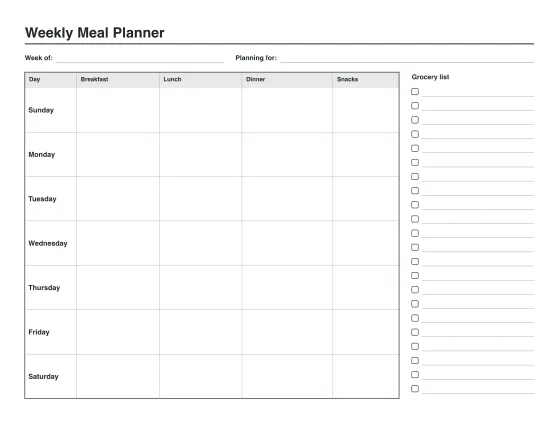
- Plan meals first. A weekly meal plan tells you exactly which ingredients to buy, and the meal planner page has its own grocery column.
- Check the fridge, freezer and pantry before you go and cross off what you already have.
- Write quantities ("2 lb", "1 dozen", "3 cans") so you buy what the recipes need, not more.
- Shop the sections in the order of your store and put frozen and cold items last.
Using a grocery list to stick to a budget
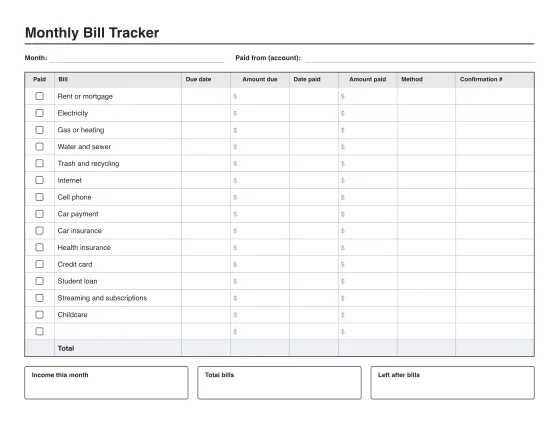
A written list is one of the simplest ways to cut impulse buys. Type a budget into the header, write a rough price next to the bigger items and keep a running total as you shop. If the total gets close to the budget, the list shows which items can wait until next time.
Prices and package sizes change from store to store, so compare the unit price on the shelf label (price per ounce or per count) when choosing between sizes or brands. Keeping last week's lists also shows which items you buy every time, which makes it easier to stock up when they are on sale.