HOW TO USE IT
About the rent ledger template
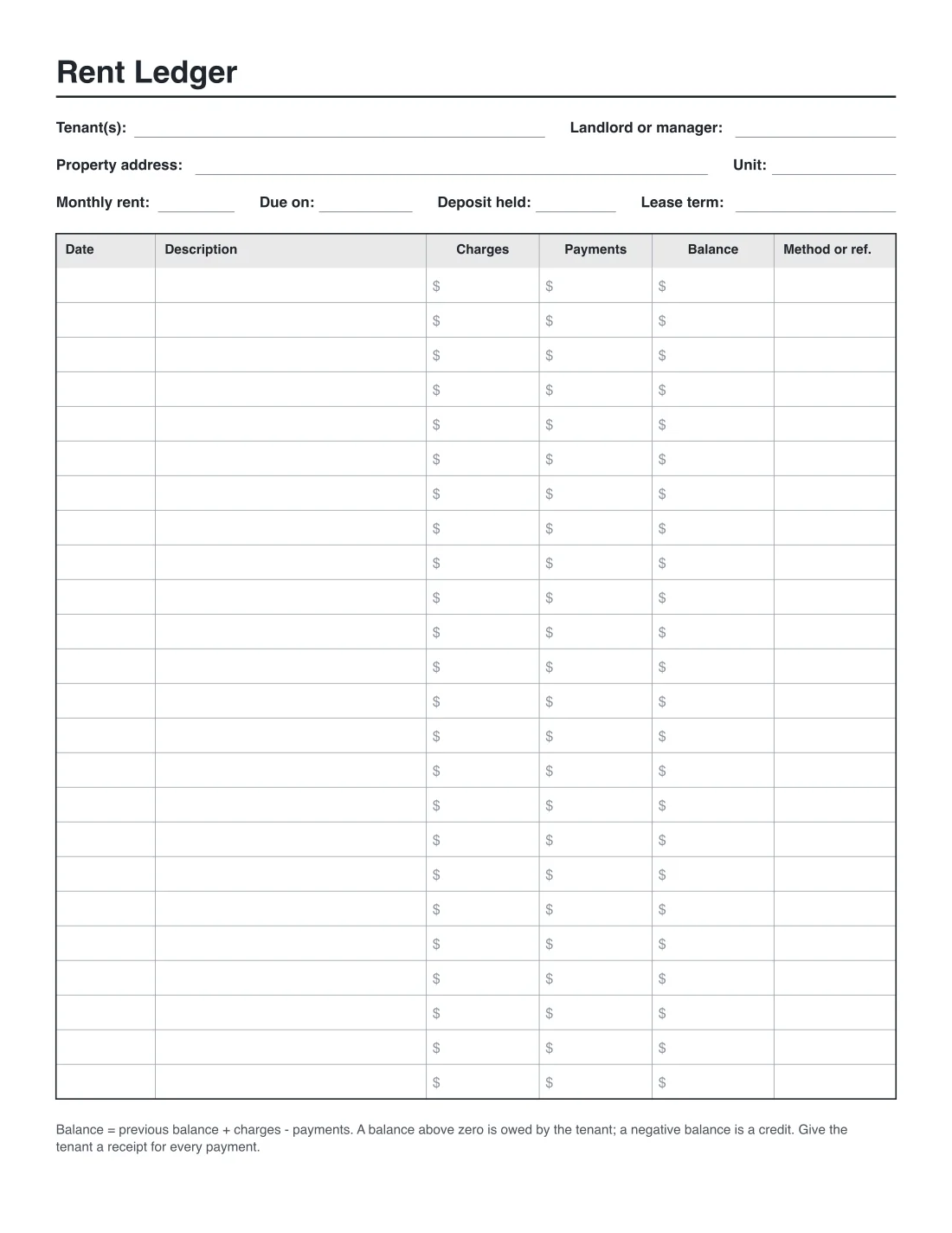
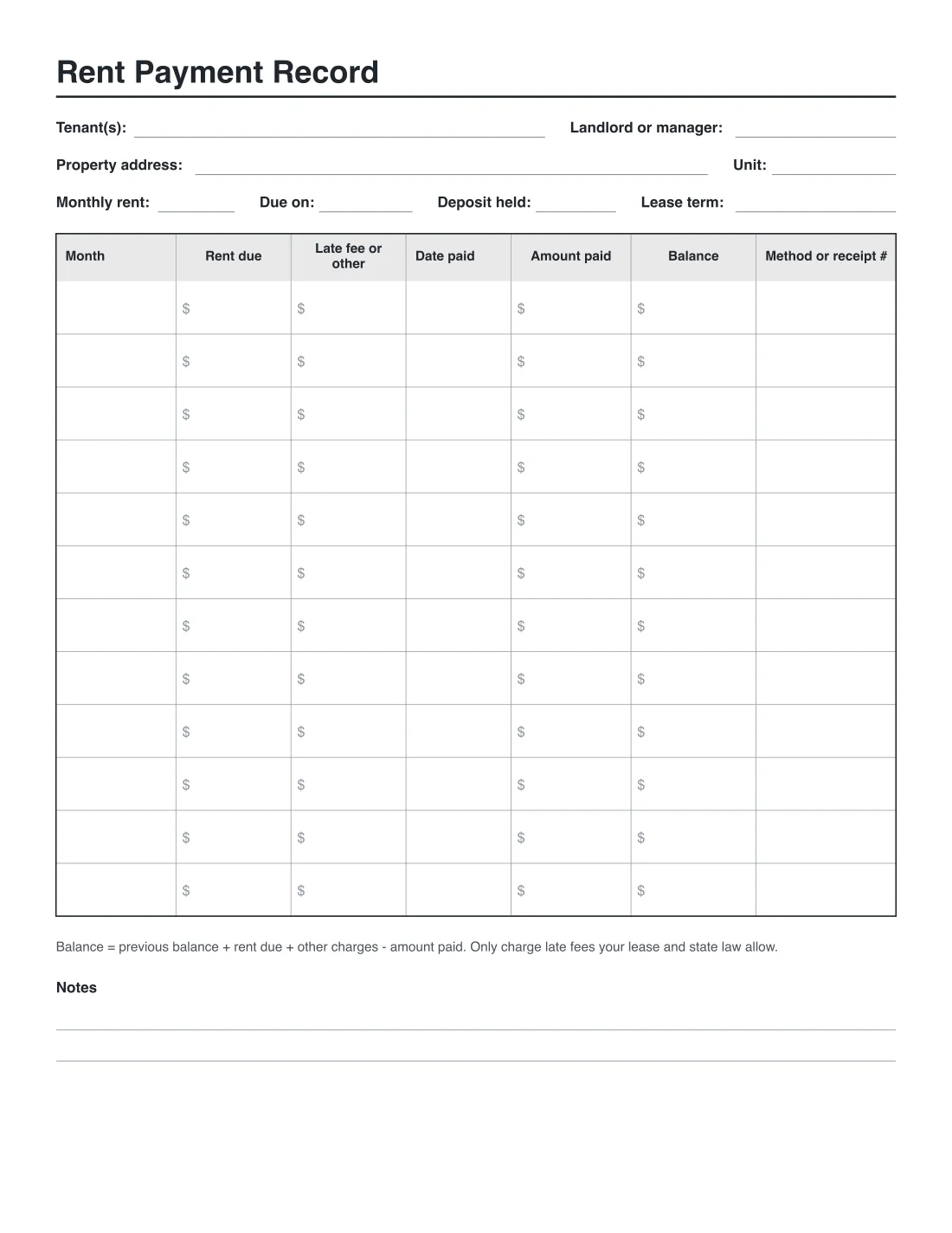
The rent ledger has a header for the tenant, landlord or manager, property address and unit, monthly rent, due date, security deposit held and lease term. Below it, each row has a date, a description, a charges column, a payments column, the running balance, and the payment method or reference number such as a check number. The monthly payment record is a variation with one row per month: rent due, late fee or other charges, date paid, amount paid, balance and receipt number.
Both versions print blank so you can keep a handwritten ledger in a binder. If you prefer to fill it in online, enter a starting balance and add rows with the date, description and amounts. The balance after each row is the previous balance plus charges minus payments, shown next to each row as you type and printed in the Balance column. A positive balance is what the tenant owes; a negative balance is a credit.
Download the PDF to print or share with the tenant, a PNG image, or the Word version to keep editing the table. Nothing you enter is uploaded or stored; the files are made in your browser.
How to print your rent ledger template
1. Choose the ledger
Charges and payments for a running ledger, or the monthly payment record for one row per month.
2. Fill in the header
Add the tenant, property, unit, monthly rent, due date, deposit and lease term, or leave them blank.
3. Add entries (optional)
Enter a starting balance and each charge and payment. The running balance is calculated for you.
4. Download and keep it
Download a PDF, PNG or Word file. Keep one copy for your records and give the tenant a copy on request.
How the running balance works
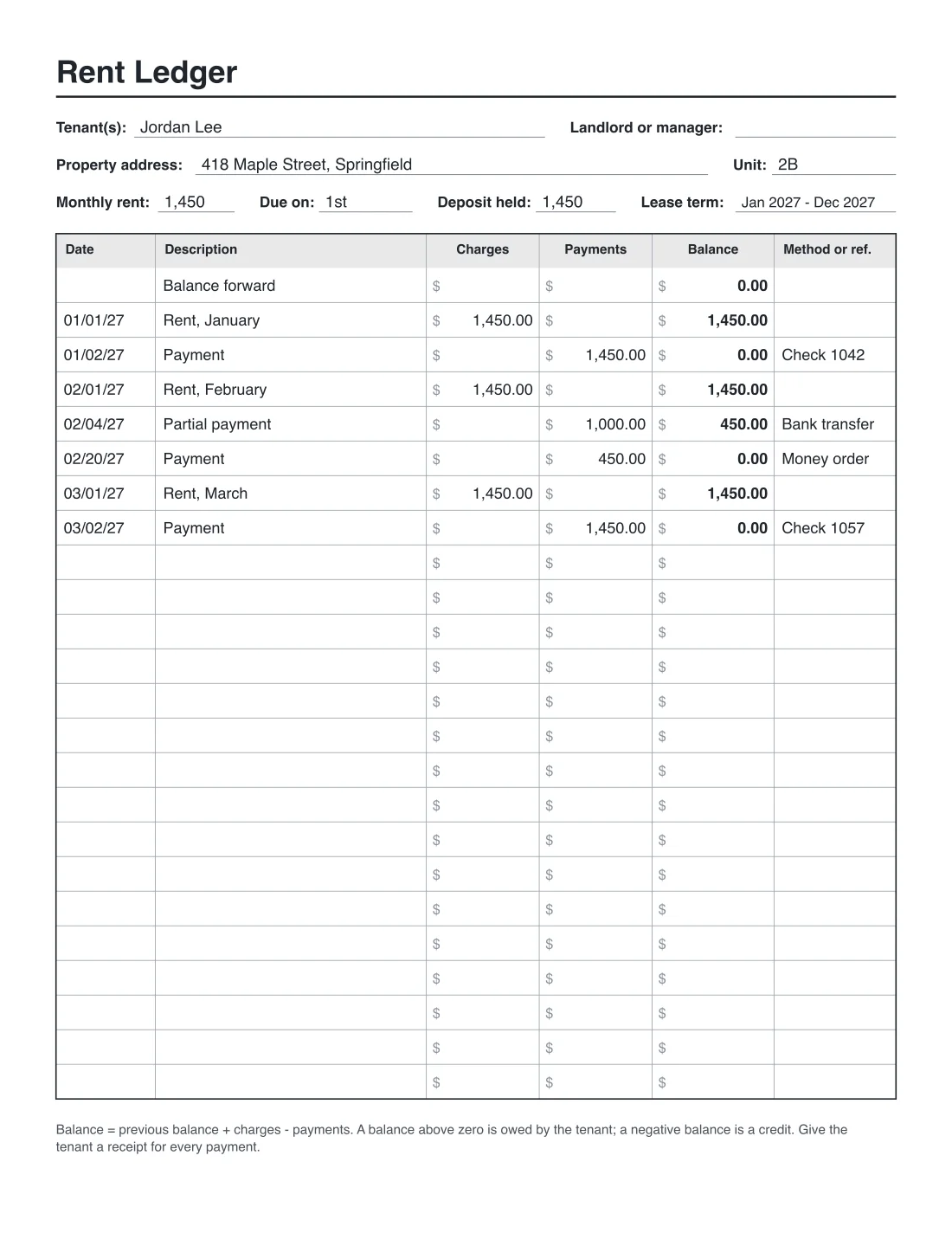
Each row starts from the balance on the row above, adds any charge and subtracts any payment. In this example the tenant paid February's rent in two parts, and the ledger shows exactly how much was still owed between the two payments.
| Date | Description | Charges | Payments | Balance |
|---|---|---|---|---|
| 01/01 | Balance forward | $0.00 | ||
| 01/01 | Rent, January | $1,450.00 | $1,450.00 | |
| 01/02 | Payment, check 1042 | $1,450.00 | $0.00 | |
| 02/01 | Rent, February | $1,450.00 | $1,450.00 | |
| 02/04 | Partial payment | $1,000.00 | $450.00 | |
| 02/20 | Payment, money order | $450.00 | $0.00 |
What to record on a rent ledger
- Every rent charge on the due date, even when it is paid the same day, so the ledger shows the full history.
- Every payment on the date it was received, with the method and a check number, transaction ID or receipt number.
- Other charges allowed by the lease, such as late fees, utilities or pet rent, each on its own line with a clear description.
- Credits and adjustments, such as a repair the tenant paid for with your written approval, entered as payments with an explanation.
- Do not mix tenants. Use one ledger per tenant or unit, and start a new page when one fills up, carrying the balance forward.
Why a rent ledger matters
A clear ledger answers the most common landlord-tenant questions quickly: what is owed, what was paid and when. It helps when a tenant asks for a rental history for a new application, when you prepare an itemized statement at move-out, and if there is ever a dispute about late or missing payments. Rules about receipts, late fees and deposits differ by state and city, so check your local landlord-tenant rules and your lease before adding fees.