HOW TO USE IT
About the attendance sheet template
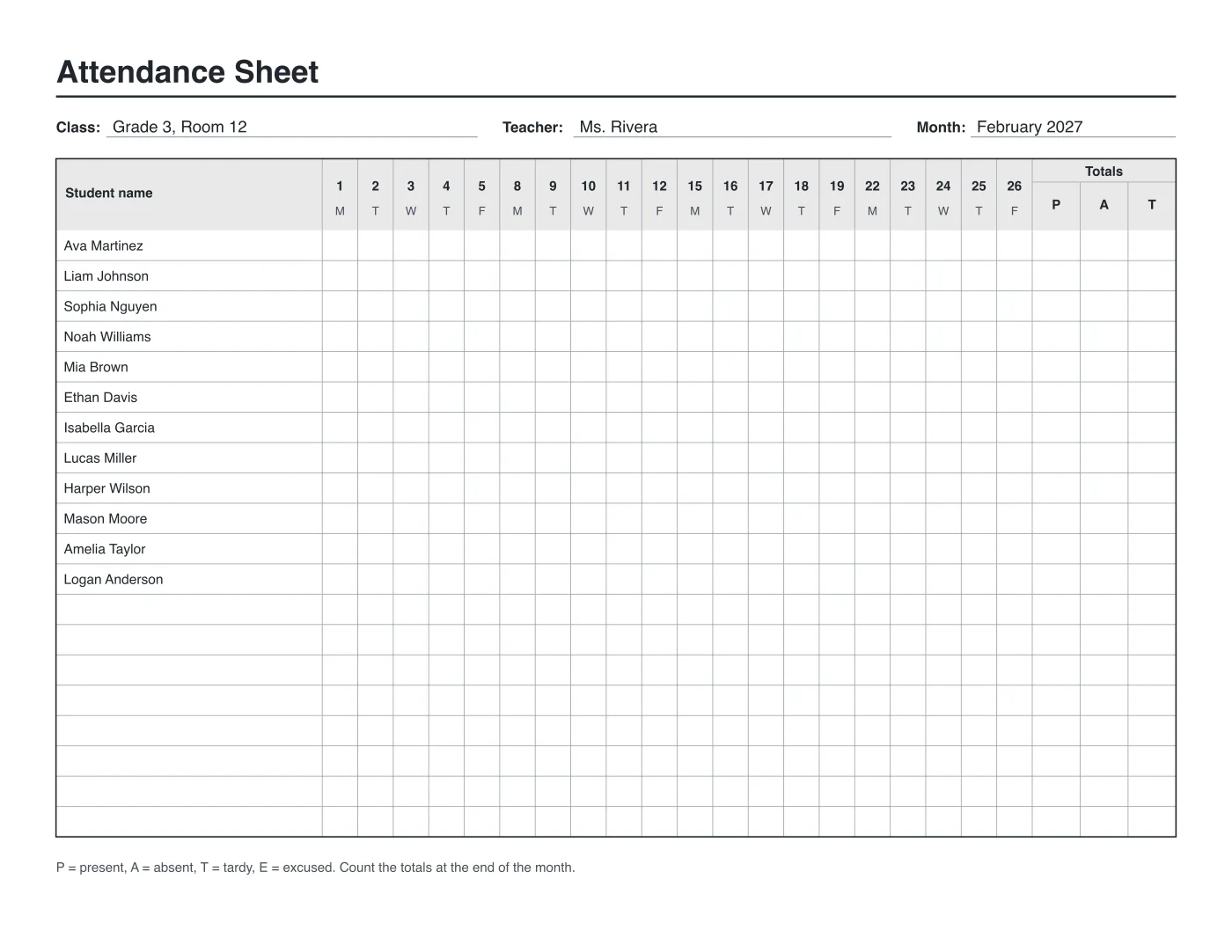
This attendance sheet template builds the calendar for you. Choose a month and year from 2026 to 2028 and the sheet shows a column for every day in that month, 28, 29, 30 or 31, with the date on top and the weekday letter underneath. Leave weekends out for a school month, which leaves only the school days, or include them and they print in light gray so they stand out.
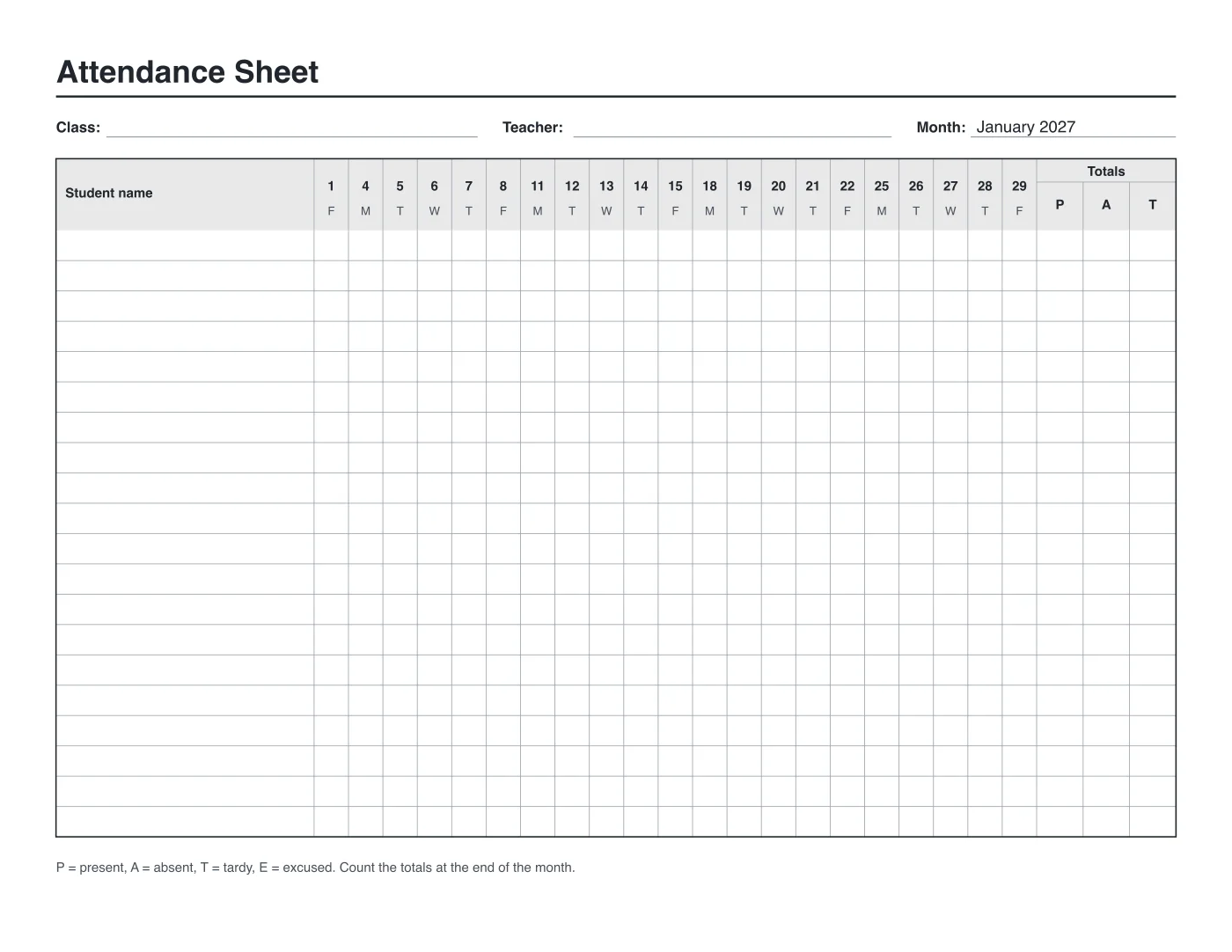
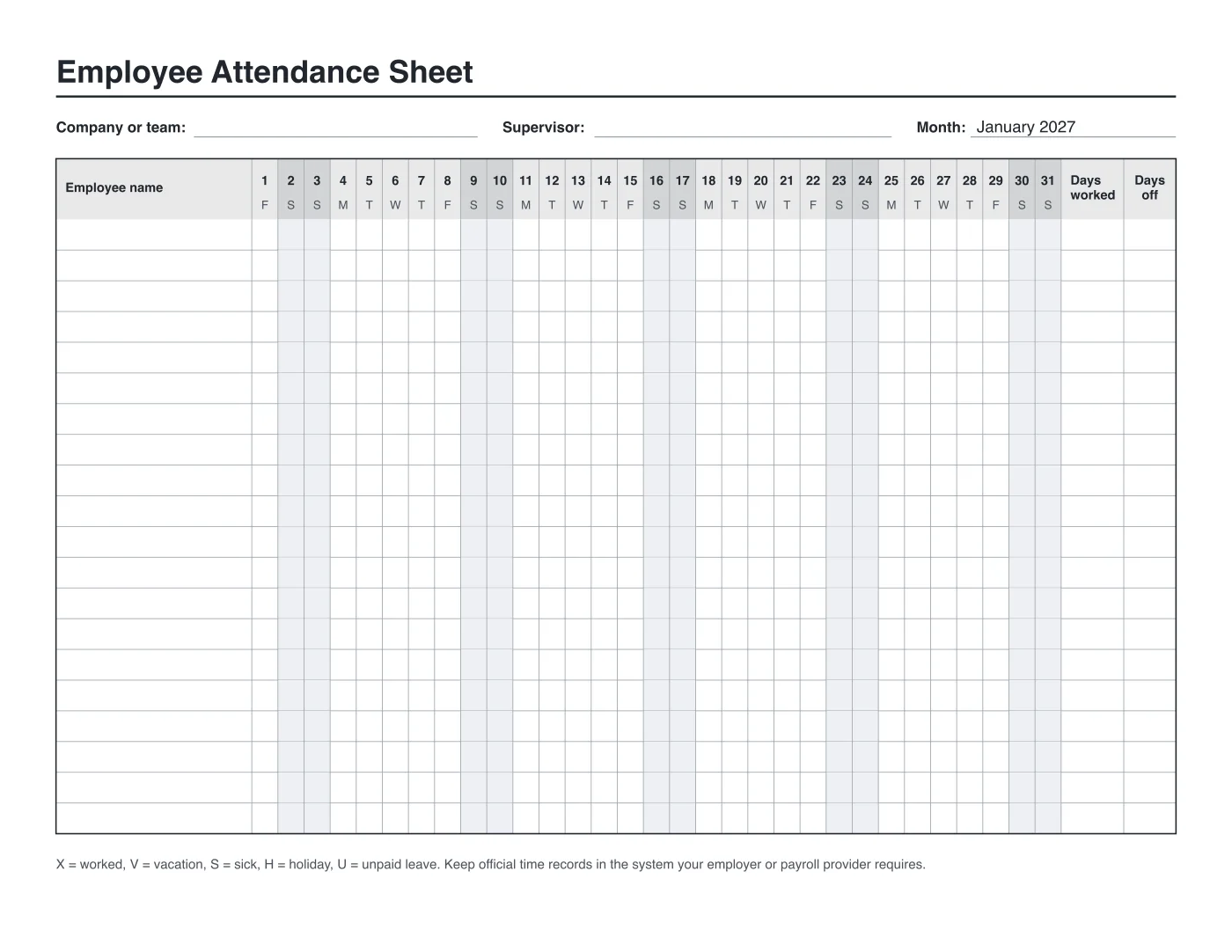
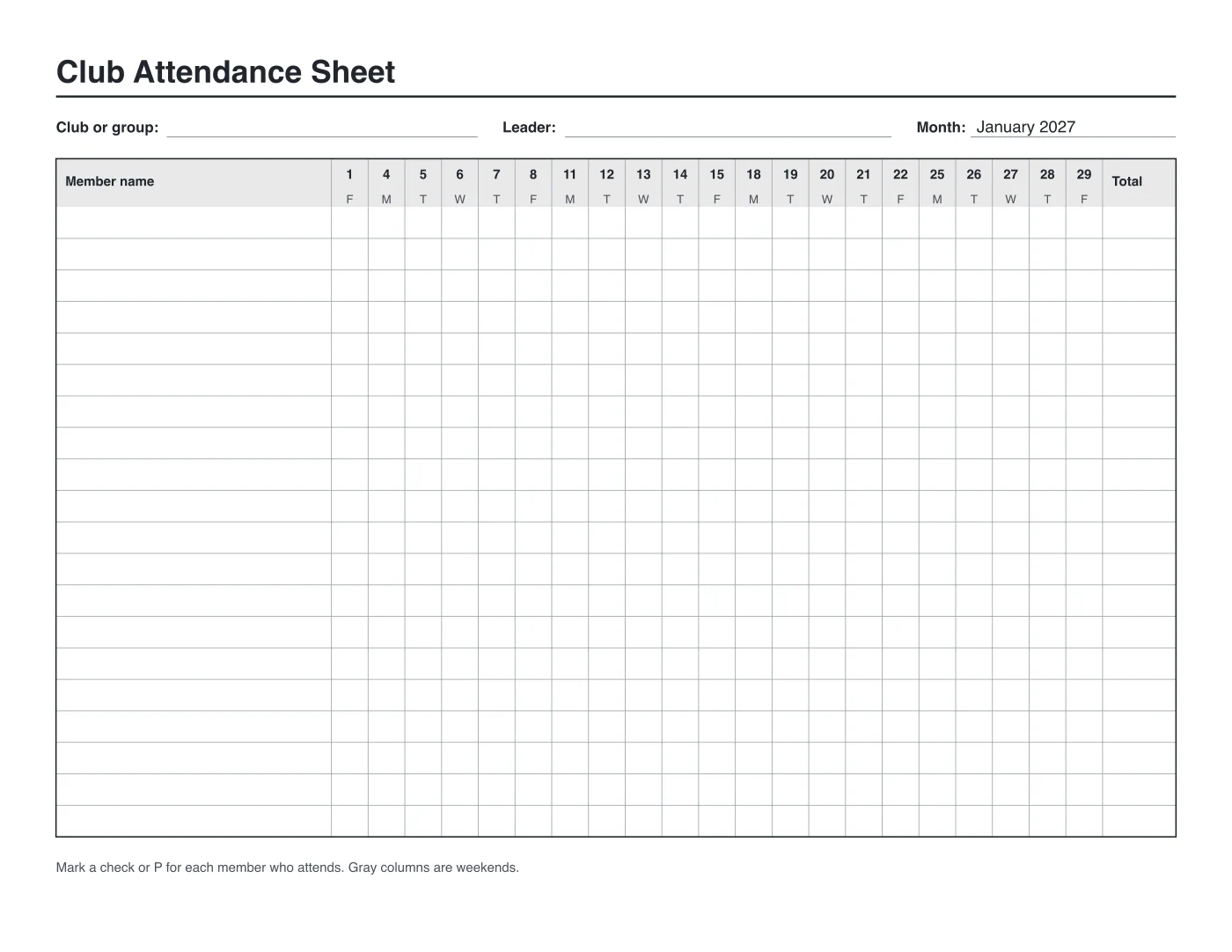
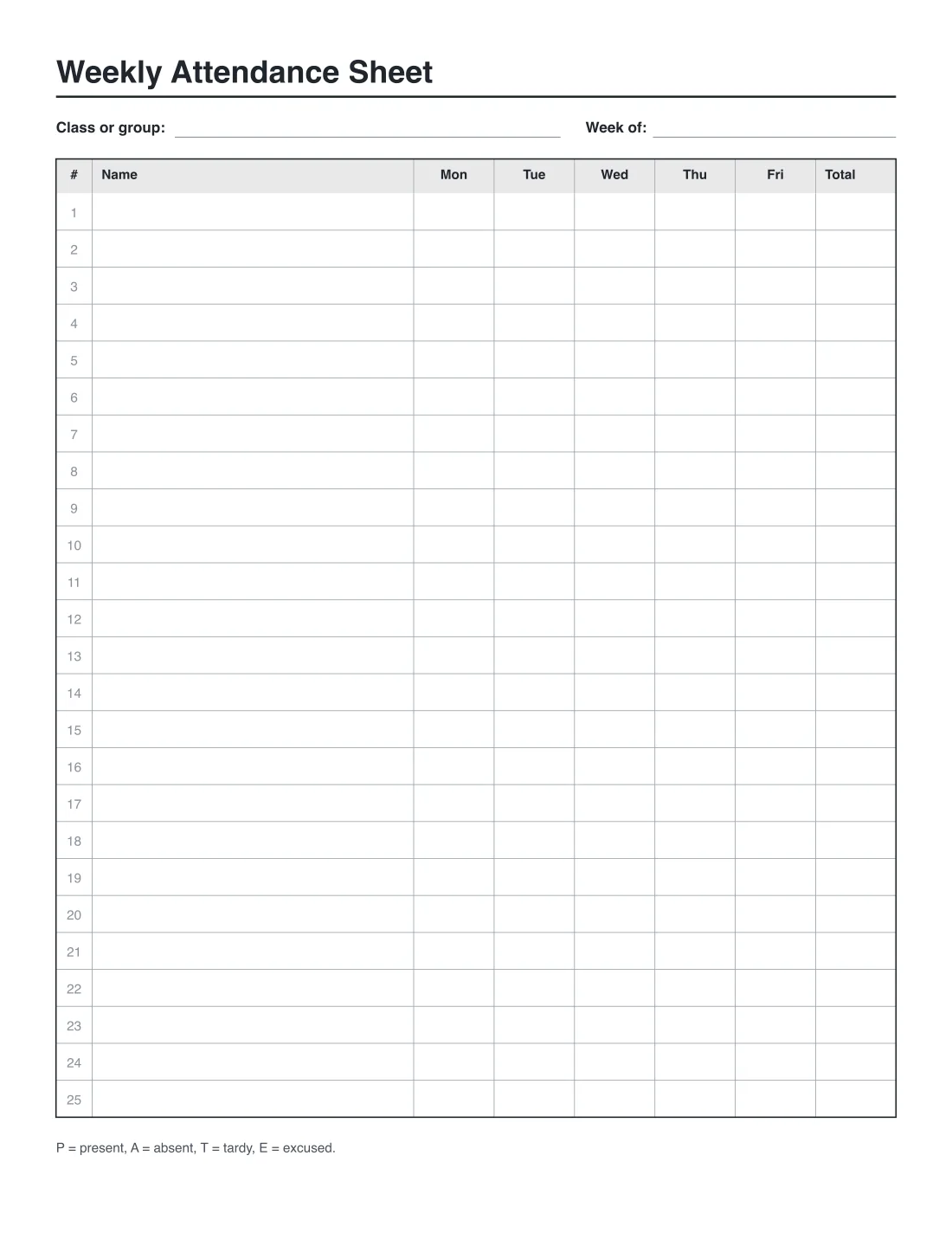
The class layout has a wide column for student names and present, absent and tardy totals at the end of each row. The employee layout includes every day of the month with days worked and days off columns and a legend for vacation, sick days, holidays and unpaid leave. The club layout has a single total, and the weekly layout lists numbered names against Monday to Friday, or the full week, with a total column.
Type the class or team name, the teacher or supervisor, and the list of names, one per line, and they print on the sheet. Every monthly layout is in landscape so the day columns stay wide enough to mark. Download a PDF or PNG to print, or the Word version to keep editing.
How to print your attendance sheet template
1. Choose the layout
Monthly class, monthly employee, club or group, or weekly.
2. Pick the month
Select the month and year. Decide whether Saturdays and Sundays should appear.
3. Add names
Type the class or team, the leader and the names, one per line, or leave them blank to write by hand.
4. Print and mark
Print at 100% and mark P, A, T or E in each box, then count the totals at the end of the month.
Attendance sheet layouts
| Layout | Days | Totals | Rows |
|---|---|---|---|
| Monthly class | School days of the chosen month, or every day | Present, absent, tardy | 10 to 25 students |
| Monthly employee | Every day of the month, weekends shaded | Days worked, days off | 10 to 25 employees |
| Club or group | Every day or weekdays of the month | One total | 10 to 25 members |
| Weekly | Monday to Friday, or the full week | One total | 15 to 30 names |
Attendance codes you can use
- P = present, A = absent, T = tardy, E = excused absence: the legend printed on the class sheet.
- X = worked, V = vacation, S = sick, H = holiday, U = unpaid leave: the legend on the employee sheet.
- Use a check mark or a dot for a simple yes or no, and a half-filled box for a half day.
- Write any code you use in the legend area so a substitute or another manager can read the sheet.
Keeping accurate attendance records
Take attendance at the same point in every session, and mark absences as well as presences so a blank box always means "not yet recorded." Count the totals at the end of the month while the information is fresh, and keep the sheets in date order in a binder.
For employees, a paper attendance sheet is a helpful planning and communication tool, but it does not replace the official time and payroll records your employer or payroll provider keeps. Schools usually have their own attendance system as well; this sheet works as a backup, a substitute packet or a record for clubs and activities.