HOW TO USE IT
About the binder cover template
A clear-view binder has a pocket on the front for a full sheet of paper, so a printed cover turns a plain binder into a labeled one in a minute. This binder cover template fills a US Letter page (8.5 x 11 inches) and keeps the artwork half an inch inside the edge, where every home printer can reach, so nothing gets cut off.
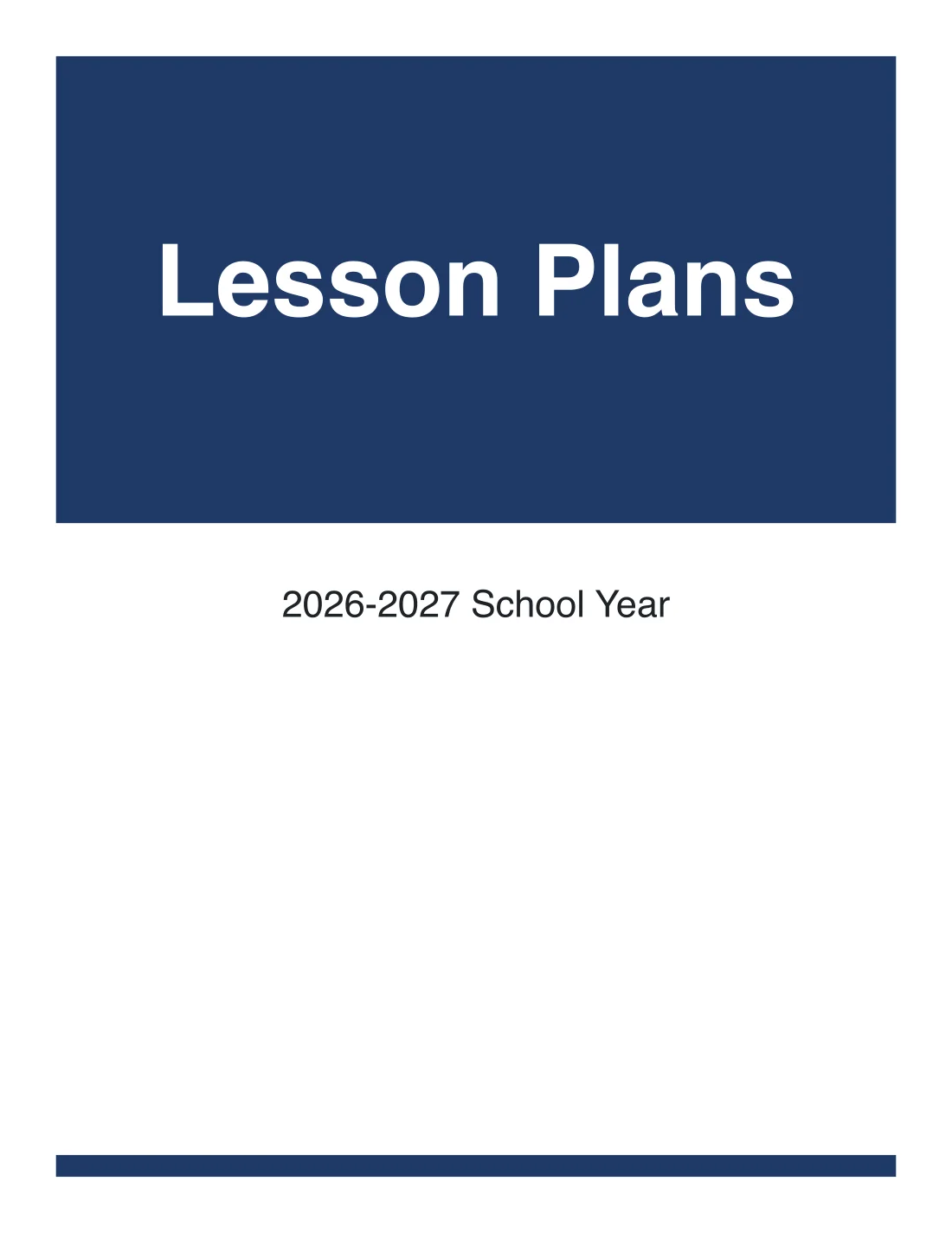
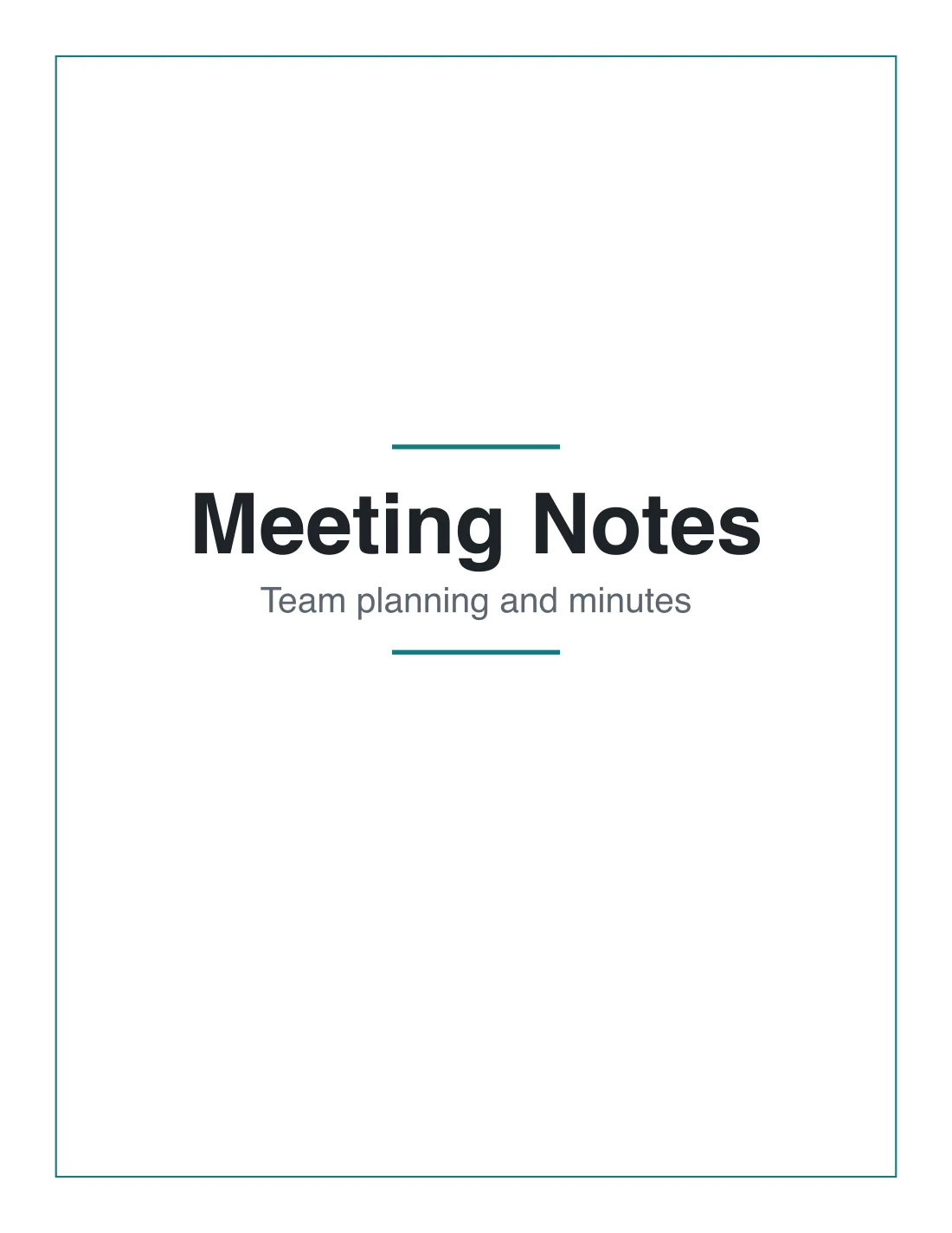
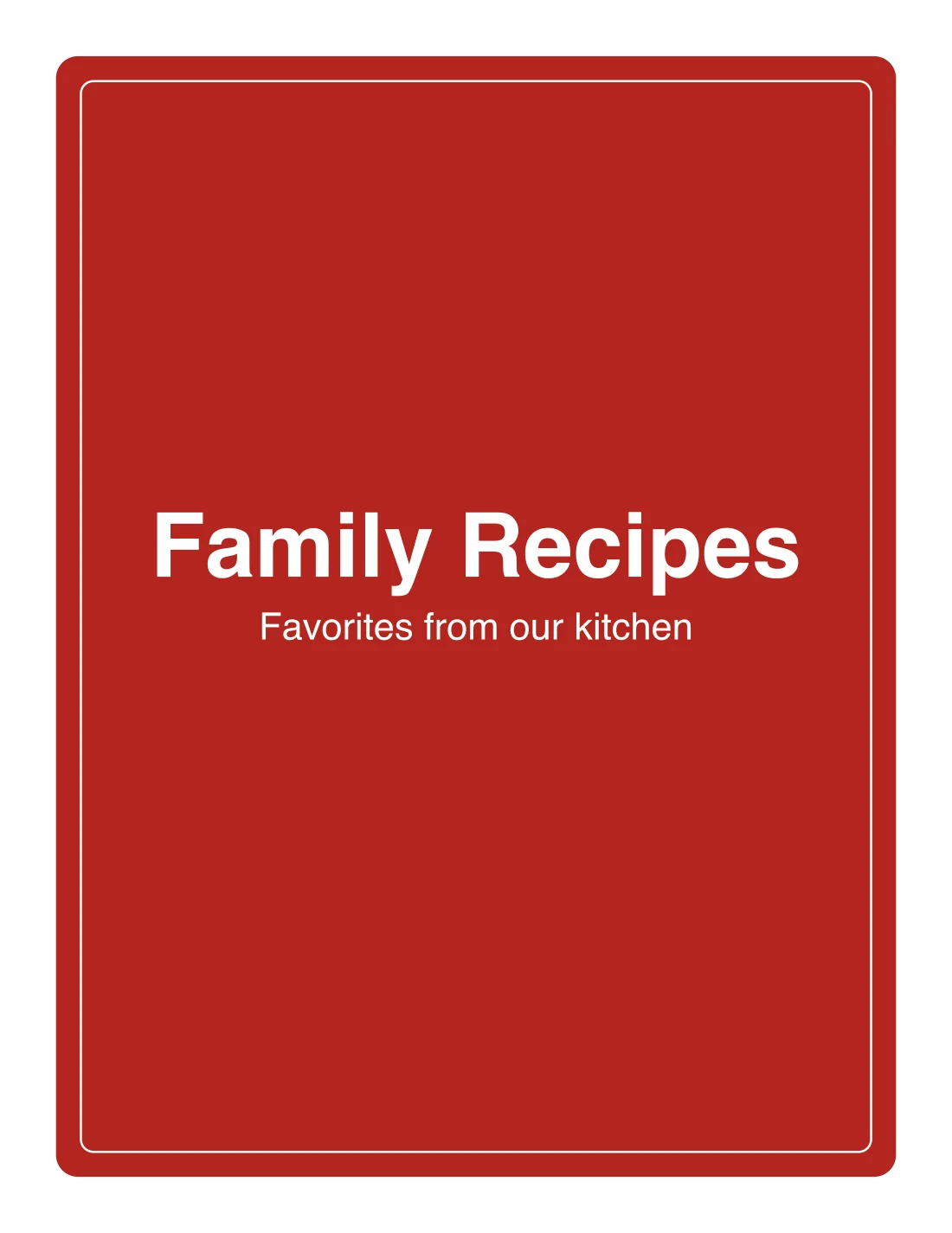
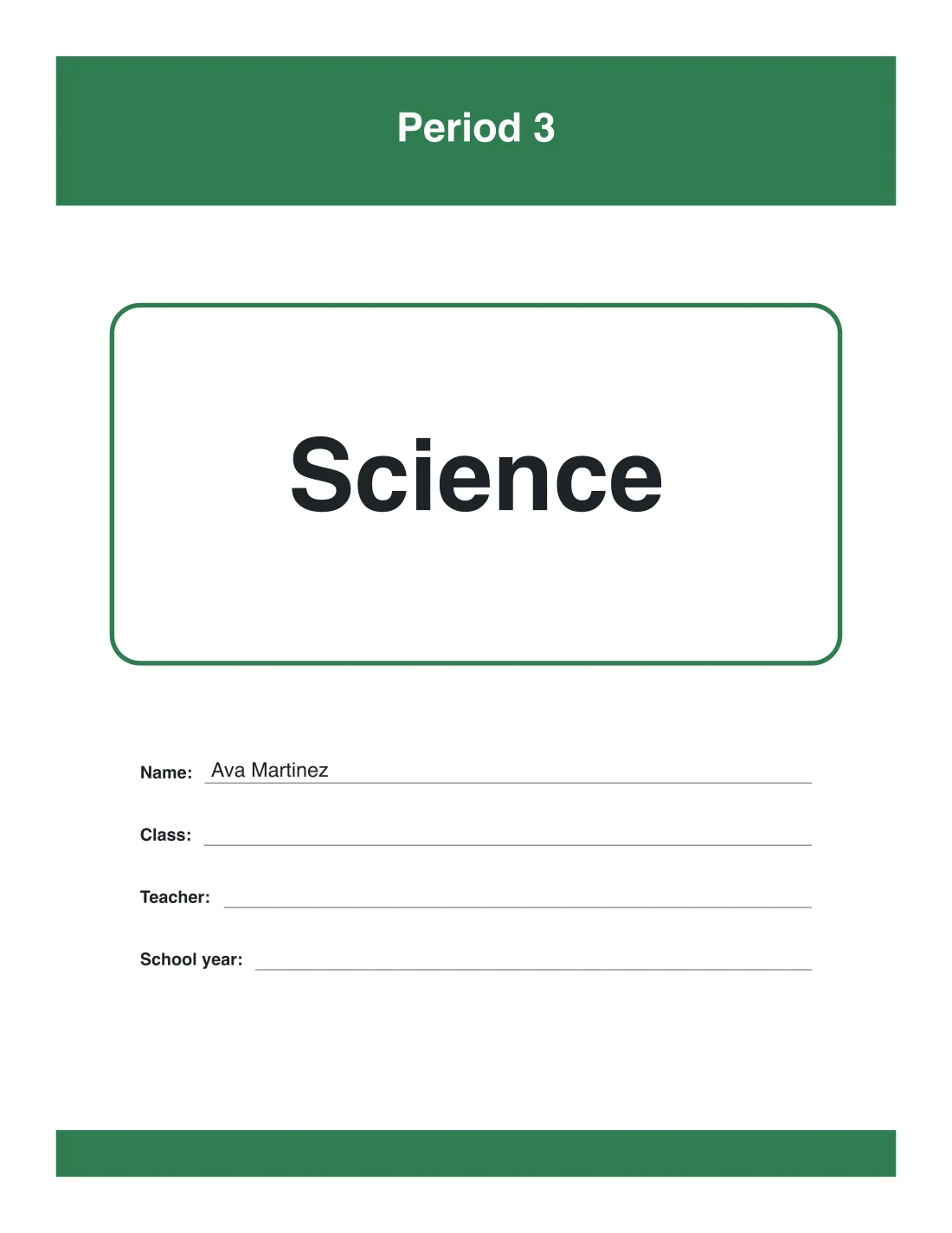
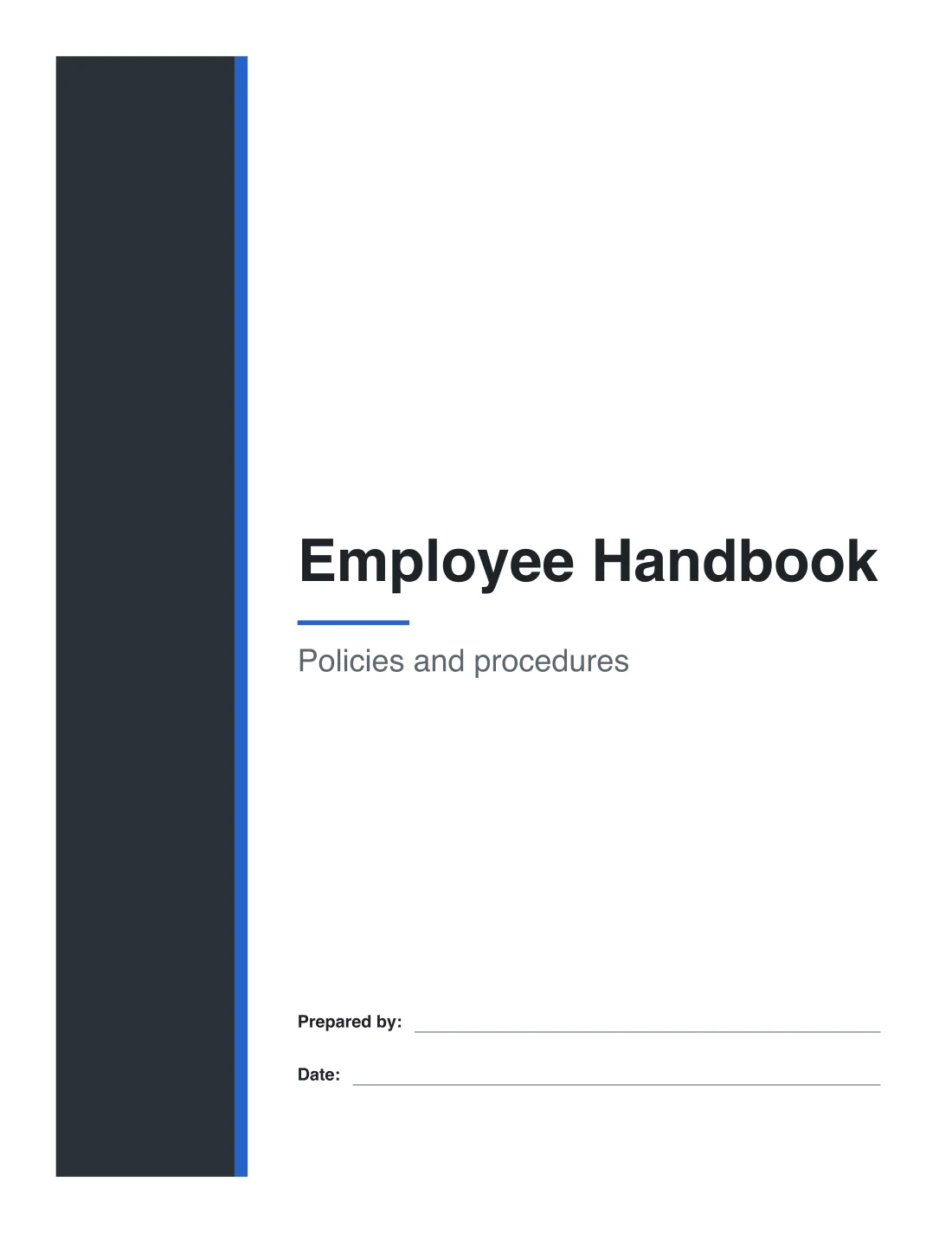
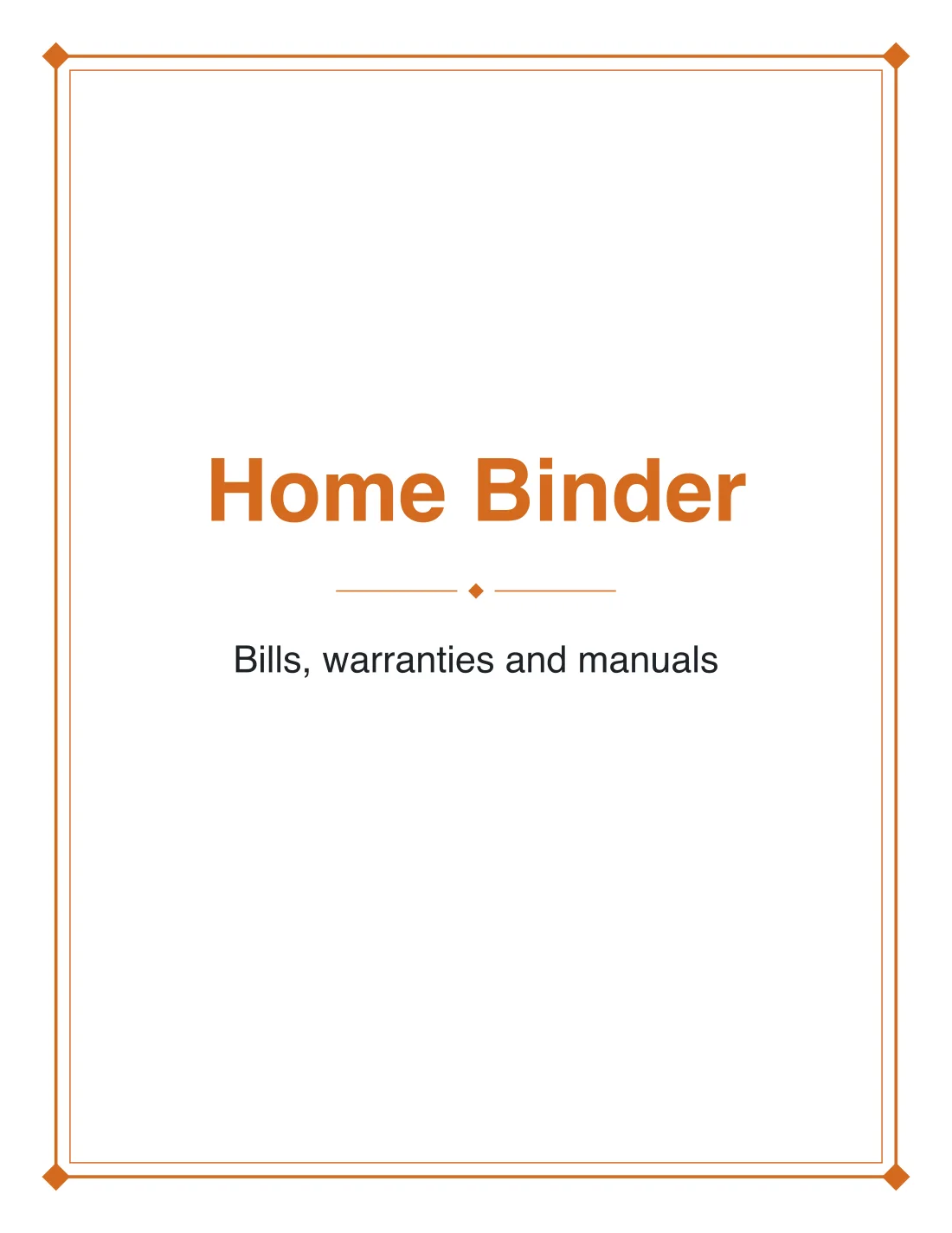
There are six designs. Color band and Full color are bold and easy to spot on a shelf. Simple is quiet and works for meeting notes and manuals. School subject has a big subject title plus Name, Class, Teacher and School year lines. Business has a dark side bar with Prepared by and Date lines for reports and handbooks. Recipes and home uses a double frame for recipe, household and family binders.
Type the title and subtitle and they are set as large as they fit, wrapping onto two or three lines when a title is long. Fill in the extra lines now or leave them blank to write on by hand. Choose your binder's ring size under "Matching spine sheet" and the download adds a second page with spine inserts in the same design and color.
How to print your binder cover template
1. Pick a design and color
Choose one of the six designs and one of nine colors. The preview updates as you go.
2. Type the title
Enter a title such as "Lesson Plans" or "Family Recipes" and an optional subtitle such as the year, a class or a short description.
3. Add the details and spines
Fill in Name, Class or Prepared by lines if your design has them, and pick a ring size to add a matching spine sheet.
4. Print and slide it in
Download the PDF, print at "Actual size" on white paper and slide the page into the front pocket of the binder.
Binder cover ideas
| Binder | Design that fits | Title and subtitle idea |
|---|---|---|
| Teacher lesson plans | Color band | Lesson Plans / 2026-2027 School Year |
| School subject | School subject | Science / Period 3, with Name and Teacher lines |
| Recipe binder | Recipes and home | Family Recipes / Favorites from our kitchen |
| Household binder | Recipes and home | Home Binder / Bills, warranties and manuals |
| Work report or handbook | Business | Employee Handbook / Policies and procedures |
| Meeting notes | Simple | Meeting Notes / Team planning and minutes |
| Sports, music or club | Full color | Soccer Season / Schedules and rosters |
Matching covers and spines
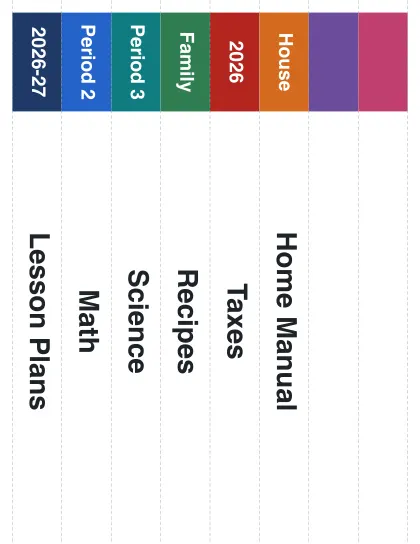
Every cover design has a matching spine design in the binder spine template, in the same colors. Pick a ring size under "Matching spine sheet" and the PDF gets a second page with spine inserts carrying the same title and subtitle, ready to cut out.
Need spines for a whole shelf of binders with different titles? Use the binder spine template directly: type one title per line and give every spine its own color.
Printing tips for binder covers
- Print at "Actual size" or 100%. The design already stays 1/2 inch inside the paper edge, so "Fit to page" is not needed.
- Plain white 20 to 24 lb paper slides into the clear pocket easily; bright white paper makes colors pop.
- The Full color design uses the most ink. Choose Simple or Recipes and home for an ink-saving cover.
- For a back cover, print the same design with a different subtitle, such as a table of contents title or a year.
- Use the PNG download to place the cover in a slide, a document or a digital binder.