HOW TO USE IT
About the Avery 5160 template
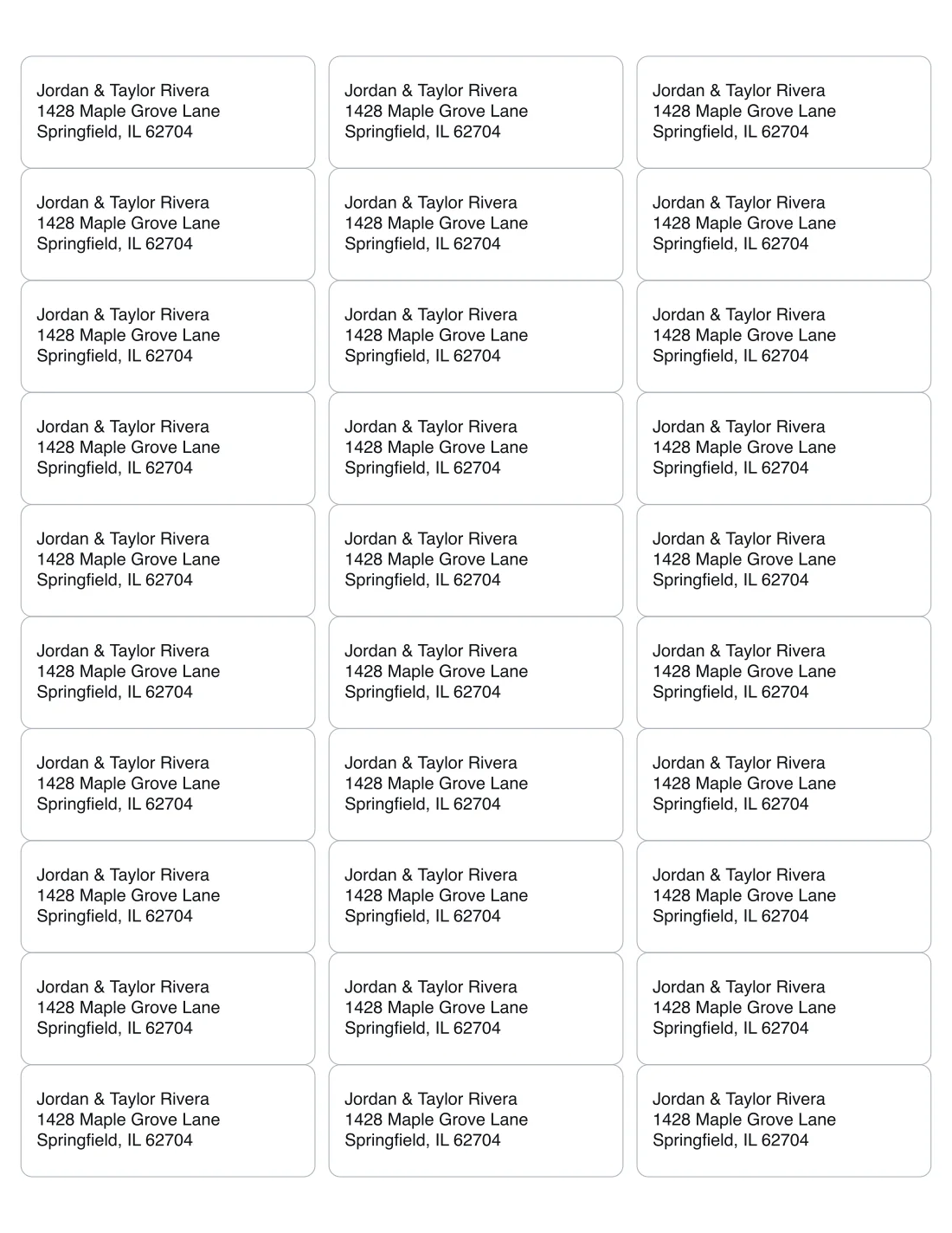
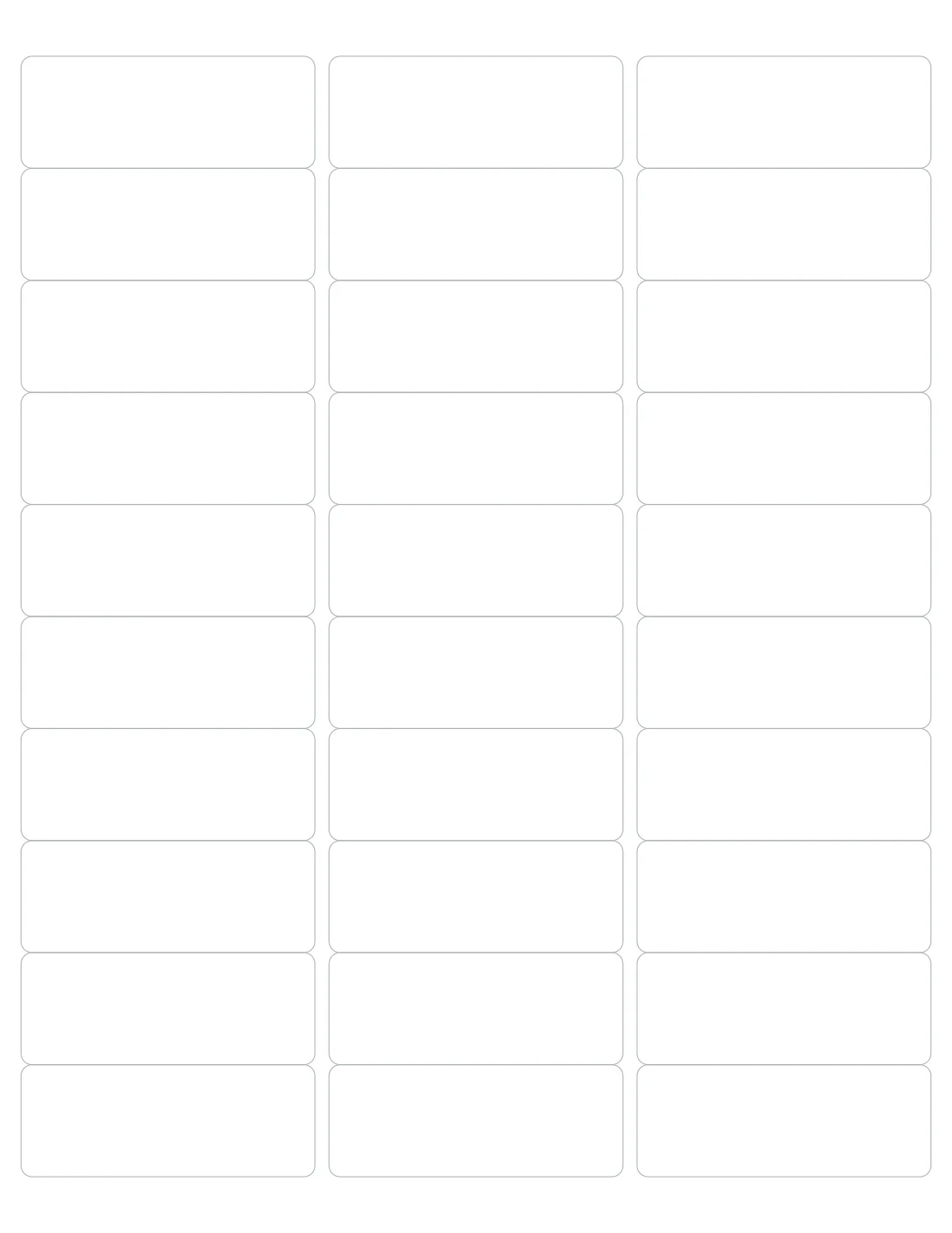
Address labels in the 5160 size are the most common label sheet in American offices and homes: 30 labels on a US Letter sheet, each 1 inch tall and 2-5/8 inches wide, arranged in 3 columns and 10 rows. They hold a name and a three or four line address, which makes them the standard choice for return address labels, holiday card envelopes, wedding invitations, school mailings and small business shipping.
This template places every label on the exact grid Avery publishes for its 5160 layout. We measured the official 5160 PDF template on avery.com: the first label starts 1/2 inch from the top edge and 3/16 inch from the left edge, the labels repeat every 2-3/4 inches across and every 1 inch down, and the corners are rounded. Avery lists its inkjet 8160 labels as the same size, 30 per sheet, so the same file prints on both.
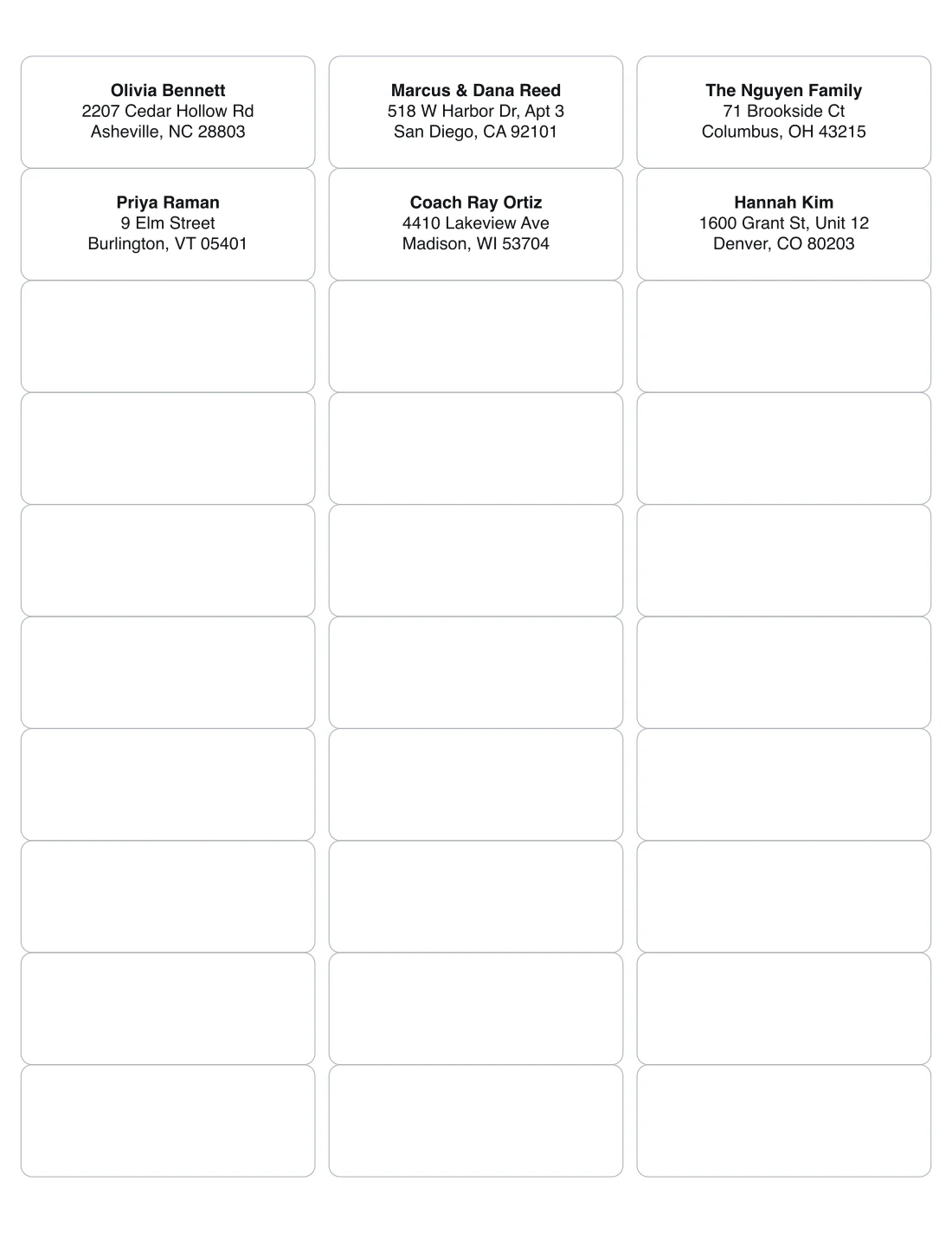
You can fill the sheet with one address (return address labels), give every label its own address (a mailing list), or start on a later label to finish a partly used sheet. Long lines shrink or wrap so nothing runs off a label, and the gray label outlines you see in the preview are not printed unless you ask for them. Prefer to type in Word? Download the Word file: it is a fixed table with one cell per label, so text you type stays on its label.
How to print your Avery 5160 template
1. Choose one address or a list
Pick "One address on all labels" for return labels, or "A different address per label" and paste your list with a blank line between addresses. Rows copied from Excel or Google Sheets work too.
2. Set the text
Choose the largest text size, left or centered alignment, and whether the first line (the name) is bold. Text shrinks automatically when a line is long.
3. Test on plain paper
Download the PDF, print one page at "Actual size" on plain paper and hold it against a label sheet in front of a light. If it is off, use Printer alignment to move everything in 1/32 inch steps.
4. Print on the labels
Load the label sheet the way your printer expects for labels (often face down in the main tray or in the manual feed slot) and print. Use the Word file instead if you want to change labels one by one.
Avery 5160 label size and sheet layout
These are the measurements the template uses, taken from the official 5160 template layout. If you build your own layout in another program, these are the numbers to enter.
| Measurement | Value |
|---|---|
| Label size | 1 x 2-5/8 in (2.625 in wide) |
| Labels per sheet | 30: 3 across, 10 down |
| Sheet | US Letter, 8.5 x 11 in |
| Top and bottom margin | 0.5 in |
| Left and right margin | 0.1875 in (3/16 in) |
| Horizontal pitch (label start to label start) | 2.75 in, so a 1/8 in gap between columns |
| Vertical pitch | 1 in, so the rows touch with no gap |
| Corners | Rounded, about 0.1 in radius |
How the Word label template works
The Word file is built the way label templates are built in Word: one table with a cell for each label and narrow empty spacer columns for the gaps between the columns of labels. Every row is exactly 1 inch tall and every column has a fixed width, so the cells do not grow when you type, and the page margins put the first cell exactly over the first label.
Click into a cell and type; press Tab to jump to the next label. If you cannot see the cells, turn on Table Layout > View Gridlines in Word: the gridlines show on screen but do not print. A label holds four or five lines of 11 point text. Text beyond the bottom of a cell is hidden rather than pushing the other labels down, so shorten the address or pick a smaller size if a line disappears.
Word can also make 5160 labels on its own: Avery's help pages describe choosing Mailings > Labels > Options, the "Avery US Letter" vendor and product number 5160. The download here saves those steps and arrives already filled in with the addresses you typed.
Printing address labels that line up
- Always print at "Actual size" or 100% scale. "Fit to page" shrinks the sheet by a few percent and the bottom rows drift off their labels.
- Run a test on plain paper first and compare it with a label sheet against a window or lamp. Printers differ slightly; the Printer alignment buttons move everything left, right, up or down in 1/32 inch steps.
- Avery sells 5160 for laser printers and 8160 for inkjet printers. Use the kind your printer is made for so the ink dries and the labels feed smoothly.
- Feed one sheet at a time if your printer has a manual or rear feed slot; a straighter paper path keeps labels from shifting.
- For a partly used sheet, set "Start on label" to the first unused label. Labels are counted left to right, row by row, so label 4 is the first one in the second row.
Return address labels and mailing lists
For return address labels, put your name on the first line, the street address with the apartment or suite number on the second, and the city, state and ZIP code on the last line. Turn on "First line in bold" for a neat finish, or center the text for invitations and holiday cards.
For a mailing list, paste the addresses with a blank line between them, or copy the rows straight from a spreadsheet where each column holds one line of the address. A list longer than 30 addresses continues on a second sheet automatically, up to 20 sheets (600 labels) at a time. Everything is made in your browser; the addresses you type are never uploaded.