HOW TO USE IT
About the gift certificate template
A gift certificate is a simple promise on paper: the holder can trade it for a set amount or a specific service at your business. Small shops, salons, spas, restaurants, photographers, tutors and lawn care companies use them to bring in new customers and to give regulars something easy to buy for friends. Families use them too, as homemade "good for one" coupons for a dinner, a car wash or a day out.
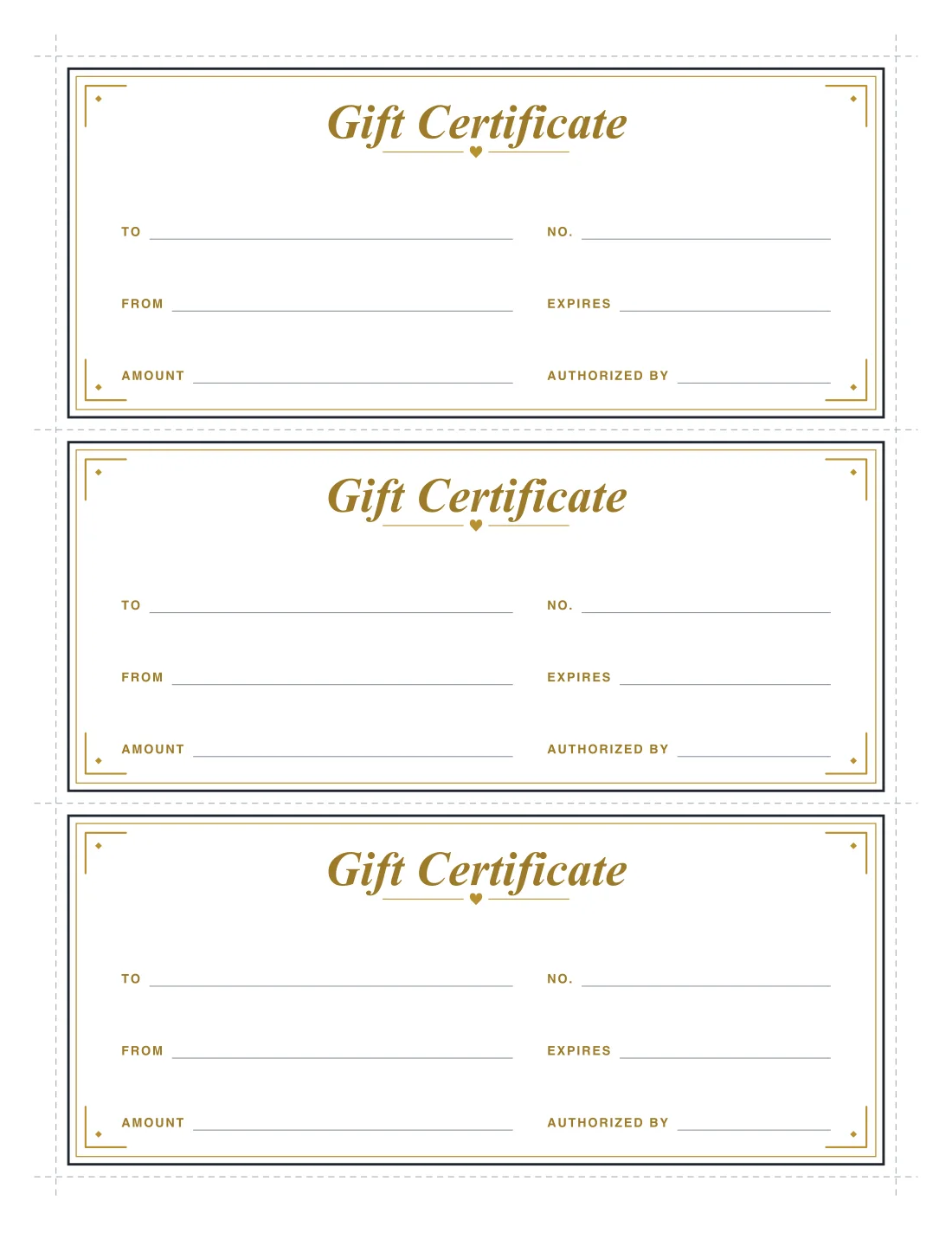
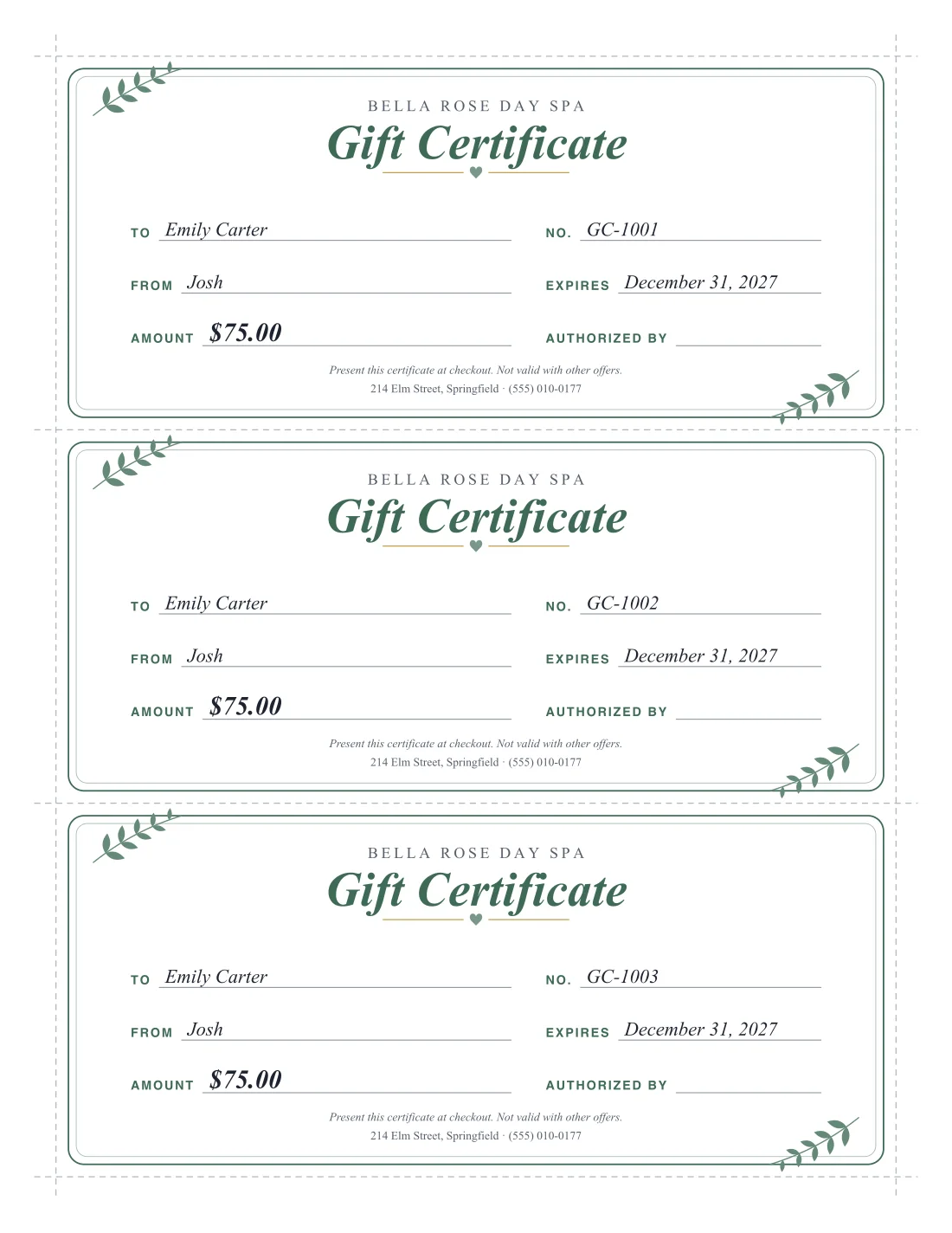
This template prints clean, professional certificates in six designs: black and gold, spa and salon, restaurant and shop, holiday, birthday and a simple ink-saving version. Each one has lines for who it is to and from, the amount or service, a certificate number, an expiration date and an authorized signature, plus optional small print and your address or website. Print one large certificate per page or two or three per page with cut lines.
Everything is made in your browser. Type the details once and they appear on every certificate on the sheet; type a starting number such as GC-1001 and each certificate gets its own number, across as many as ten sheets. The Word download keeps the design as a background picture and every line of text editable, so you can change a name or amount later without starting over.
How to print your gift certificate template
1. Choose a design and layout
Pick black and gold for a classic look, the spa and salon design with leaf sprigs, the bold restaurant and shop panel, holly for the holidays, balloons for birthdays or the simple version for black and white printing. Then choose 3, 2 or 1 certificate per page and a color.
2. Type the details or leave them blank
Add your business name, an amount (such as $50.00) or a service (such as one 60-minute massage), and optional To, From, expiration date, terms and contact line. Type a first certificate number to number the whole run. Anything you leave empty prints as a line to fill in by hand.
3. Download, print and cut
Download the PDF and print at 100% ("Actual size") on cardstock, or download Word to edit later. Cut along the dashed lines, sign the authorized line, and record each certificate number in a simple log so you can check it off when it is redeemed.
Which gift certificate design to use
| Design | Good for | What is different |
|---|---|---|
| Black and gold | Boutiques, jewelers, photographers, any business | Thin double frame, gold corner brackets and a script-style title |
| Spa and salon | Massage, nails, hair, skin care, yoga studios | Soft rounded frame with leaf sprigs in sage green or rose |
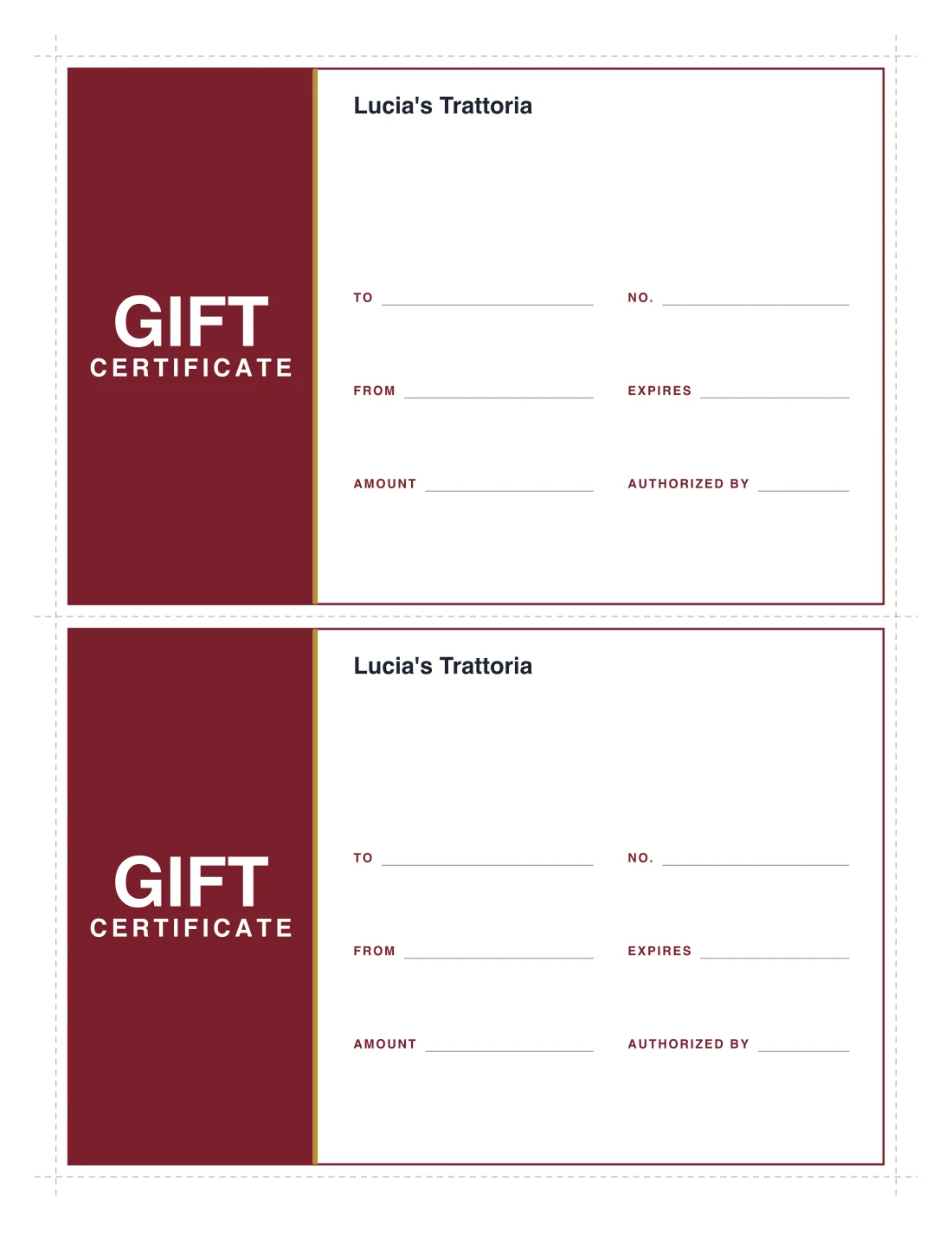
| Restaurant and shop | Restaurants, cafes, bakeries, retail stores | Bold color panel with GIFT CERTIFICATE in large type |
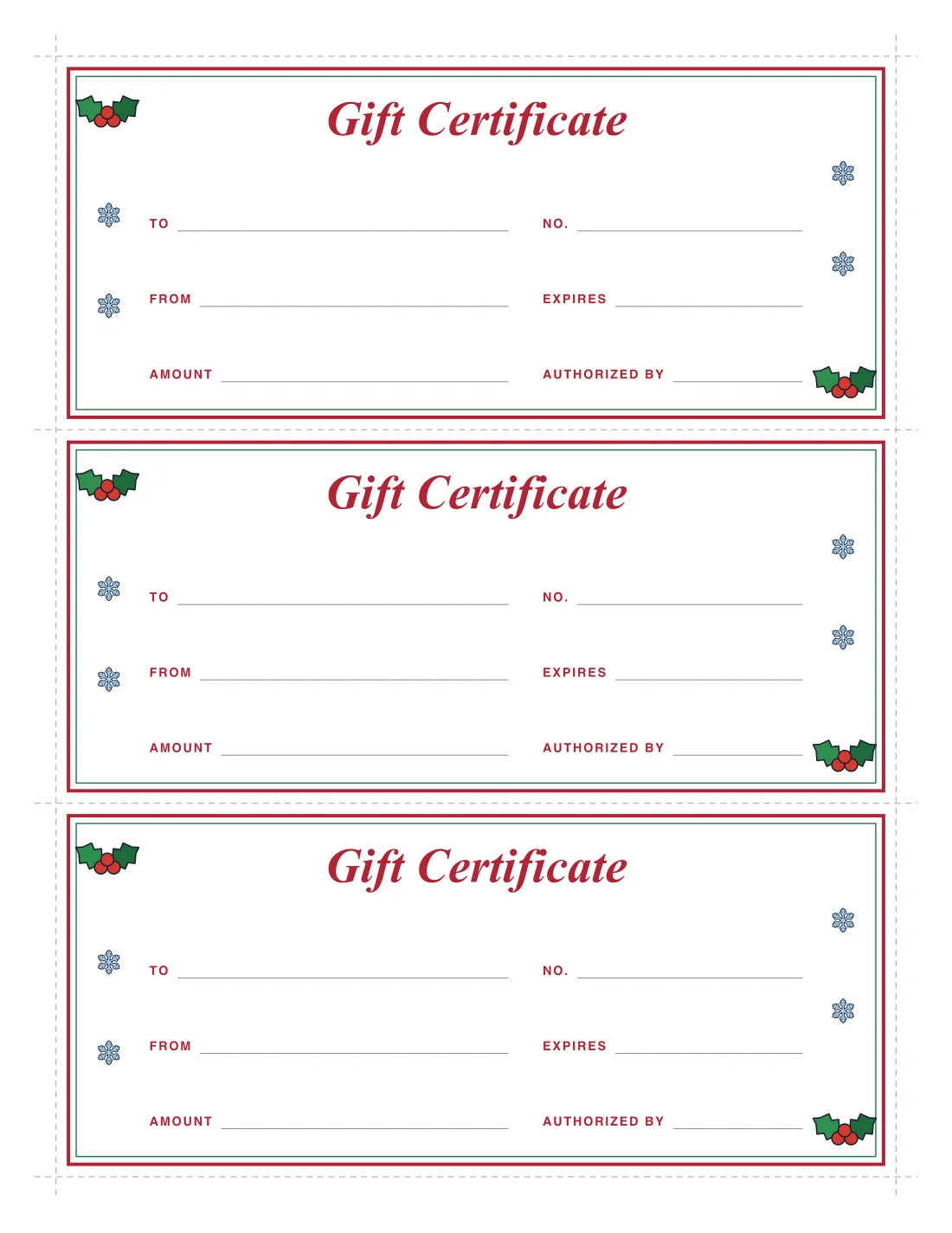
| Holiday | Christmas and end-of-year gifts | Holly in the corners and snowflakes in the margins |
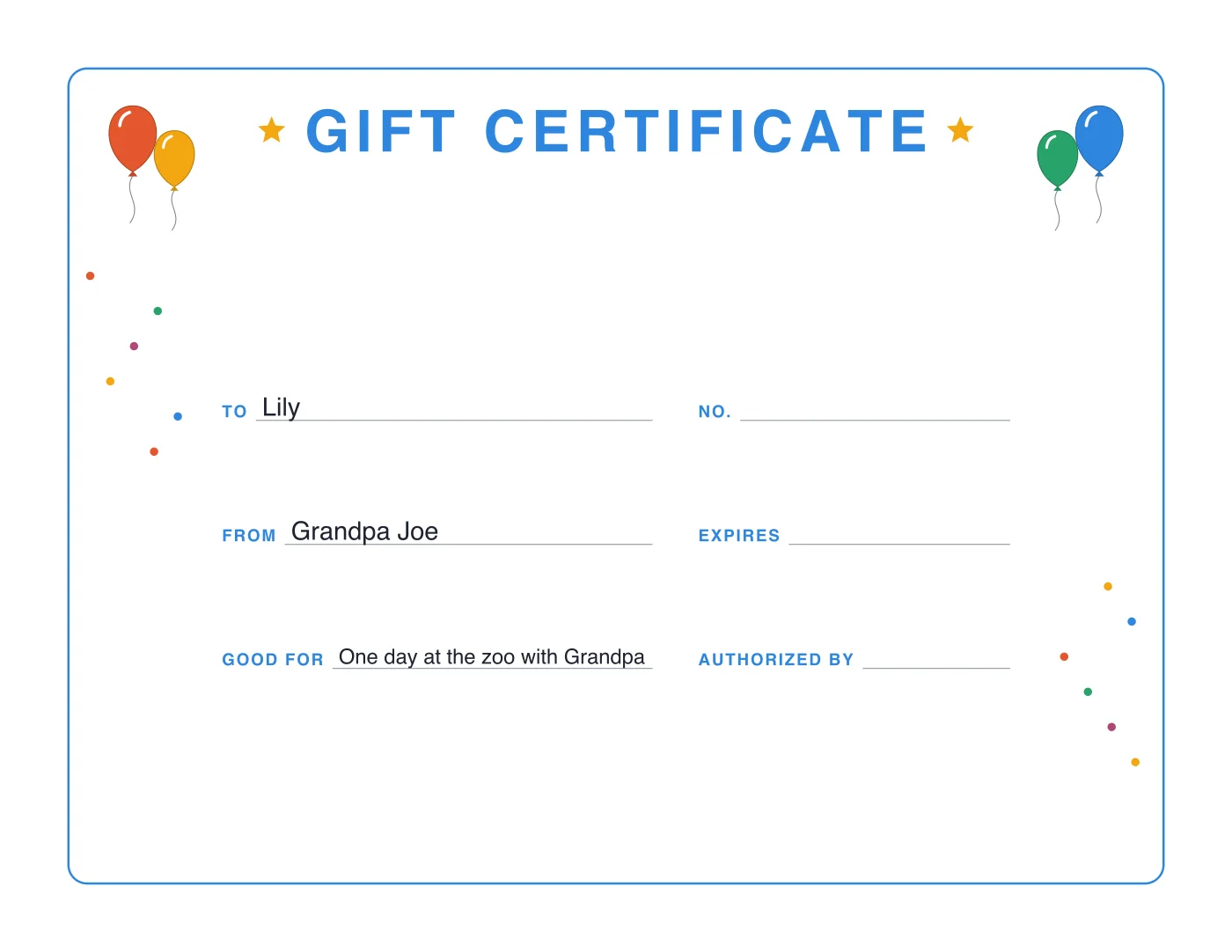
| Birthday | Family gifts and kids' experiences | Balloons, confetti and star accents |
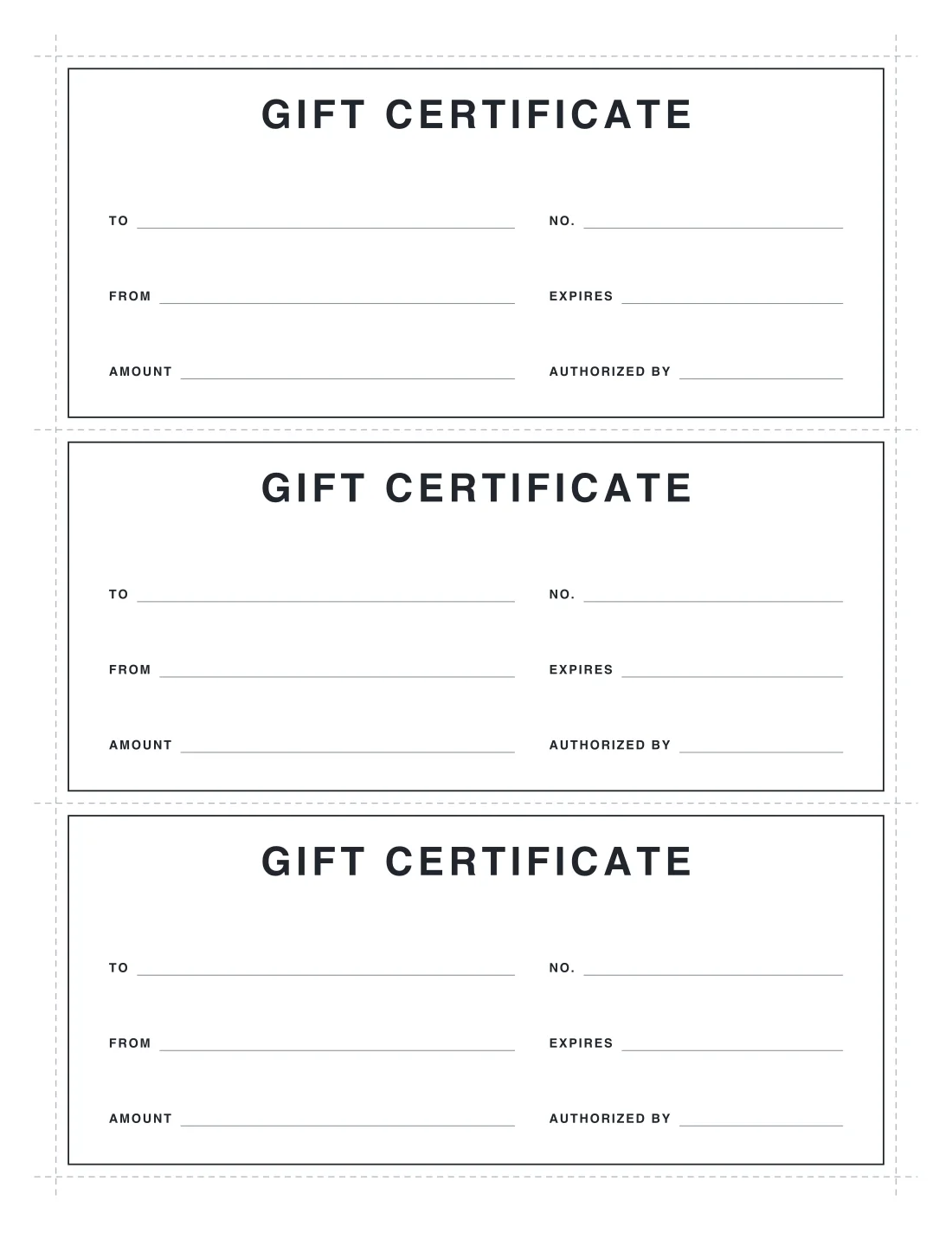
| Simple | Black and white printing, quick handwritten certificates | Plain frame and clean lines, light on ink |
What to put on a gift certificate
- Your business name and a way to reach you: an address, phone number or website on the bottom line.
- The value: a dollar amount, or a specific service or item so there is no question about what it covers.
- To and From: the recipient and the person who bought or gave the certificate.
- A unique certificate number, so you can record each sale and mark it used when it comes back.
- An expiration date, or "No expiration". Check the rules first (see below).
- An authorized signature or initials, which makes copies and fakes easier to spot.
- Short terms if you need them, for example that the certificate must be presented at checkout or cannot be combined with other offers.
Expiration dates and fees: check the rules first
Gift certificate and gift card rules come from federal and state law. The federal rules from the Credit CARD Act of 2009 (Regulation E, 12 CFR 1005.20) limit expiration dates and inactivity fees on gift cards and gift certificates sold to consumers, for example by requiring that the money not expire within five years of issue. The same regulation excludes certificates issued in paper form only, but it can still apply when you sell a code or number electronically, even if the customer prints it.
Many states have their own gift certificate laws, and some apply to paper certificates as well: they may ban or limit expiration dates and fees, or require you to pay out small leftover balances in cash. Before you print an expiration date or terms such as "not redeemable for cash", check your state's consumer protection or attorney general website, and when in doubt print "No expiration". Promotional certificates you give away for free are often treated differently from ones a customer pays for, so say clearly on a free certificate that it is a promotional offer.
Tips for selling and tracking gift certificates
- Number every certificate and keep a log with the number, date sold, amount, buyer and date redeemed. A one-page sign-in sheet or a notebook works fine.
- Sign or stamp each certificate by hand so a photocopy is easy to tell apart from the original.
- Print on cardstock (65 to 110 lb) for a certificate that feels like a gift; ivory or light colored paper looks especially good with the gold and salon designs.
- Slip each certificate into an envelope or a small folded card, and put a stack by the register before the holidays, Mother's Day and Valentine's Day.
- For a service certificate, write exactly what is included (length of a massage, size of a pizza, number of lessons) so the customer and your staff agree on it.