HOW TO USE IT
About the award certificate template
An award certificate marks a win: top sales for the quarter, perfect attendance, most improved player, a science fair ribbon or employee of the month. Teachers print them by the dozen at the end of the school year, coaches at season banquets and managers for monthly recognition, and a well-designed certificate makes the moment feel official.
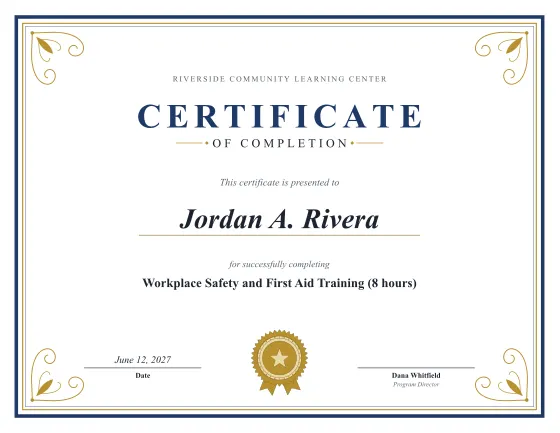
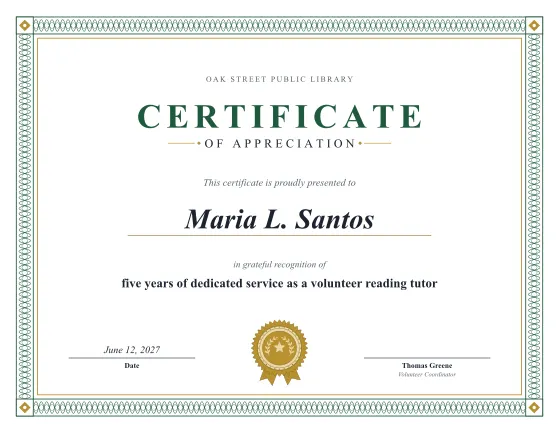
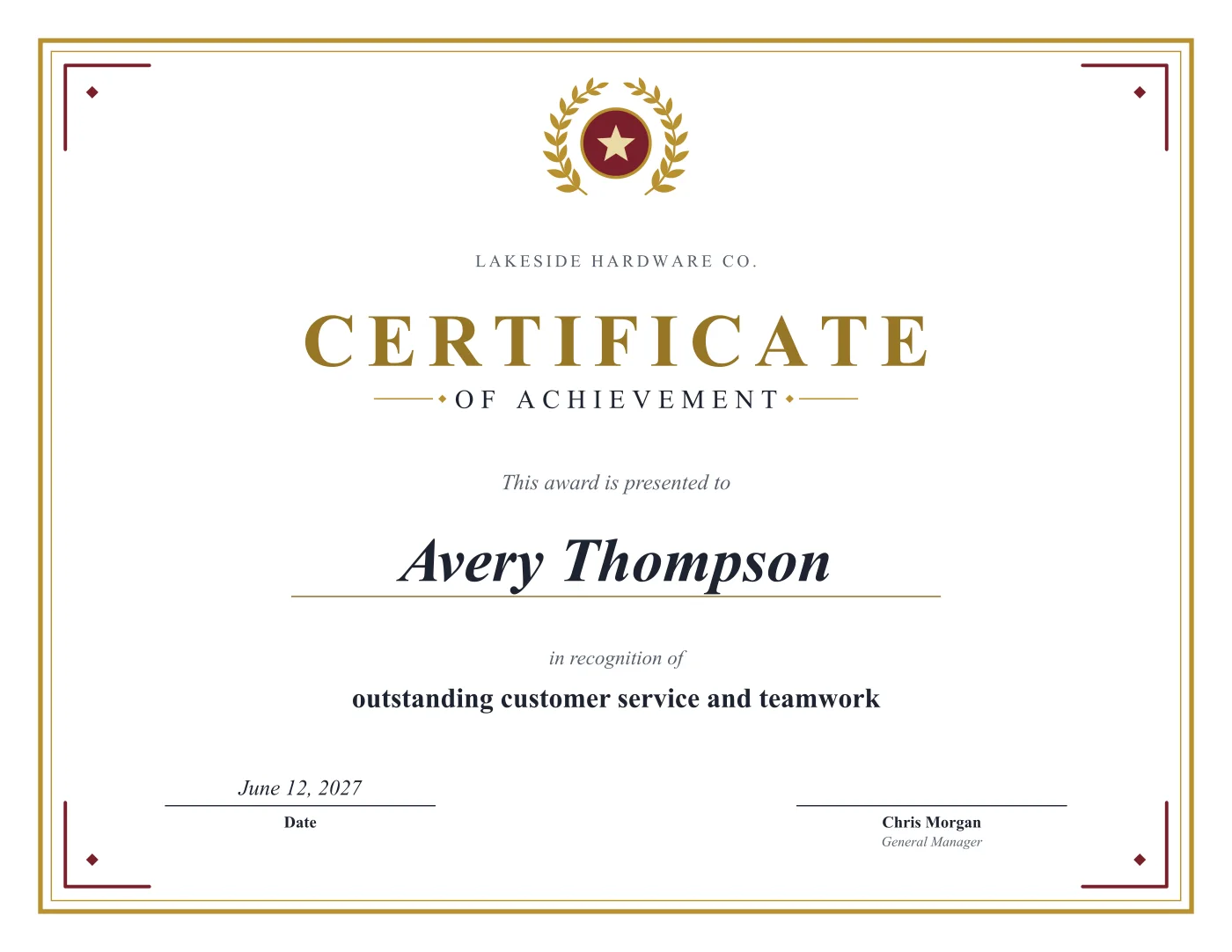
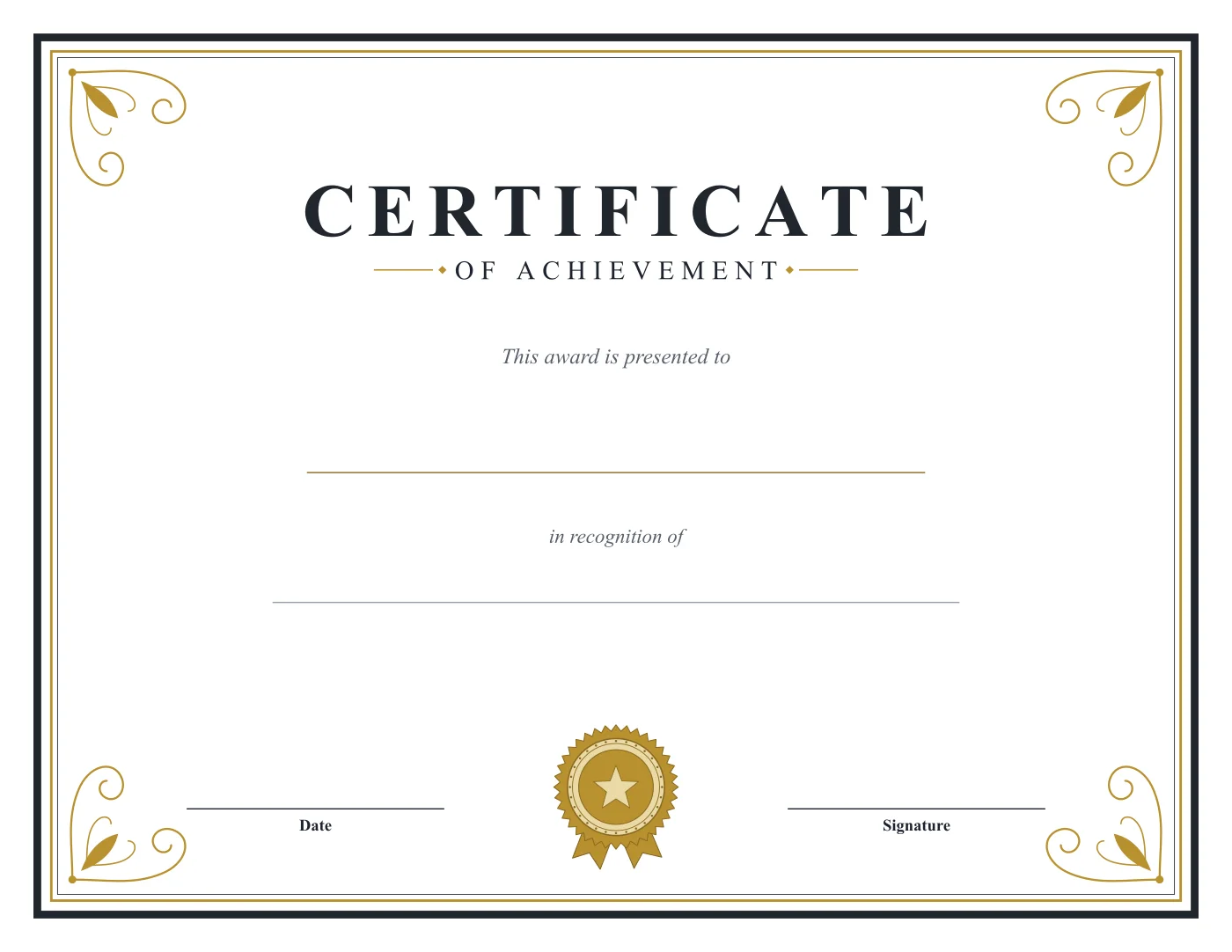
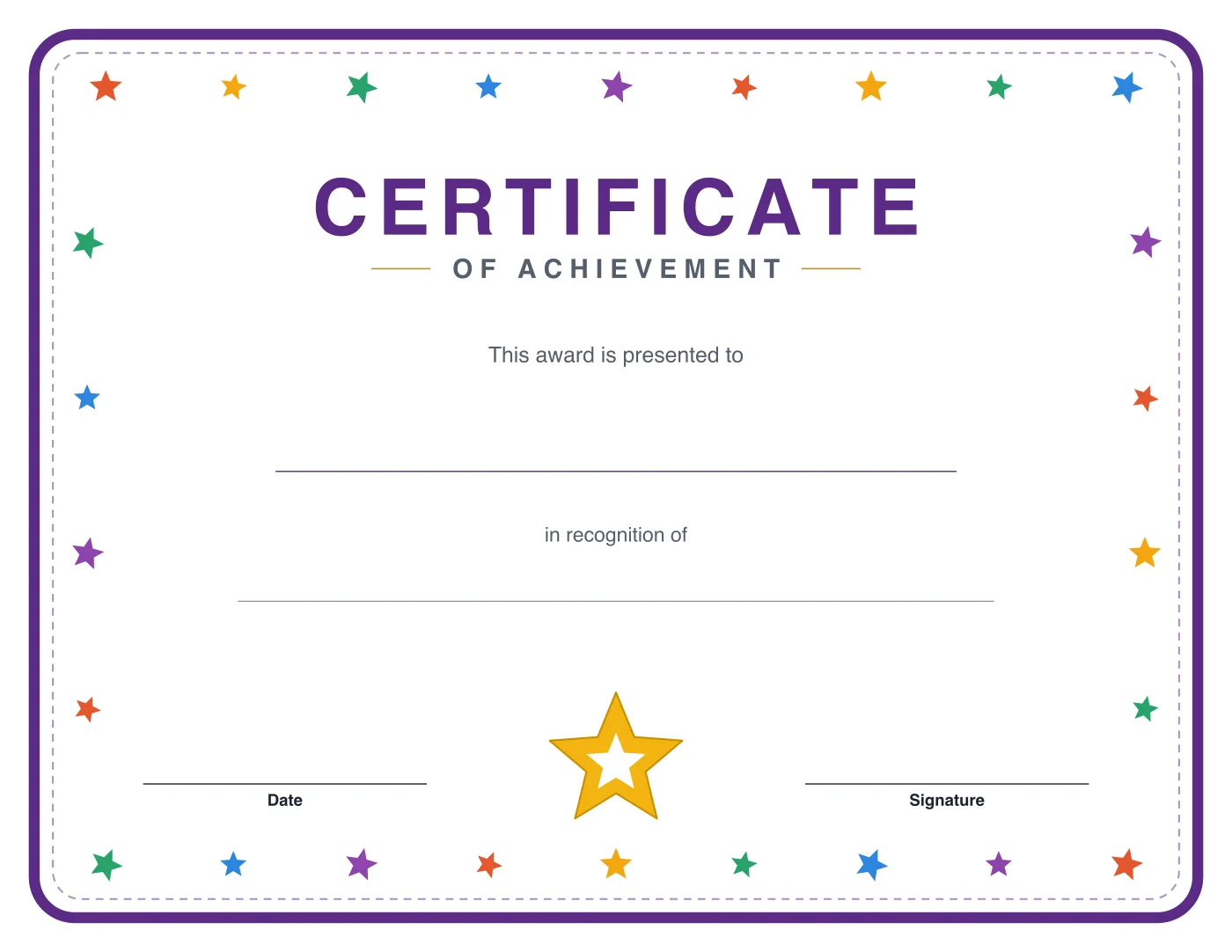
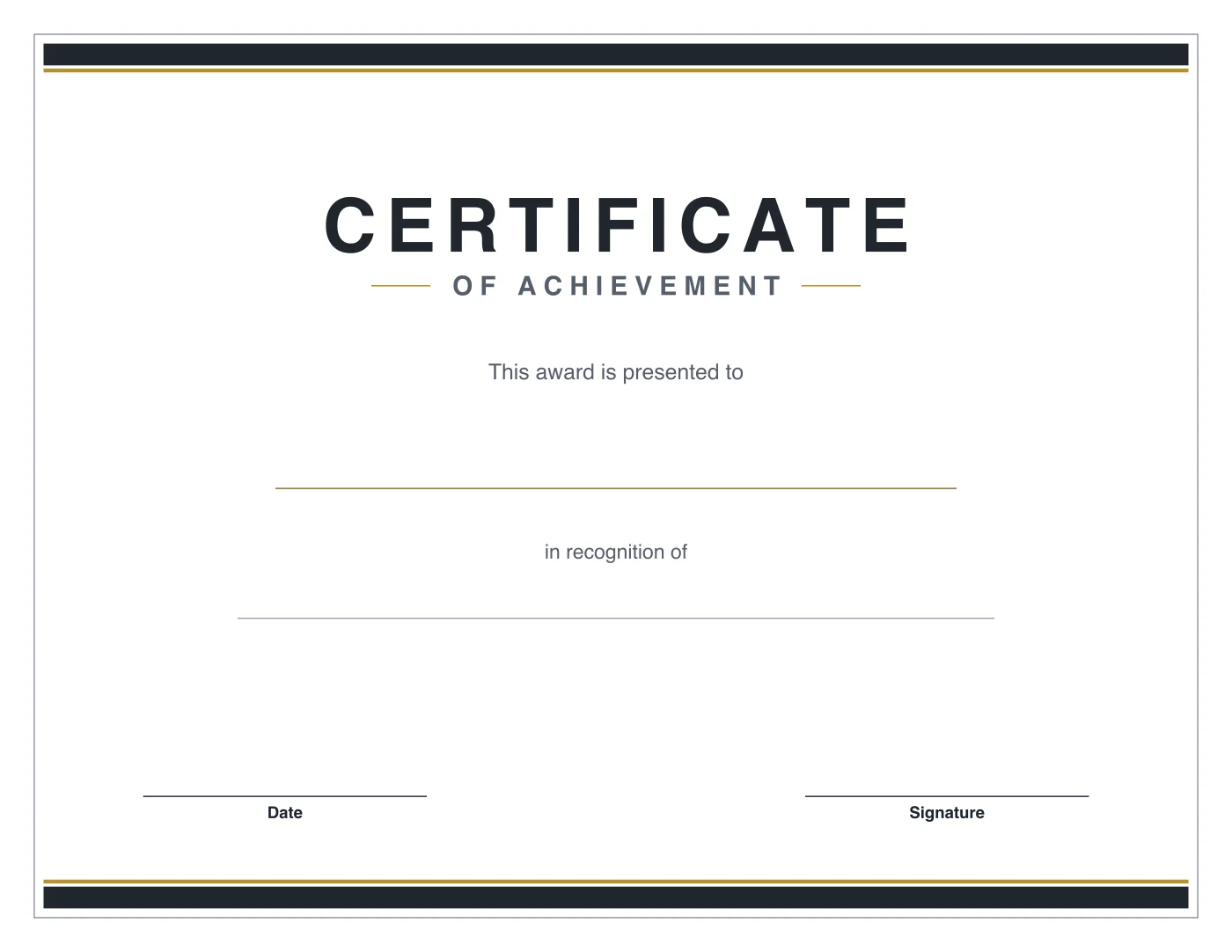
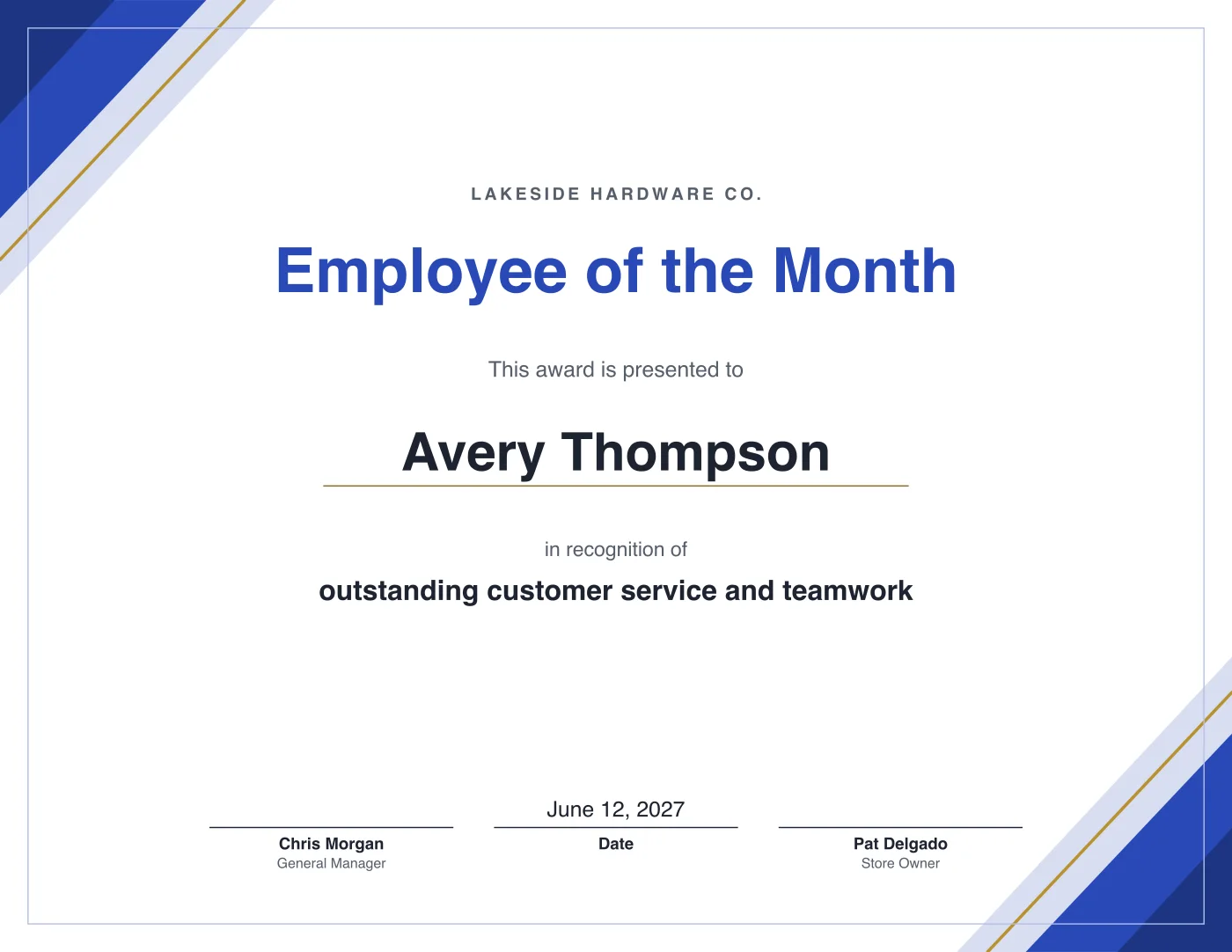
Choose from six designs: a gold laurel design with a wreath emblem, a classic border with a gold seal, an elegant guilloche border, a modern design, a corporate layout with header and footer bars, and a colorful kids and school design with stars. Titles include Certificate of Achievement, Certificate of Excellence, Award of Excellence, Employee of the Month and Student of the Month, or type your own.
Paste a list of names to make one award per person, add a second signature line for a principal and teacher or a manager and owner, and download a PDF, a PNG or an editable Word file.
How to print your award certificate template
1. Choose the award and design
Pick a title such as Certificate of Achievement or Employee of the Month, or type your own (Most Valuable Player, Star Reader). Choose a design and a color that matches your school or company.
2. Add names and what it is for
Paste the winners' names, one per line, and type the achievement: "outstanding customer service and teamwork" or "perfect attendance, fall semester". Add the date and one or two signers.
3. Print and present
Download the PDF to print in landscape on cardstock, or Word to edit names later. Sign each award and present it at the assembly, banquet or team meeting.
Award ideas for school, sports and work
| Setting | Award titles and reasons |
|---|---|
| Classroom | Star Reader, Math Whiz, Perfect Attendance, Most Improved, Kindness Award, Super Scientist |
| Sports and clubs | Most Valuable Player, Coach's Award, Best Sportsmanship, Hustle Award, Most Improved Player |
| Workplace | Employee of the Month, Top Sales, Safety Champion, Customer Service Award, Years of Service |
| Community | Volunteer of the Year, Spirit Award, Leadership Award, Contest winner and runner-up |
How to word an award certificate
- Title: say what the award is (Certificate of Achievement, Employee of the Month).
- Line above the name: "This award is presented to" works for most awards; "Proudly presented to" feels warmer.
- Reason: one specific line, starting from "in recognition of": "outstanding sales performance in March", "reading 100 books this school year".
- Date and signatures: the day of the award and the person who chose the winner; add a second signer for a principal, owner or league president.
Employee of the month and student of the month
For a monthly award, keep one design and color all year so the certificates look like a series. Put the month in the reason or title ("Employee of the Month, March") and the date on the date line. A framed certificate near the entrance and a short note about why the person was chosen make the recognition visible to everyone, which is what makes these programs work.