
HOW TO USE IT
About the certificate of completion template
A certificate of completion confirms that someone finished a course, training, workshop or program. Employers hand them out after safety and compliance training, teachers and coaches give them at the end of a class or camp, churches and nonprofits use them for volunteer and leadership programs, and instructors include them with continuing education hours.
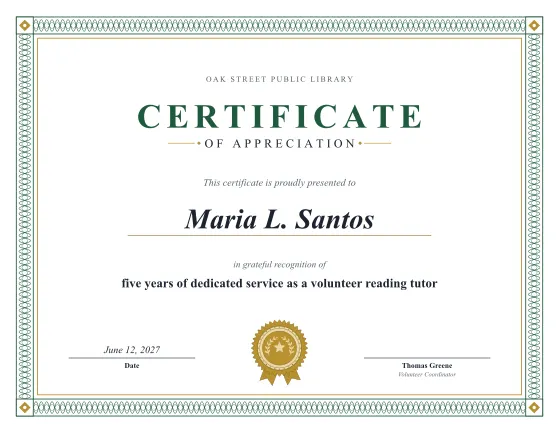
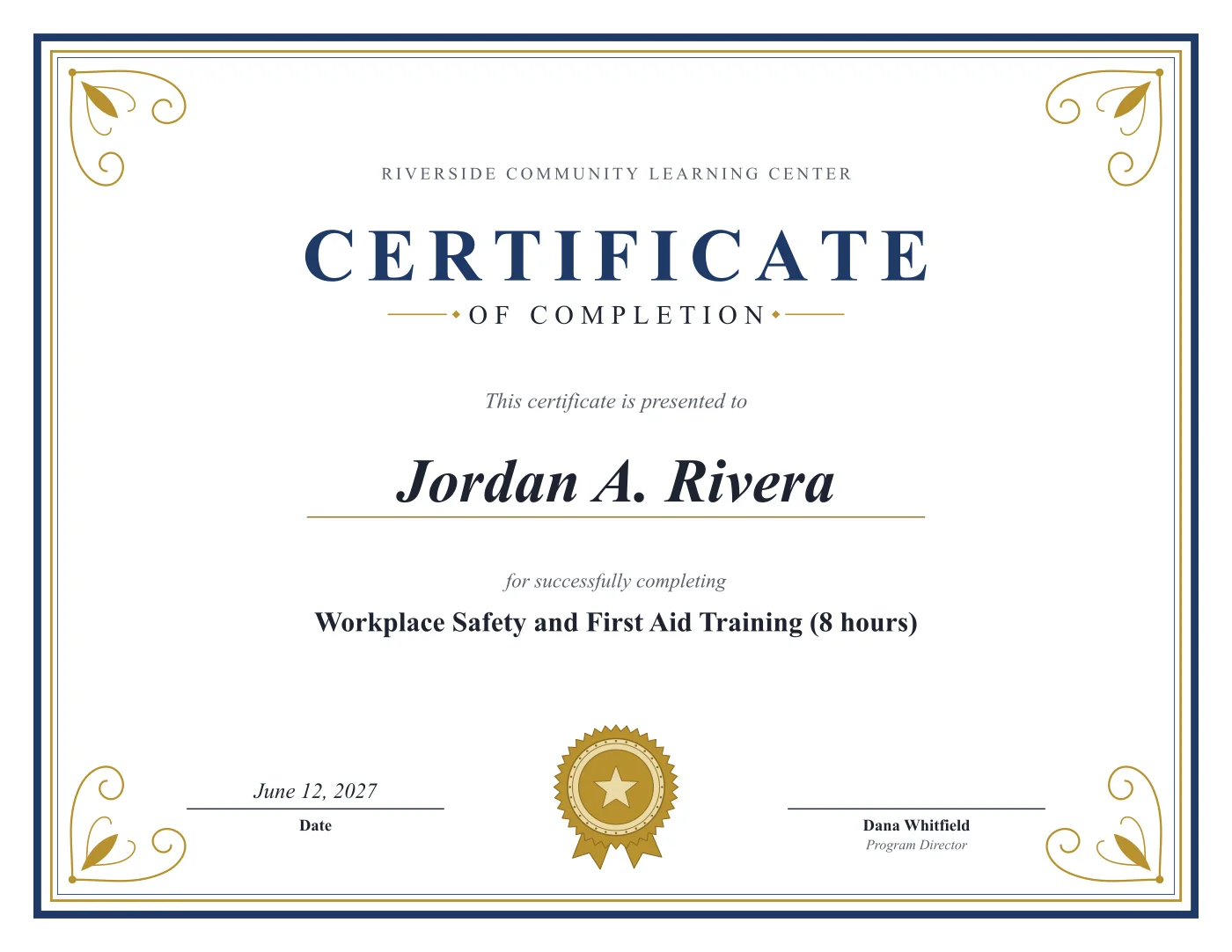
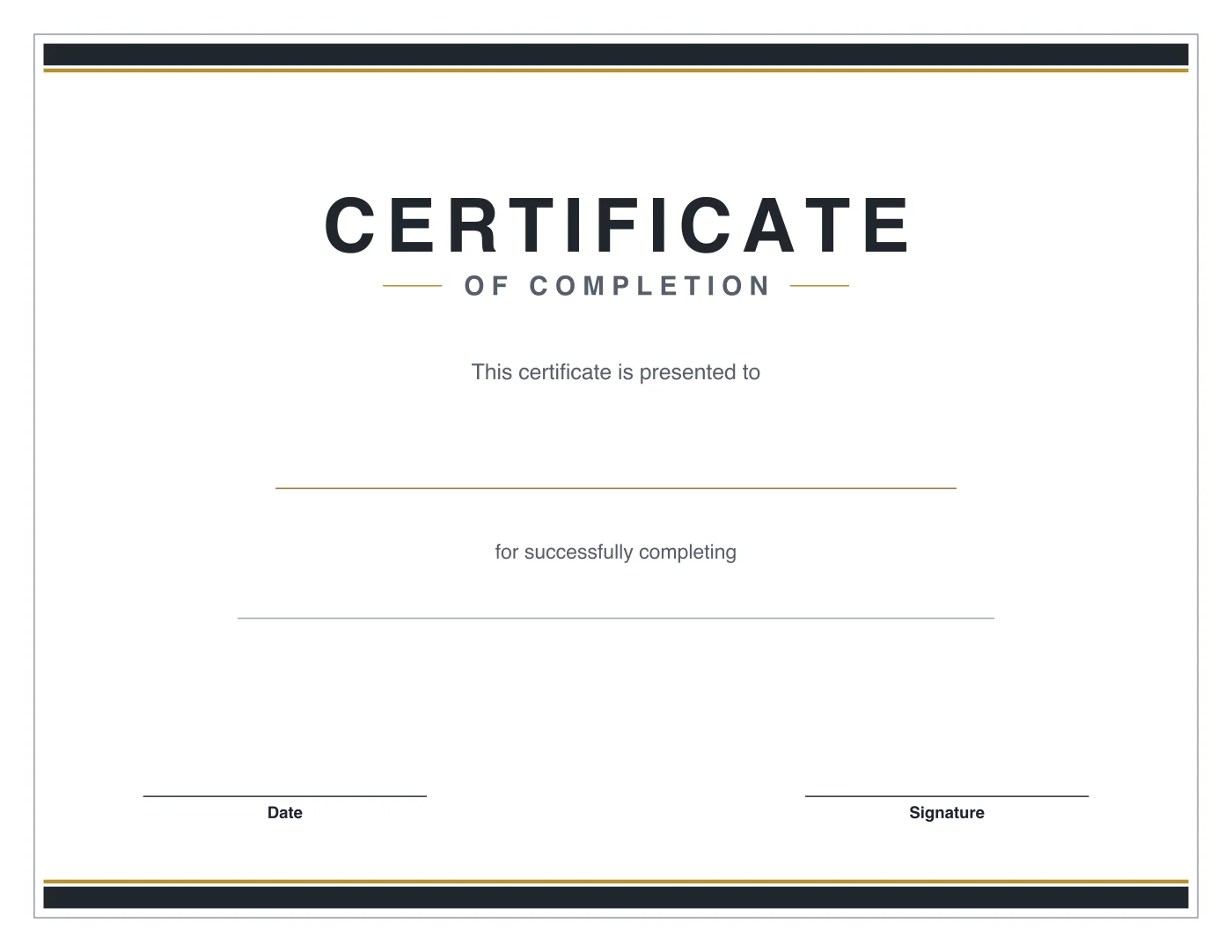
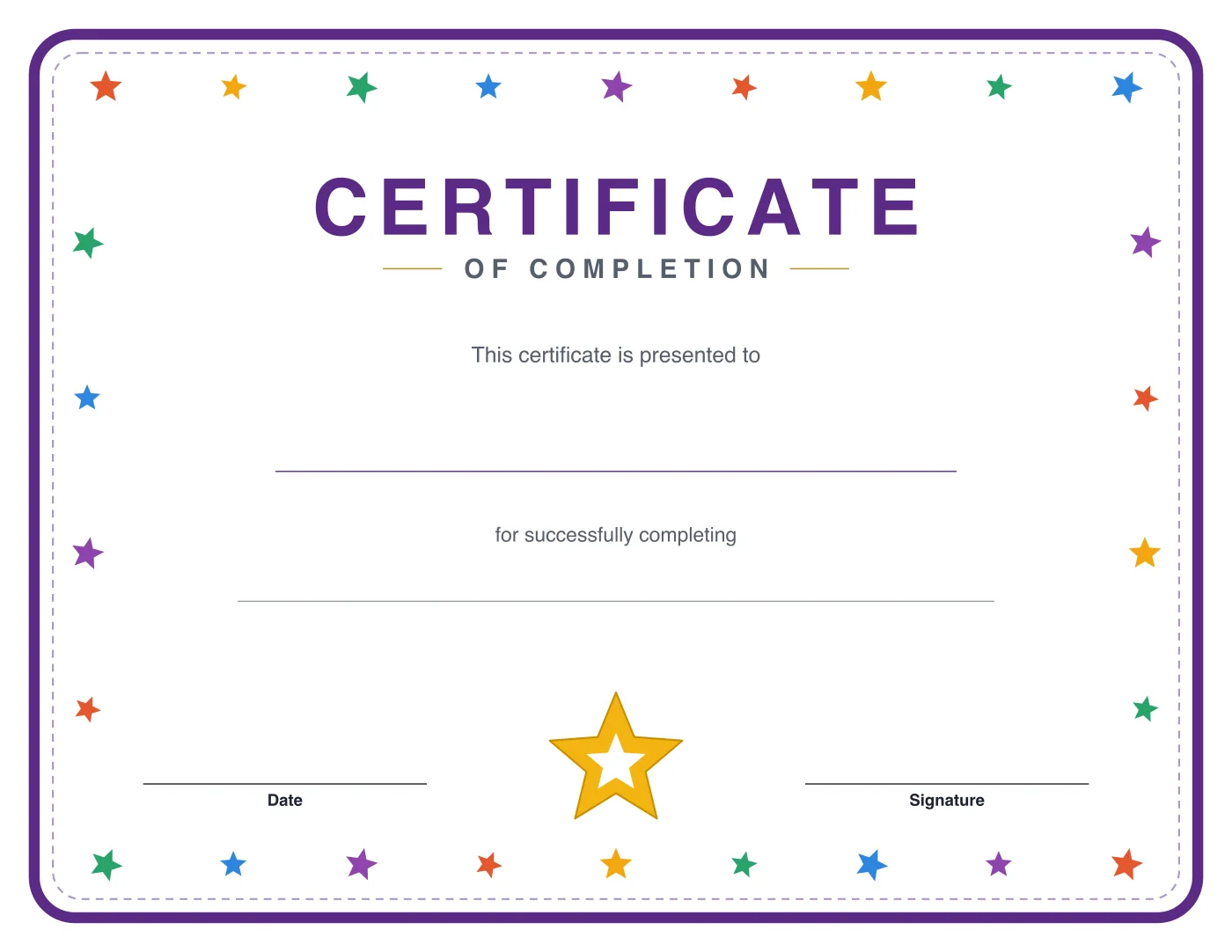
This template gives you six designs that look like real certificates: a classic border with gold flourishes and a seal, an elegant guilloche border like a diploma, a gold laurel design, a modern design with angled corners, a clean corporate layout and a colorful kids and school version. Each one has the title, a line above the name, the recipient's name, what they completed, a date and one or two signature lines.
The biggest time saver is the names list. Paste one name per line, from a class roster or a spreadsheet column, and the tool makes one certificate per name in a single PDF or Word file. Leave the names empty to print blank certificates and write them by hand.
How to print your certificate of completion template
1. Pick a design, color and title
Choose one of the six designs and a color (navy, burgundy, green, blue, purple or black). Keep the title Certificate of Completion or switch to Certificate of Training, Participation or Attendance, or type your own.
2. Add the names and the course
Paste one name per line for a certificate each, then type the course, training or program and the hours if you want them on the certificate. Add the date, the signer's name and title, a second signer if needed, and your school or company under More wording.
3. Download and print
Download the PDF (one page per name) or the Word file to edit later, and print in landscape at 100% on white or ivory cardstock. Sign each certificate by hand, or have each signer sign above their printed name.
What to write on a certificate of completion
- The title: Certificate of Completion is the standard; Certificate of Training or Attendance fits shorter sessions.
- The recipient's full name, spelled the way they want it on records and resumes.
- What they completed: the exact course or program name, and the hours or credits if they matter (for example "Forklift Operator Training, 8 hours").
- The date of completion, written out (June 12, 2027) so it reads the same everywhere.
- Who issued it: your school, company or organization, and the name and title of the instructor or director who signs.
- An ID or certificate number, if you keep training records or need to verify certificates later. Add it to the achievement line or the organization line.
Which design fits your program
| Design | Best for |
|---|---|
| Classic border | Formal courses, continuing education, church and community programs |
| Elegant guilloche | Graduations, certifications and anything that should look like a diploma |
| Gold laurel | Programs with honors or a final assessment |
| Modern | Workshops, bootcamps, online courses and webinars |
| Corporate | Employee training, safety and compliance records |
| Kids and school | Classes, reading programs, swim lessons, summer camps |
Certificates of completion and official credentials
A certificate you print here is a record that someone completed your program. It is not by itself a license, an accredited credential or proof of a government-required training. Some training, such as OSHA Outreach cards, CPR certification from a recognized provider, food handler cards or continuing education for licensed professions, has to be issued on the provider's or agency's own forms. If your training must meet an official requirement, check what the agency or accrediting body asks for, and use this certificate as a keepsake or internal record alongside it.