HOW TO USE IT
About the bill tracker printable
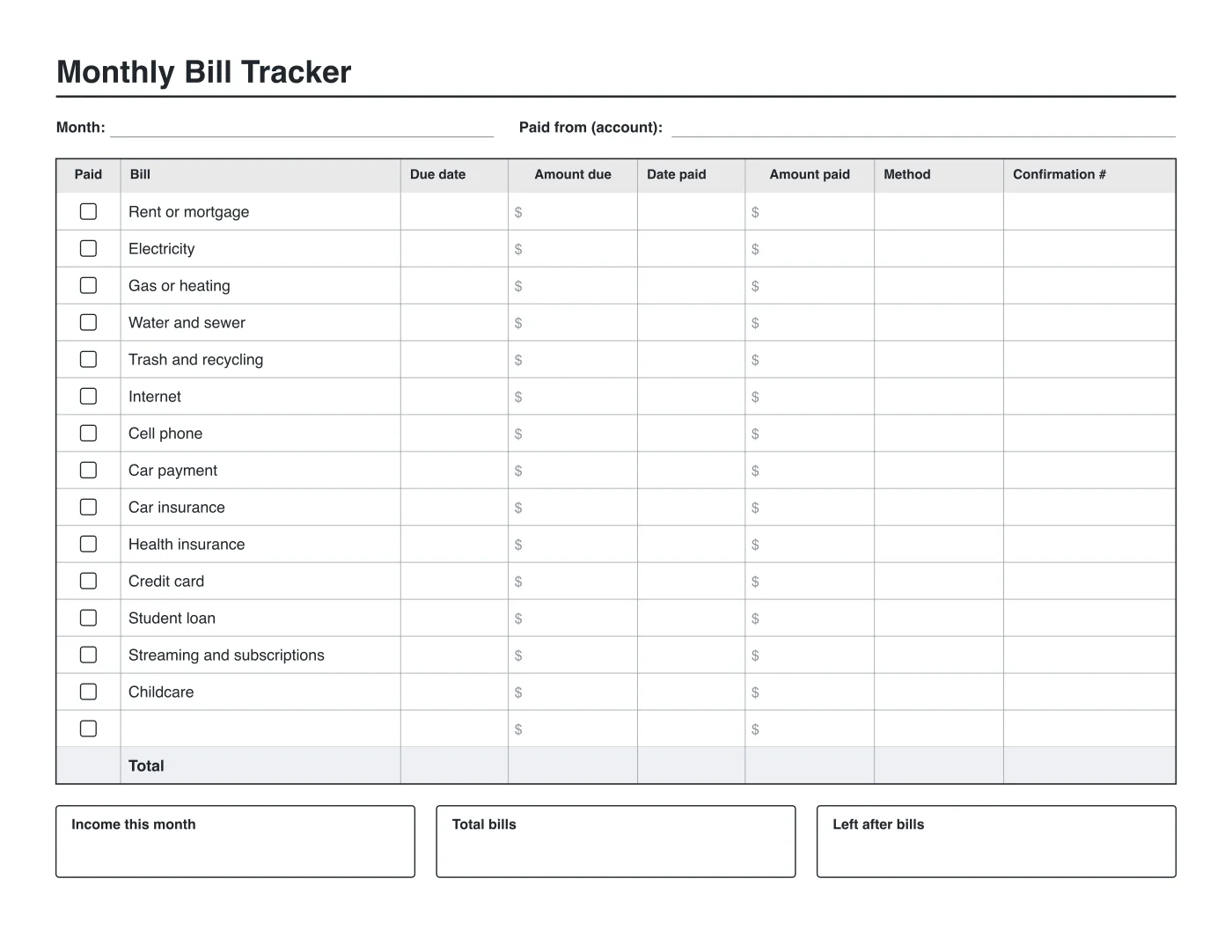
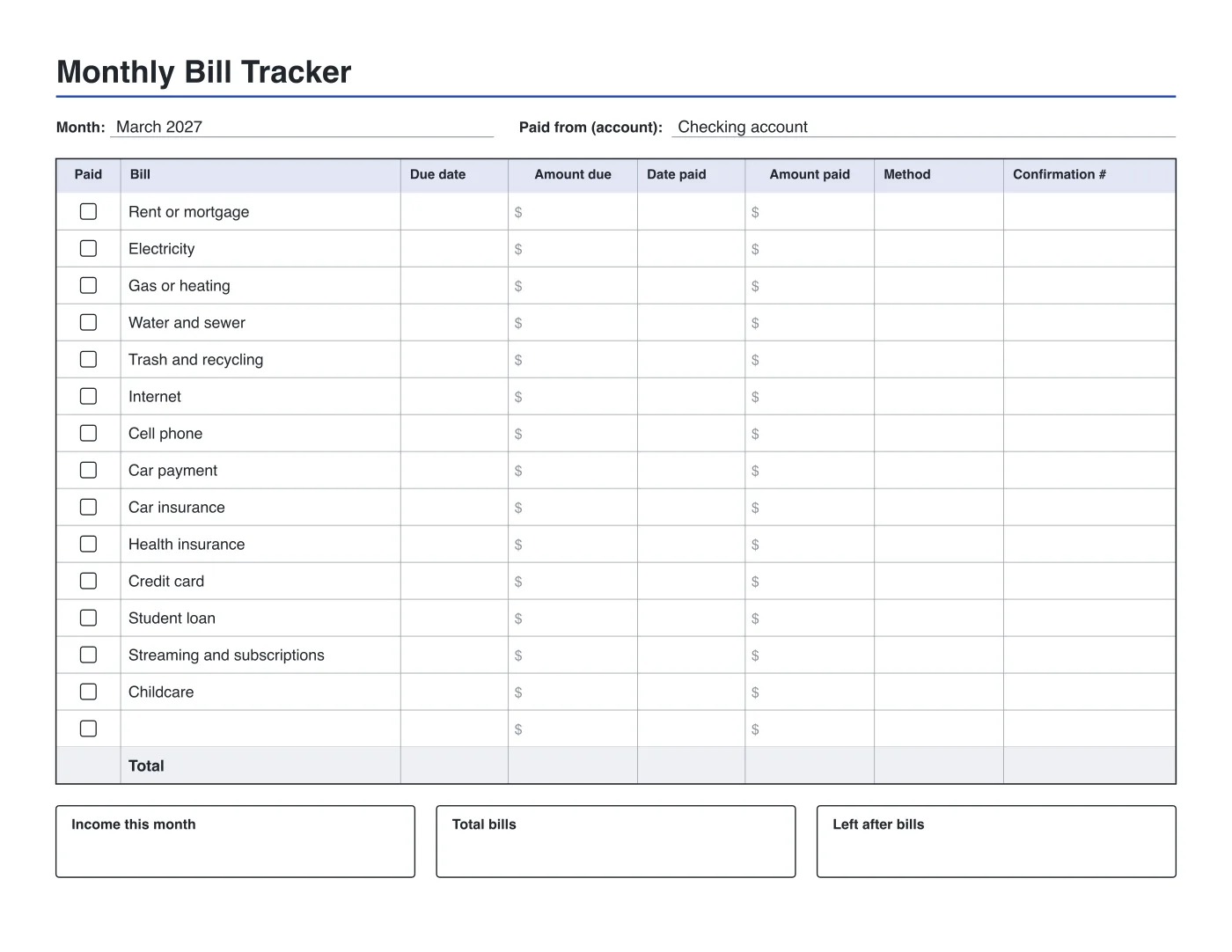
This bill tracker printable has two layouts. The monthly checklist is a landscape table with a Paid checkbox, the bill, its due date, the amount due, the date you paid, the amount paid, the payment method and a confirmation number, with a total row and boxes at the bottom for your income, total bills and what is left after bills. It is a simple monthly bill organizer you can keep in a binder with the statements.
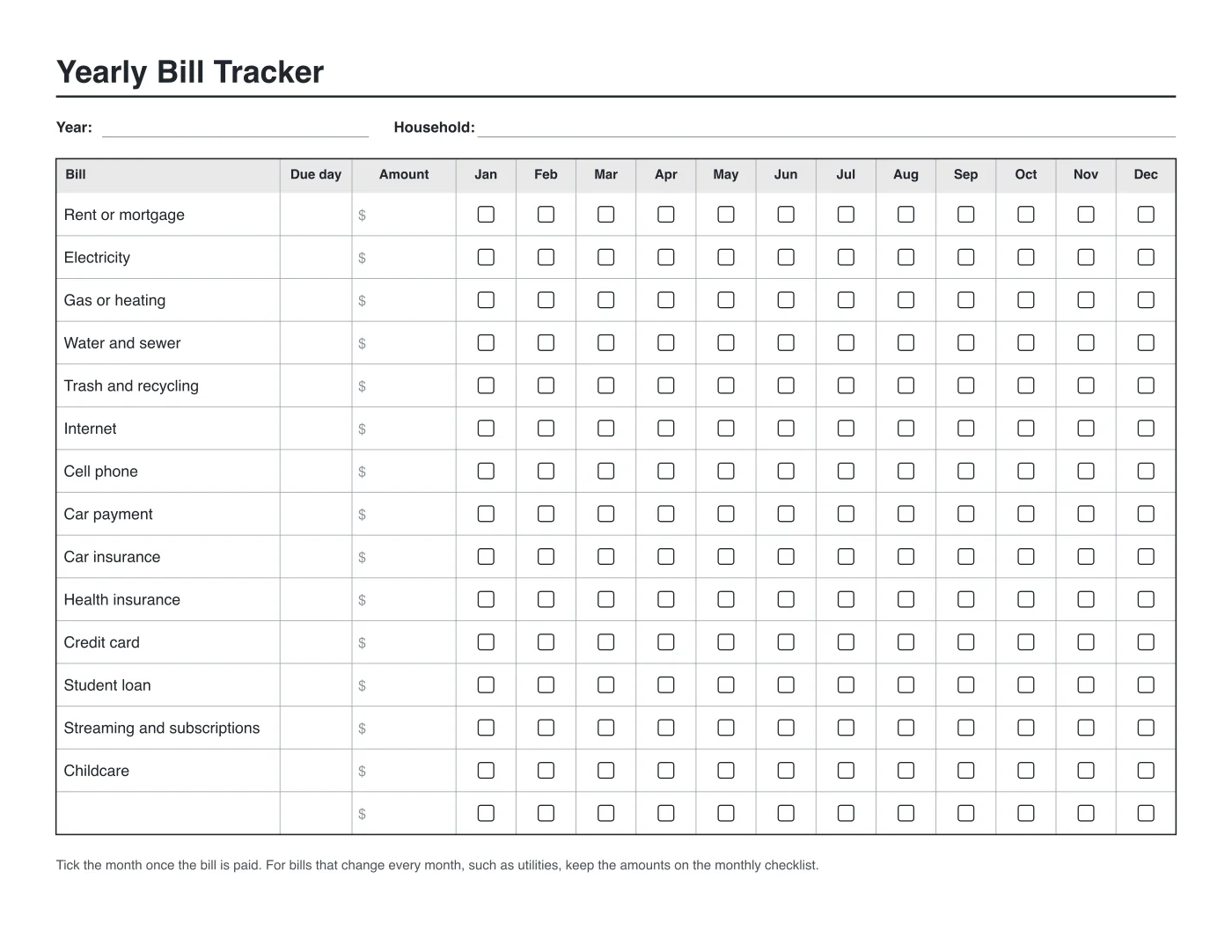
The 12-month overview lists the same bills with their due day and usual amount, followed by a checkbox for every month from January to December. Tick each month once the bill is paid and the whole year of payments fits on a single page, which makes a missed payment easy to spot.
Both layouts start with fourteen common household bills, from rent or mortgage, electricity and internet to car insurance, credit cards, student loans and subscriptions. Change the list to match your own bills, one per line, choose 10 to 20 rows, and download a PDF, PNG or editable Word file.
How to print your bill tracker printable
1. Pick a layout
The monthly checklist for details and confirmation numbers, or the 12-month overview for the whole year.
2. List your bills
Edit the suggested bills or clear them. Put them in due-date order so the list follows the month.
3. Fill in the header
Type the month or year and the account the bills are paid from, or leave the lines blank.
4. Track every payment
Tick each bill as you pay it and note the date, amount and confirmation number.
Monthly bill checklist or 12-month tracker?
| Layout | Columns | Use it to |
|---|---|---|
| Monthly checklist | Paid, bill, due date, amount due, date paid, amount paid, method, confirmation # | Record each payment in detail and total the month |
| 12-month overview | Bill, due day, amount, and a checkbox for January to December | See the whole year at a glance and spot missed months |
How to organize your bills
- Gather a recent statement for every bill and list them in due-date order, with the due day and the usual amount.
- Mark bills on autopay so you know to check the statement rather than pay by hand, and still tick them when they clear.
- Write down the confirmation number or check number for each payment. It is the fastest way to settle a dispute about a late or missing payment.
- Pick one or two days a month to sit down with the tracker, such as the 1st and the 15th, and pay everything due before the next date.
- Do not forget bills that come once or twice a year, such as car registration, insurance premiums or memberships; add them to the 12-month overview.
Bill tracker and budget
The boxes at the bottom of the monthly checklist turn it into a quick budget check: write your income for the month, total the bills and subtract to see what is left for groceries, gas, savings and everything else. If the number is smaller than you expected, the checklist shows exactly where the money goes.
If a bill is due on a date that does not match your pay schedule, many companies let you change the due date; ask your provider. Lining due dates up with paydays makes it easier to pay everything on time.