HOW TO USE IT
About the employment application form
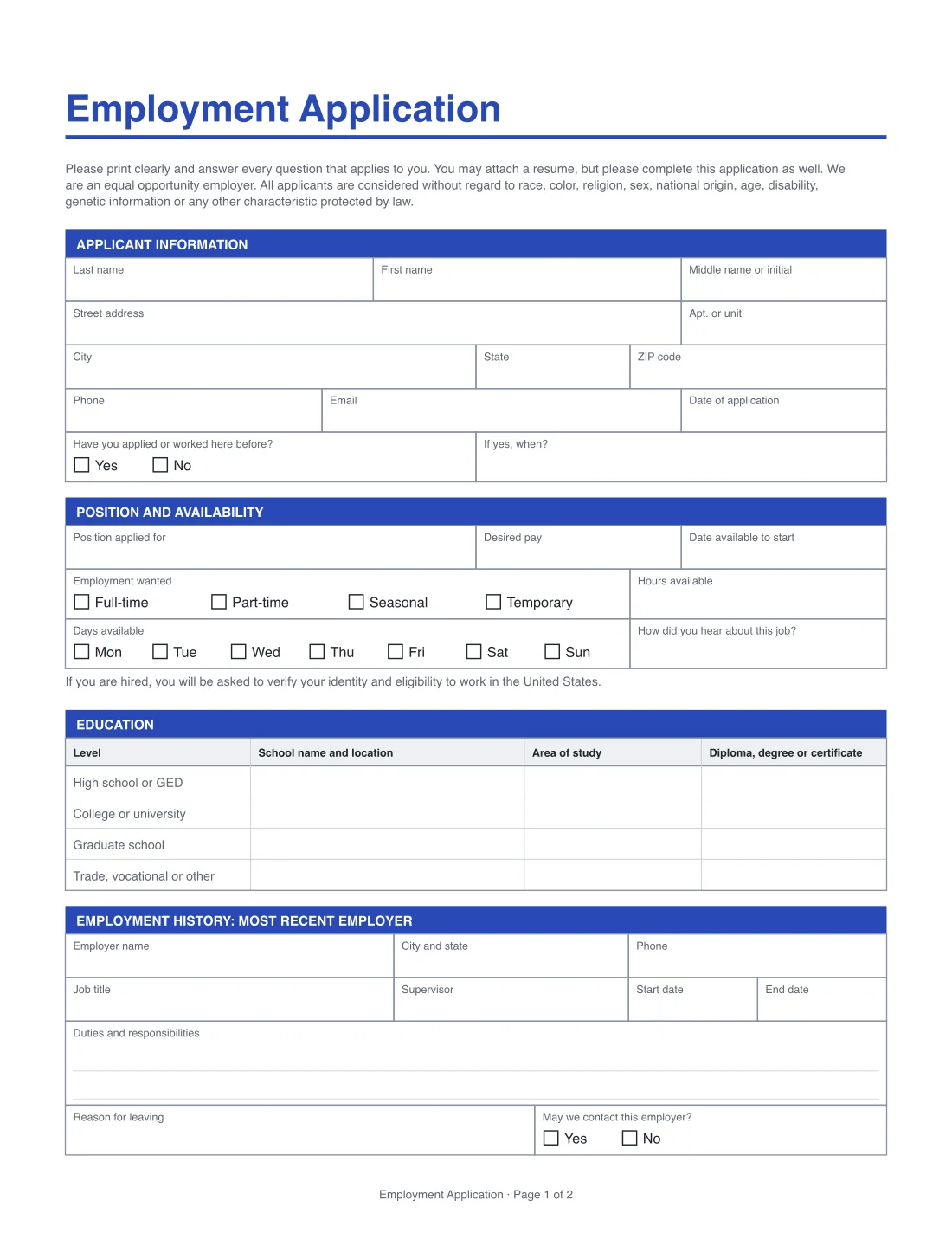
An employment application gives every candidate the same questions in the same order, so you can compare people fairly and keep a consistent record of who applied. A resume shows what a candidate wants to highlight; an application collects what you need to decide, such as availability, the days and hours someone can work, and permission to contact past employers.
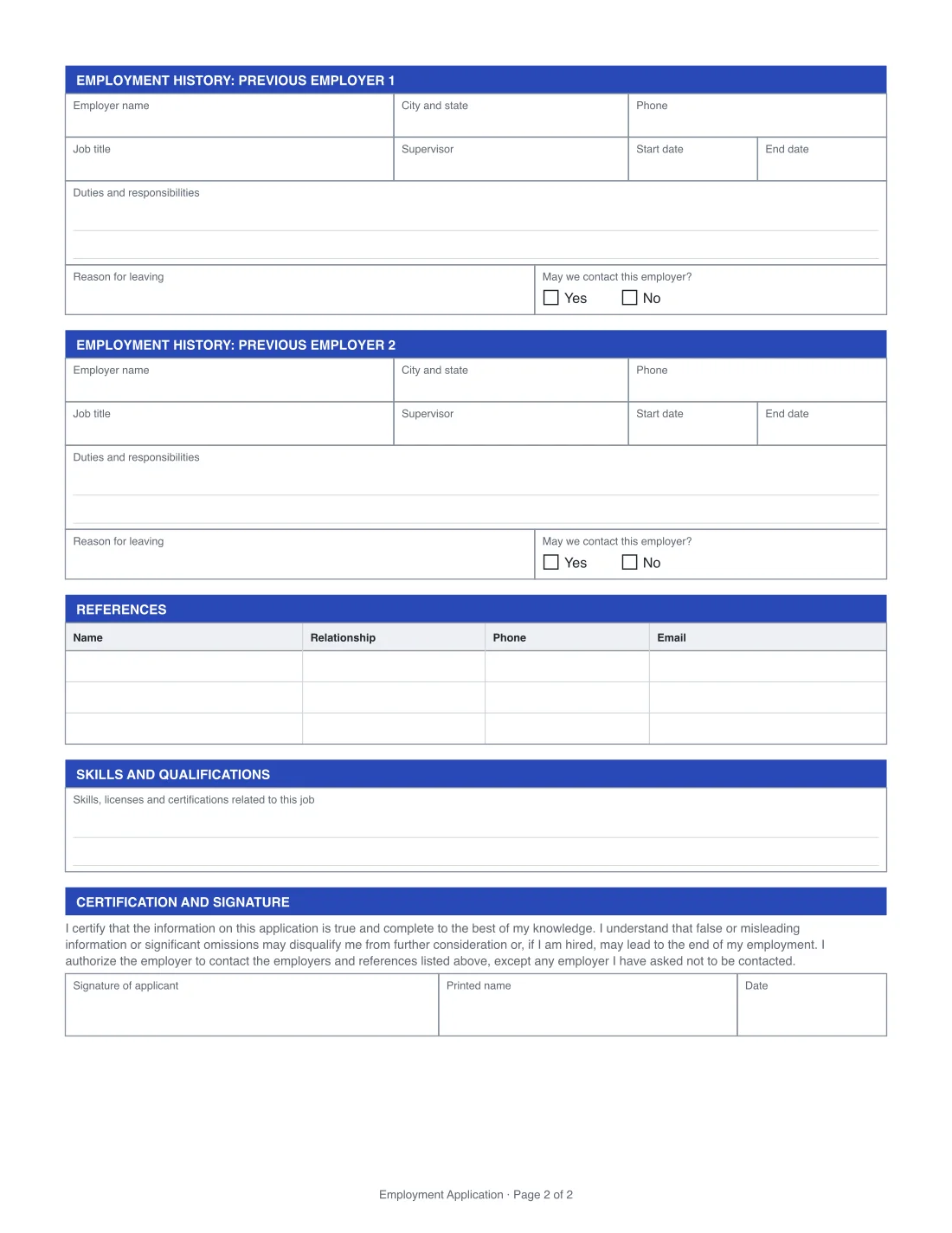
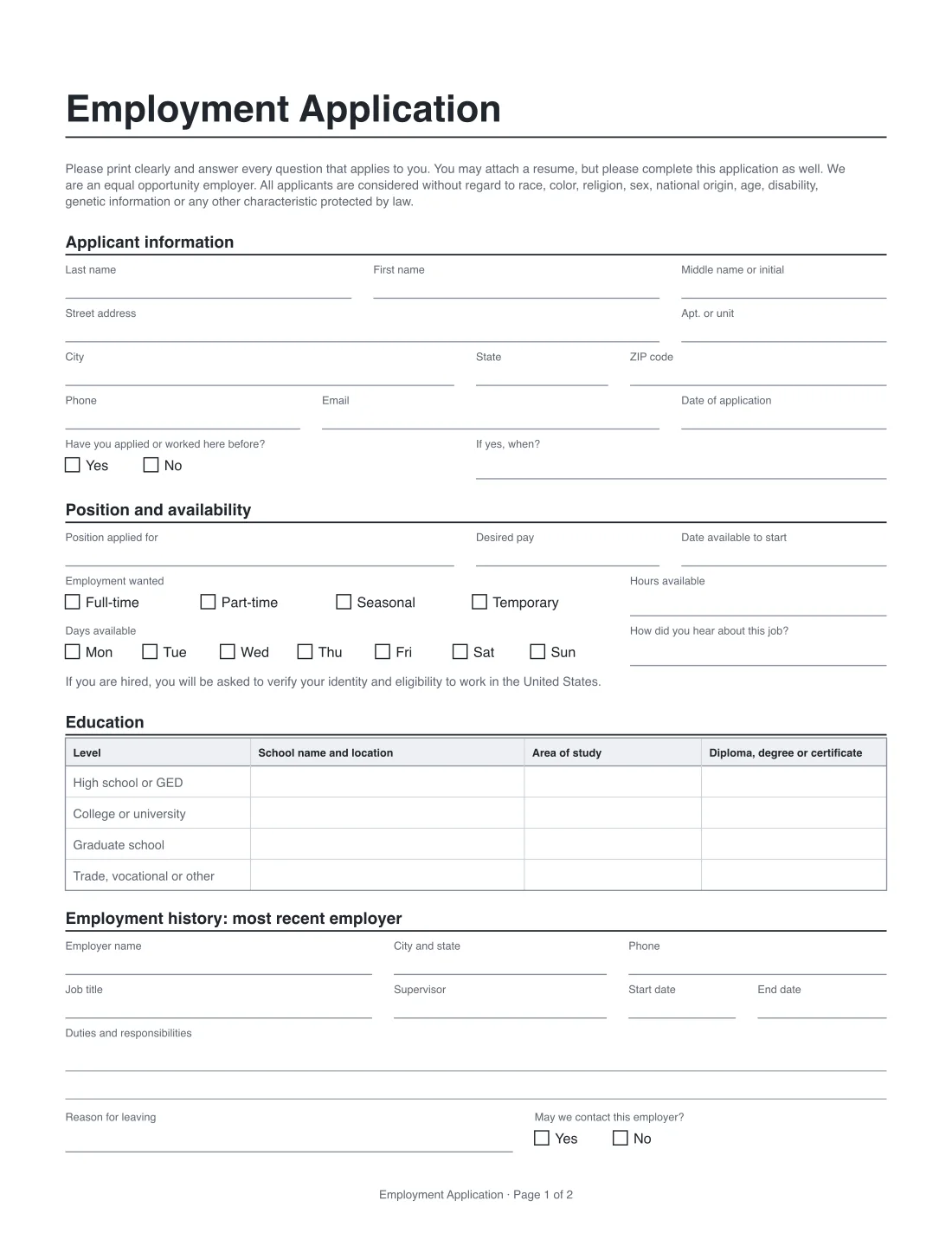
This form fits on two pages. Page one covers applicant information, the position and availability, education and the most recent employer. Page two has two more employers, three references, skills and licenses, and a certification the applicant signs and dates. It uses plain, general wording that works for retail, restaurants, offices, trades and nonprofits.
Type your company name to put it at the top, choose the classic boxed design or the clean-lines design, and download a PDF to print or an editable Word file. Applicants can also fill it in here and print or save it. Nothing typed on this page is uploaded.
How to print your employment application form
1. Add your company and pick a design
Type your business name for the header, choose Classic boxes or Clean lines and a color, and keep or remove the equal opportunity statement. US Letter is the default; A4 is available.
2. Print it blank or fill it in
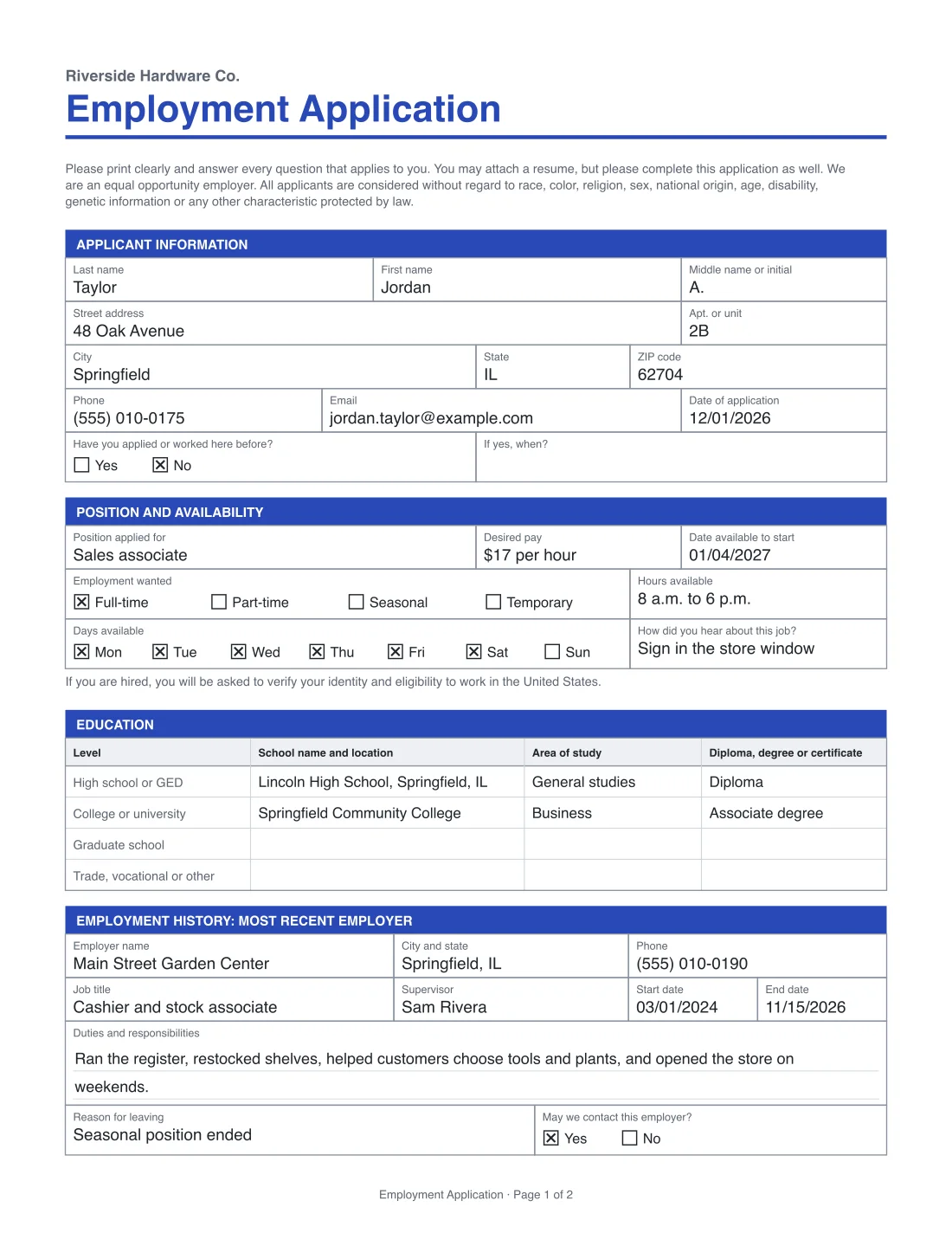
Leave every field empty to print a blank application for walk-in candidates, or fill it in on screen and download it. Checkboxes cover employment type, days available and whether you may contact each employer. Signatures stay blank so the applicant signs by hand.
3. Download Word or PDF
The PDF prints exactly as previewed. The Word file is laid out in tables with clickable checkboxes, so you can add questions that matter for your job, such as a driver's license for a delivery role, and save your own company version.
What this job application form covers
- Applicant information: name, address, phone, email, the date of application and whether the person applied or worked for you before.
- Position and availability: the job, desired pay, start date, full-time, part-time, seasonal or temporary work, days available, hours and how they heard about the job.
- Education: high school or GED, college, graduate school and trade or vocational training, with the school, area of study and diploma or degree. It does not ask for graduation years.
- Employment history for three employers: dates, job title, supervisor, duties, reason for leaving and whether you may contact them.
- References, skills and licenses related to the job, and a certification with signature, printed name and date.
Questions to leave off a job application
The US Equal Employment Opportunity Commission (EEOC) says pre-employment questions should be limited to what is needed to decide whether someone is qualified for the job. Questions that reveal race, color, religion, sex, national origin, age, disability or genetic information can be used as evidence of discrimination, so this form leaves them out. The EEOC also advises against asking for a photograph before an offer.
Employers may not ask disability-related questions or require medical exams before a conditional job offer. The EEOC says most employers should not ask whether an applicant is a US citizen before an offer either; instead, an application may state that everyone hired must verify identity and eligibility to work in the United States, which this form does. Form I-9 is completed after the person accepts the offer.
State and local rules go further in many places. Some states and cities restrict questions about criminal history until later in hiring, and federal agencies and contractors generally may not ask about a criminal record before a conditional offer. Some states and cities also limit questions about salary history. Before you add questions, check the EEOC's guidance on prohibited practices and your state labor department or fair employment agency.
Tips for using an employment application
- Use the same form for everyone who applies for the same job, and judge every candidate on the same job-related criteria.
- Pair it with a clear job description, so applicants know the duties, schedule and requirements before they apply.
- If you run background or credit checks, use the separate consent forms that federal and state law require; do not rely on the certification on this application.
- Keep completed applications confidential and stored securely. EEOC regulations require employers to keep personnel and employment records for one year, and other rules can require longer.
- When you hire, follow up with an offer letter, and for later requests from banks or landlords, an employment verification letter.