HOW TO USE IT
About the index card template
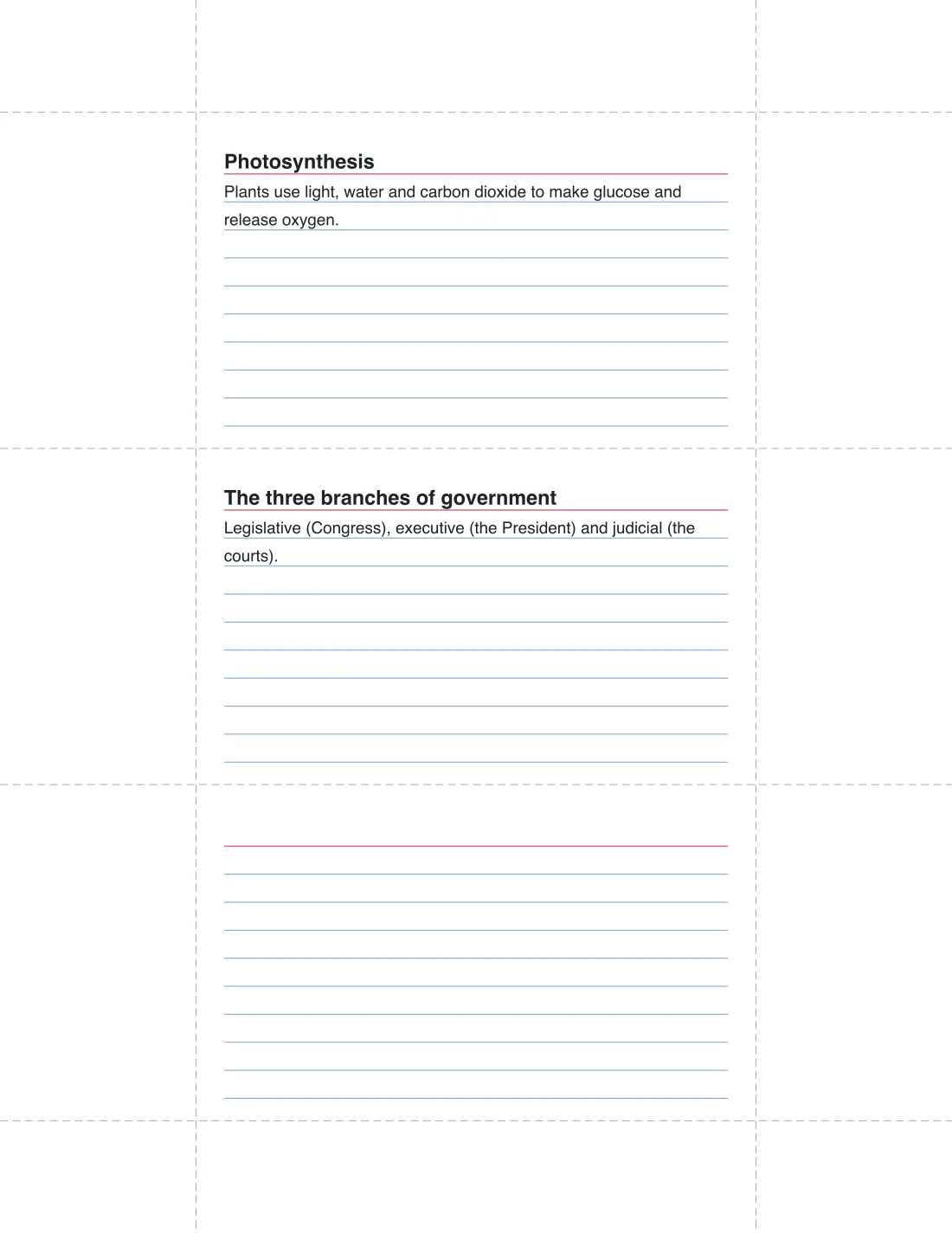
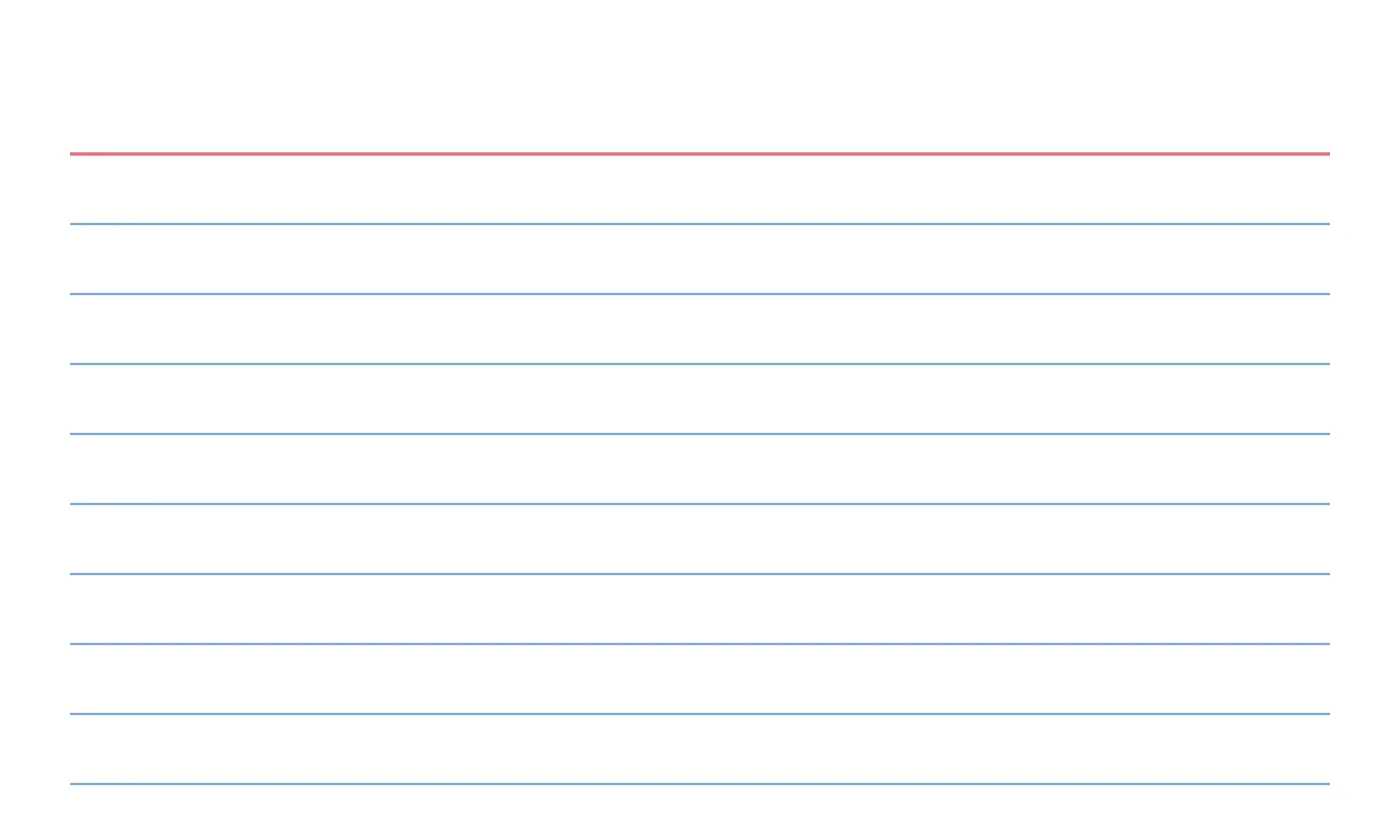
Index cards come in two common US sizes. The 3 x 5 inch card is the classic size for study notes, flash cards, speech notes and recipe boxes, and the 4 x 6 inch card gives more room for recipes and longer notes. This template draws both at their real size, with the lines a store-bought ruled card has: a red header line for the title and blue lines 1/4 inch apart below it.
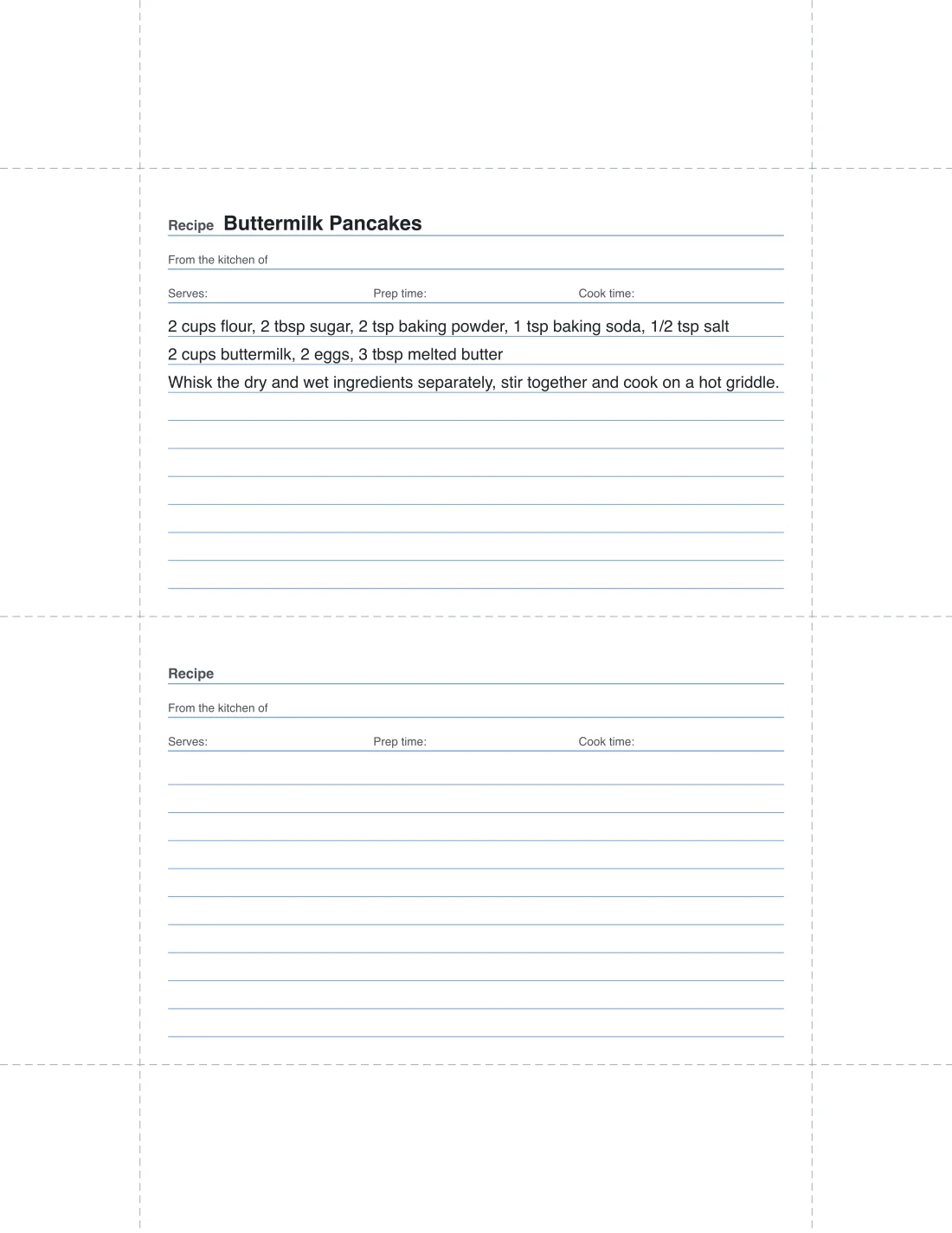
There are two ways to print. On a Letter sheet, three 3 x 5 cards (or two 4 x 6 cards) sit centered with dashed cut lines; print on card stock and cut them apart with scissors or a paper trimmer. The 3 x 5 layout puts the cards exactly where the three cards on a perforated index card sheet like Avery 5388 are, so you can turn the cut lines off and print on those sheets too. Or choose a card stock layout to get one page per card at exactly 3 x 5 or 4 x 6 inches and feed real index cards through your printer.
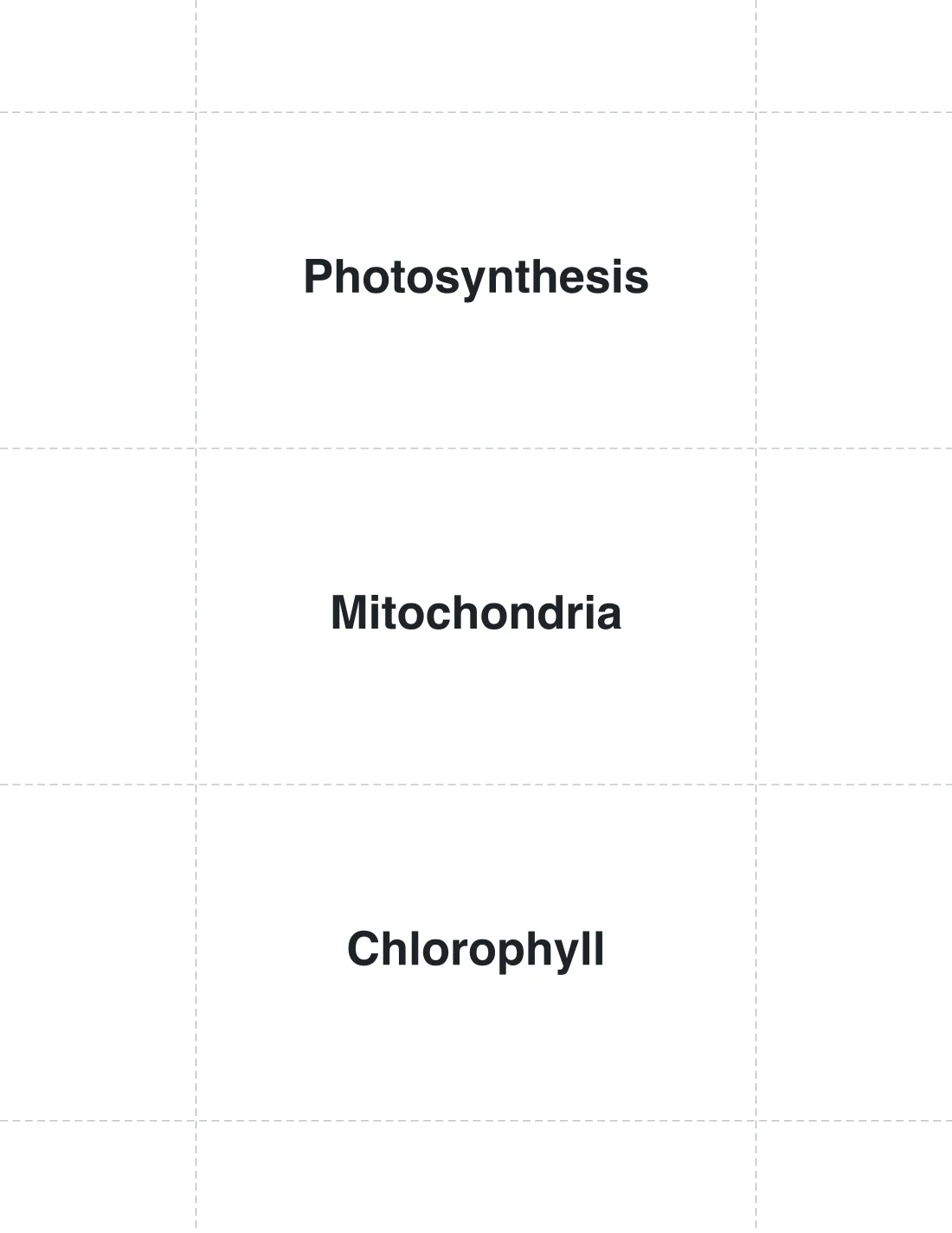
Typing is optional. Write one card per block, with the title on the first line, and the template puts the title on the header line and wraps the rest onto the ruled lines. On blank cards the text is centered in large type, which makes quick flash cards for vocabulary, math facts or presentations.
How to print your index card template
1. Choose the size and paper
Pick 3 x 5 or 4 x 6 inch cards on a Letter sheet, or one card per page to print straight onto index card stock.
2. Pick a style
Ruled cards for notes, blank cards for flash cards, grid cards for sketches and math, or recipe cards with fields for servings and times.
3. Type cards if you like
Leave a blank line between cards. The first line is the title; the rest goes on the lines. Or leave it empty and write by hand.
4. Print and cut
Print at "Actual size". On Letter sheets, cut along the dashed lines. On card stock, follow the printer settings below.
Index card sizes and layouts
Every layout prints at true size. Cards on a Letter sheet are centered, so the cut lines are the same on every sheet.
| Layout | Card size | Cards per page | Page |
|---|---|---|---|
| 3 x 5 on Letter | 3 x 5 in | 3 | US Letter, cards 1-3/4 in from the sides and 1 in from top and bottom |
| 4 x 6 on Letter | 4 x 6 in | 2 | US Letter, cards 1-1/4 in from the sides and 1-1/2 in from top and bottom |
| 3 x 5 card stock | 3 x 5 in | 1 | A page of exactly 5 x 3 in |
| 4 x 6 card stock | 4 x 6 in | 1 | A page of exactly 6 x 4 in |
Printing directly on 3 x 5 or 4 x 6 index cards
Many inkjet and laser printers can feed index cards, but they need the right settings. The card stock layouts make a PDF whose pages are exactly the size of the card, so nothing has to be scaled.
- In the print dialog, set the paper size to 3 x 5 in or 4 x 6 in. Many printers list it as "Index Card"; otherwise create a custom size.
- Set the scale to "Actual size" or 100%, and choose a card stock or heavy paper type so the printer slows down and uses the right heat or ink.
- Load the cards in the rear slot, manual feed or photo tray, as your printer's manual shows for small media, with the side to print facing the way the tray diagram shows.
- Lines stay 1/4 inch from the edges because most printers cannot print to the edge of a card.
- Test with one card first. If the printer will not take cards, print three to a Letter sheet instead and cut them out.
Ruled, blank, grid and recipe cards
Ruled cards copy the classic index card: a red line for the title and blue lines 1/4 inch apart, nine lines on a 3 x 5 card. They are the right choice for study notes, research notes, speech cards and to-do lists.
Blank cards are for flash cards, place cards, quick labels and drawings. Type a word or question and it prints large in the middle of the card; write the answer on the back by hand.
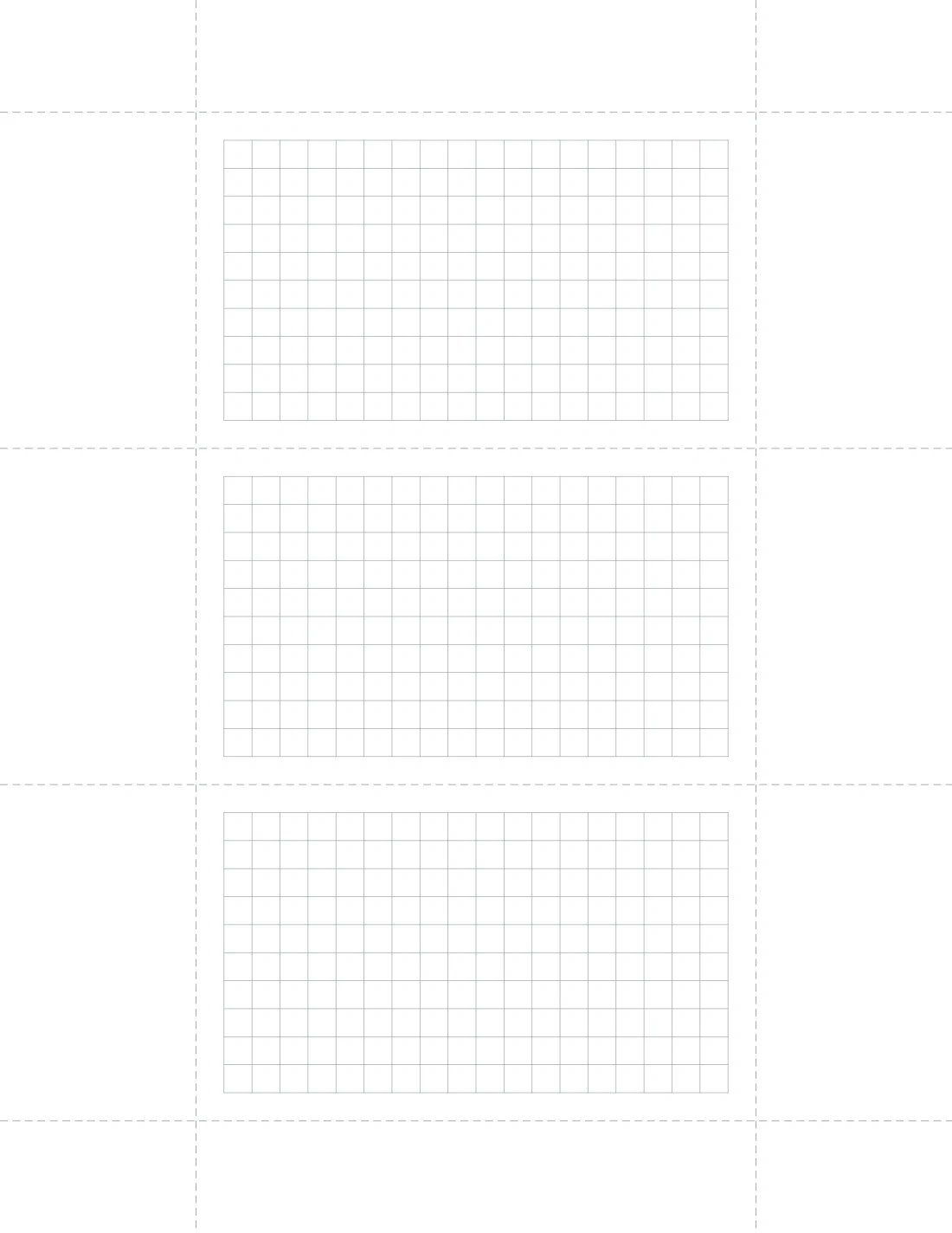
Grid cards have 1/4 inch squares, handy for math facts, small charts, knitting and cross-stitch notes, or floor plan sketches.
Recipe cards have a line for the recipe name, a "From the kitchen of" line, fields for servings, prep time and cook time, and lines for ingredients and steps. The 4 x 6 size fits most recipe boxes; 3 x 5 boxes take the smaller card.
Using the Word index card template
The Word file matches the PDF: a fixed table of cards with exact 3 or 4 inch rows on a Letter page, or one page per card for card stock. Each line on a card is a paragraph with a line under it, so you can click on a line and type. Ruled, blank and recipe cards come as Word files; grid cards are PDF only. Google Docs can open the Word file, but it may not keep the exact sizes, so print the PDF when the cards must line up.