HOW TO USE IT
About the sign in sheet template
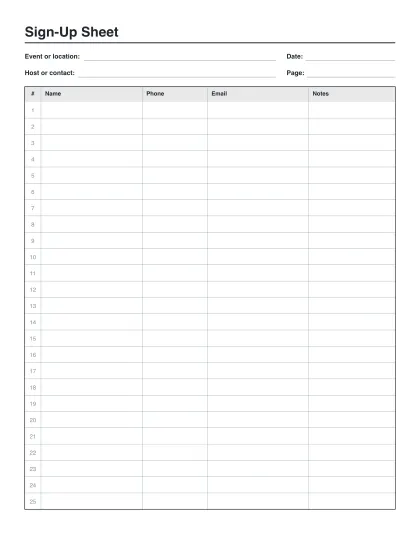
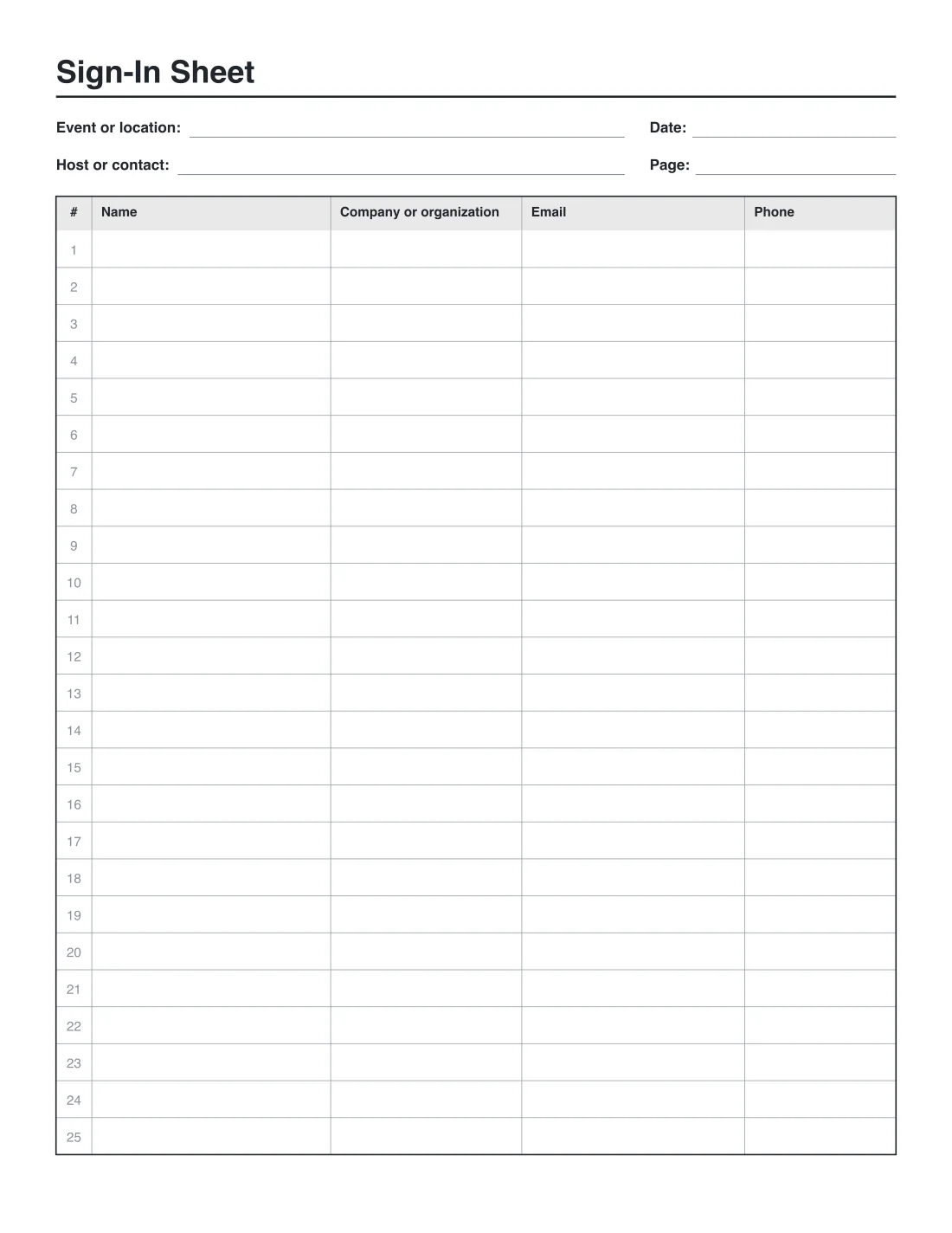
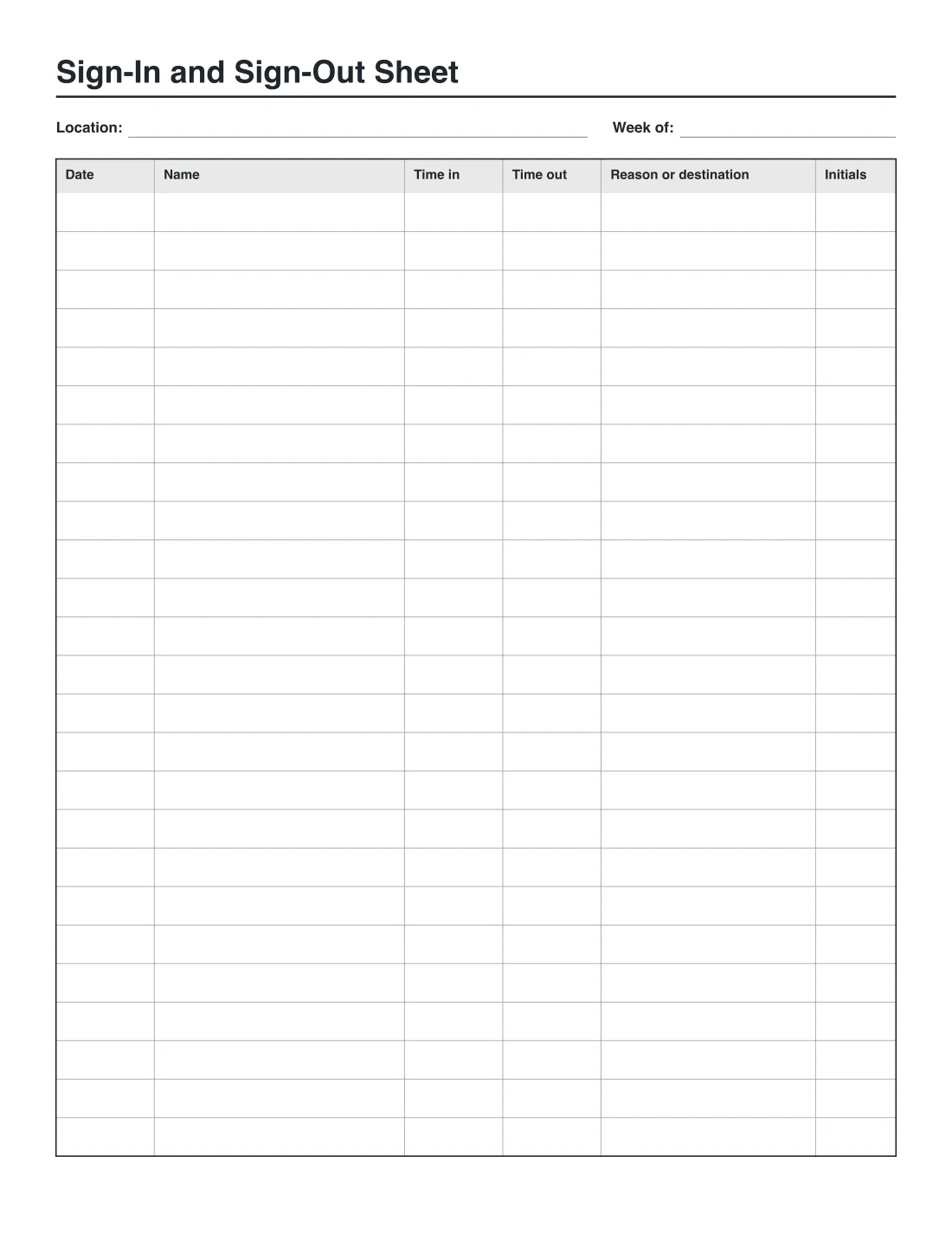
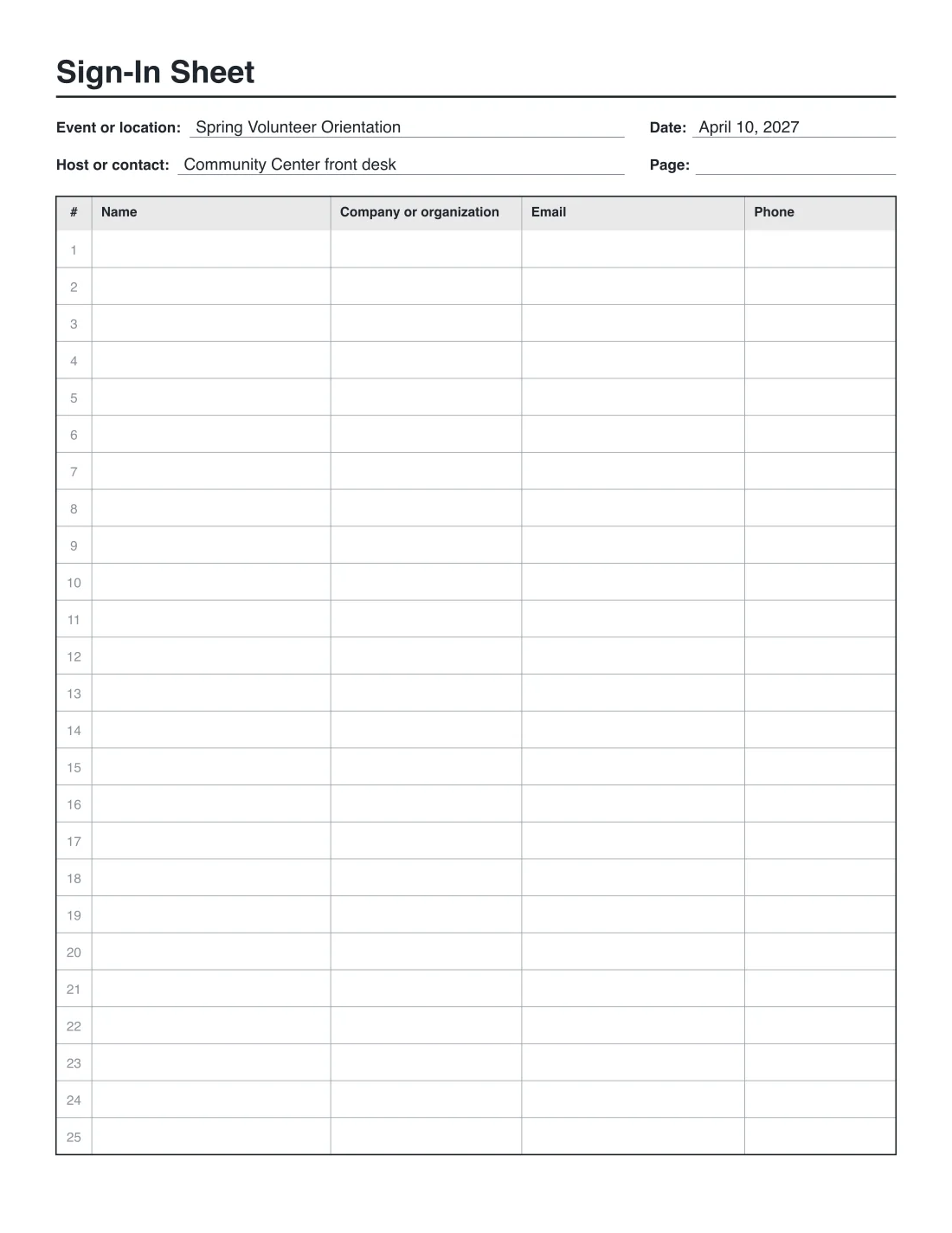
Every sign-in sheet on this page has a clear title, header lines for the event or location, date and host, and evenly spaced rows that fill the page. The general sign-in sheet numbers each row and collects name, company or organization, email and phone. The sign in and out sheet adds date, time in, time out, a reason or destination and initials, which suits offices, clinics, labs, volunteer shifts and after-school pickup.
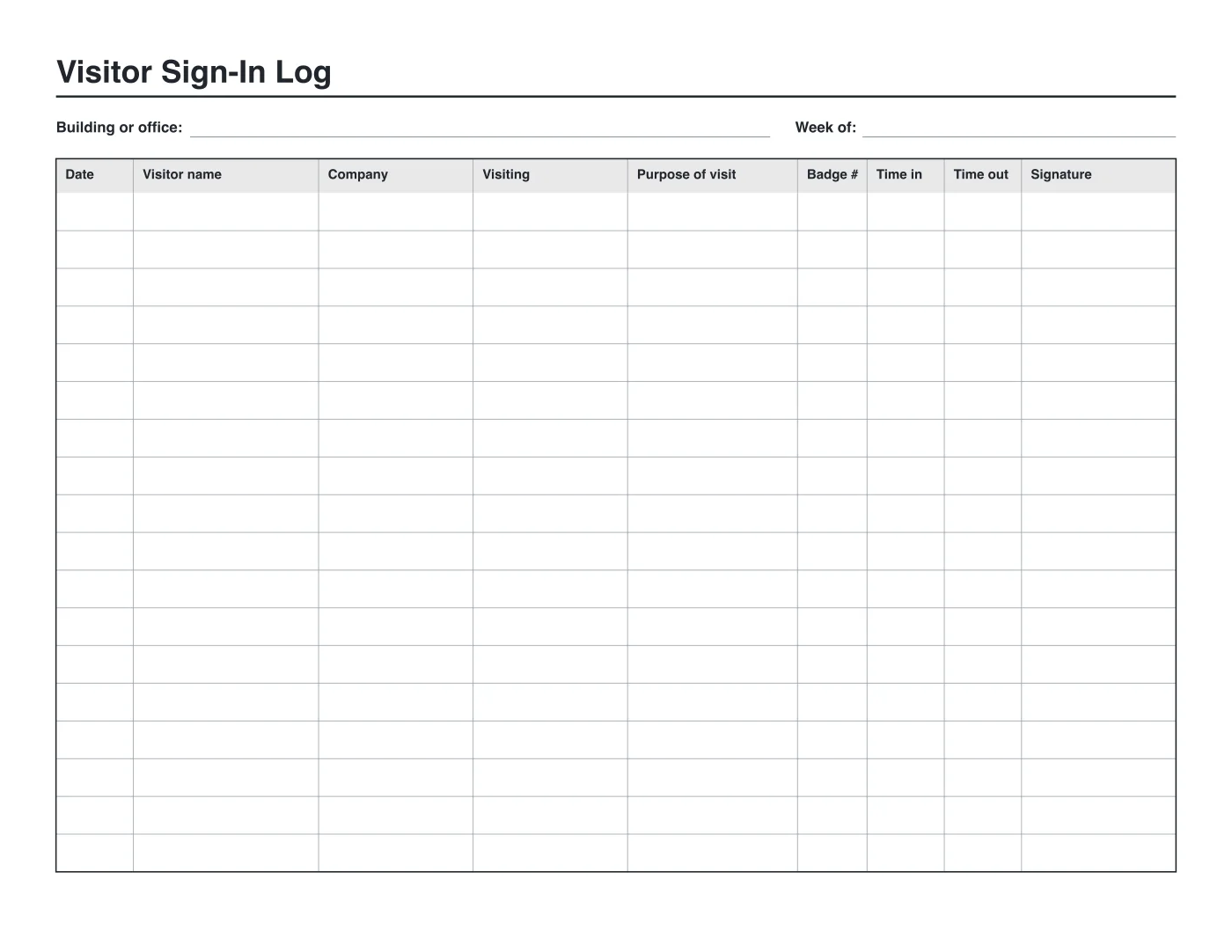
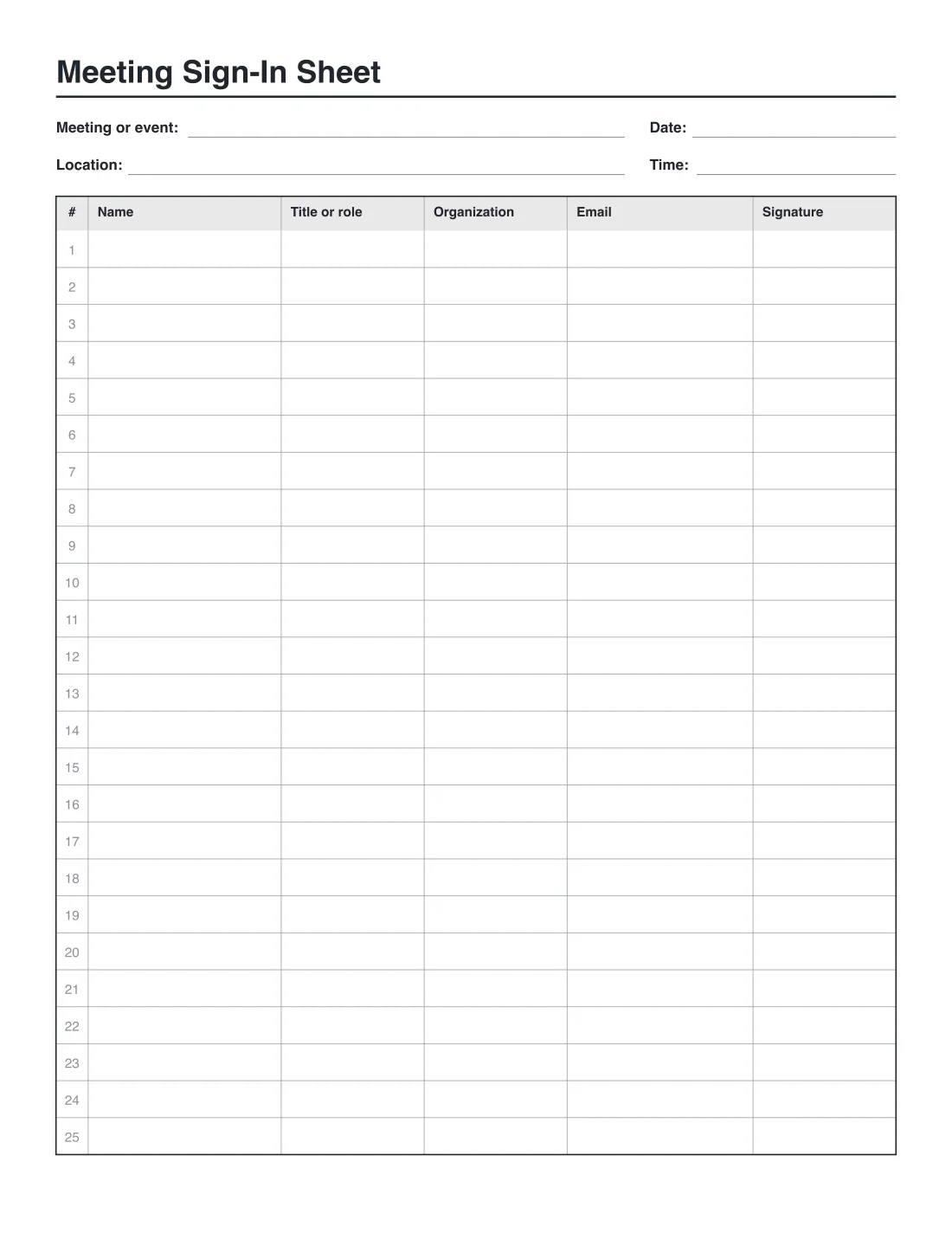
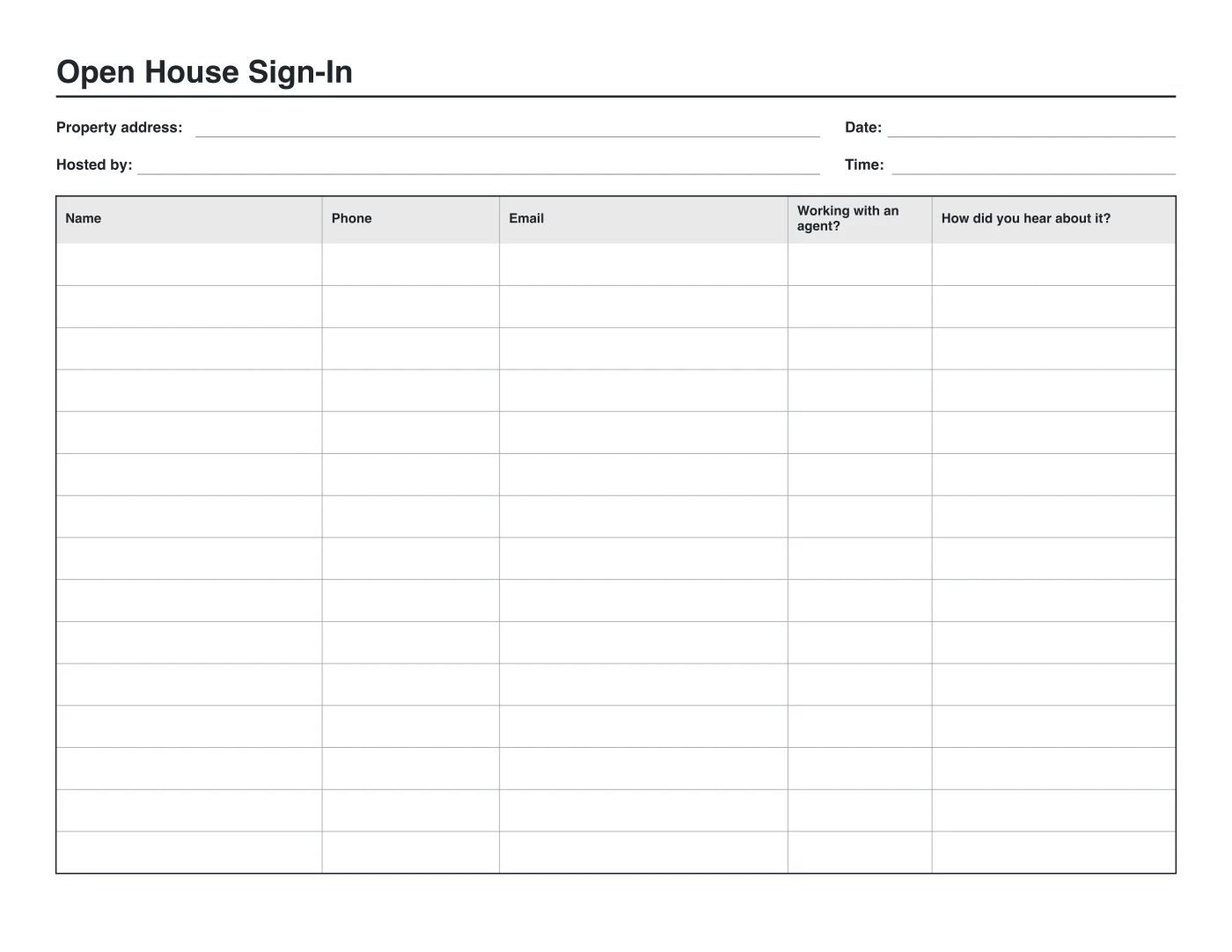
The visitor log is a landscape sheet for front desks and reception areas: visitor name, company, who they are visiting, purpose, badge number, time in, time out and signature. The meeting sign-in sheet records name, title, organization, email and a signature, and the open house sheet asks visitors for their phone, email, whether they work with an agent and how they heard about the property.
Choose 15 to 30 rows per page, switch between Letter and A4 or portrait and landscape, and type the event name, date and host so they print in the header. Need to change the columns? Download the Word version, which is a real table you can edit in Microsoft Word or Google Docs.
How to print your sign in sheet template
1. Pick a layout
General sign-in, sign in and out, visitor log, meeting sign-in or open house.
2. Fill in the header
Type the event or location, date and host, or leave them blank to write on each copy.
3. Set rows and paper
Choose how many rows fit on a page, Letter or A4, and portrait or landscape.
4. Download and print
Download the PDF to print at 100%, a PNG, or the Word file to edit the columns. Print as many copies as you need.
Which sign-in sheet do you need?
| Layout | Columns | Use it for |
|---|---|---|
| General sign-in | #, name, company or organization, email, phone | Workshops, classes, trainings, church and club events |
| Sign in and out | Date, name, time in, time out, reason or destination, initials | Offices, labs, volunteers, students leaving class, equipment rooms |
| Visitor log | Date, visitor, company, visiting, purpose, badge #, time in, time out, signature | Reception desks, schools, construction sites, secure buildings |
| Meeting sign-in | #, name, title or role, organization, email, signature | Board meetings, HOA meetings, public hearings, conferences |
| Open house | Name, phone, email, working with an agent, how they heard about it | Real estate open houses and model homes |
Tips for a sign-in sheet people actually fill in
- Put the sheet on a clipboard with a pen attached, right at the door, so nobody walks past it.
- Fill in the event name and date before you print. A stack of sheets without a date is hard to sort later.
- Ask only for what you will use. Fewer columns mean faster sign-in and less personal data to protect.
- For sign in and out, keep a clock in view so times are consistent, and check the sheet at the end of the day for anyone who did not sign out.
- Store completed sheets securely and shred them when you no longer need them, because they contain names, emails and phone numbers.
Using a sign-in sheet as an attendance record
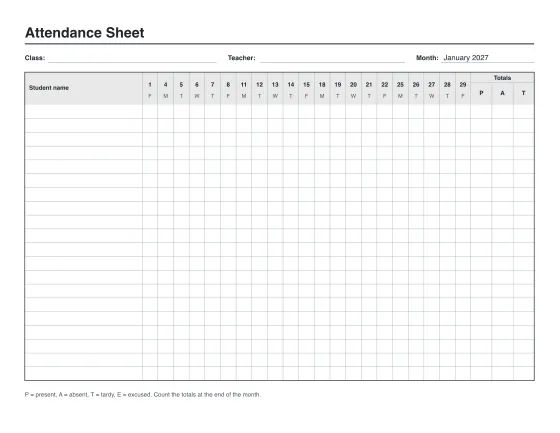
A sign-in sheet is often the simplest proof of who attended a training, meeting or volunteer shift. The numbered rows make it easy to count attendees, and the signature column on the meeting and visitor layouts shows that each person signed in themselves. For recurring classes or staff, the monthly attendance sheet on this site tracks the same people day by day instead.