HOW TO USE IT
About the timesheet template
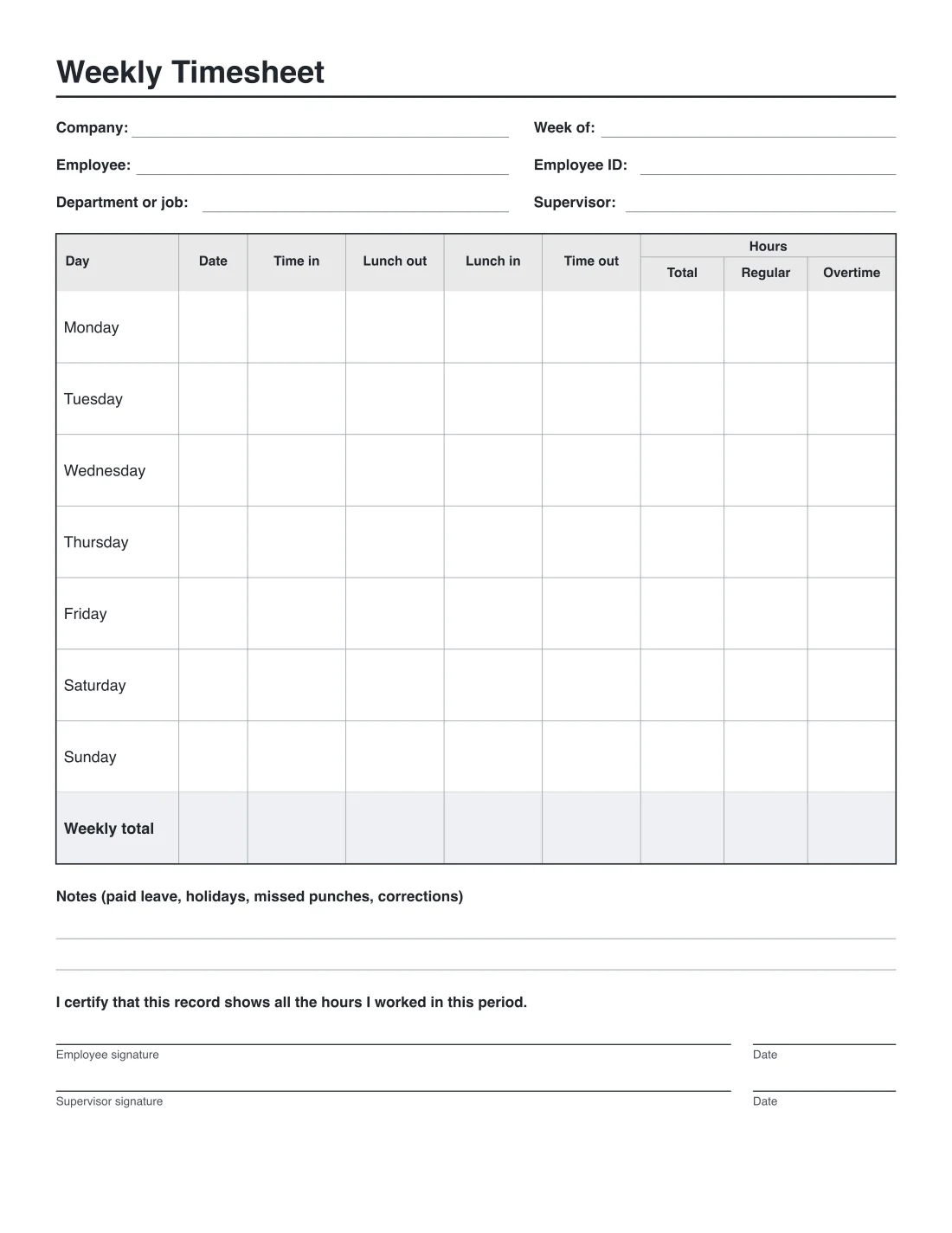
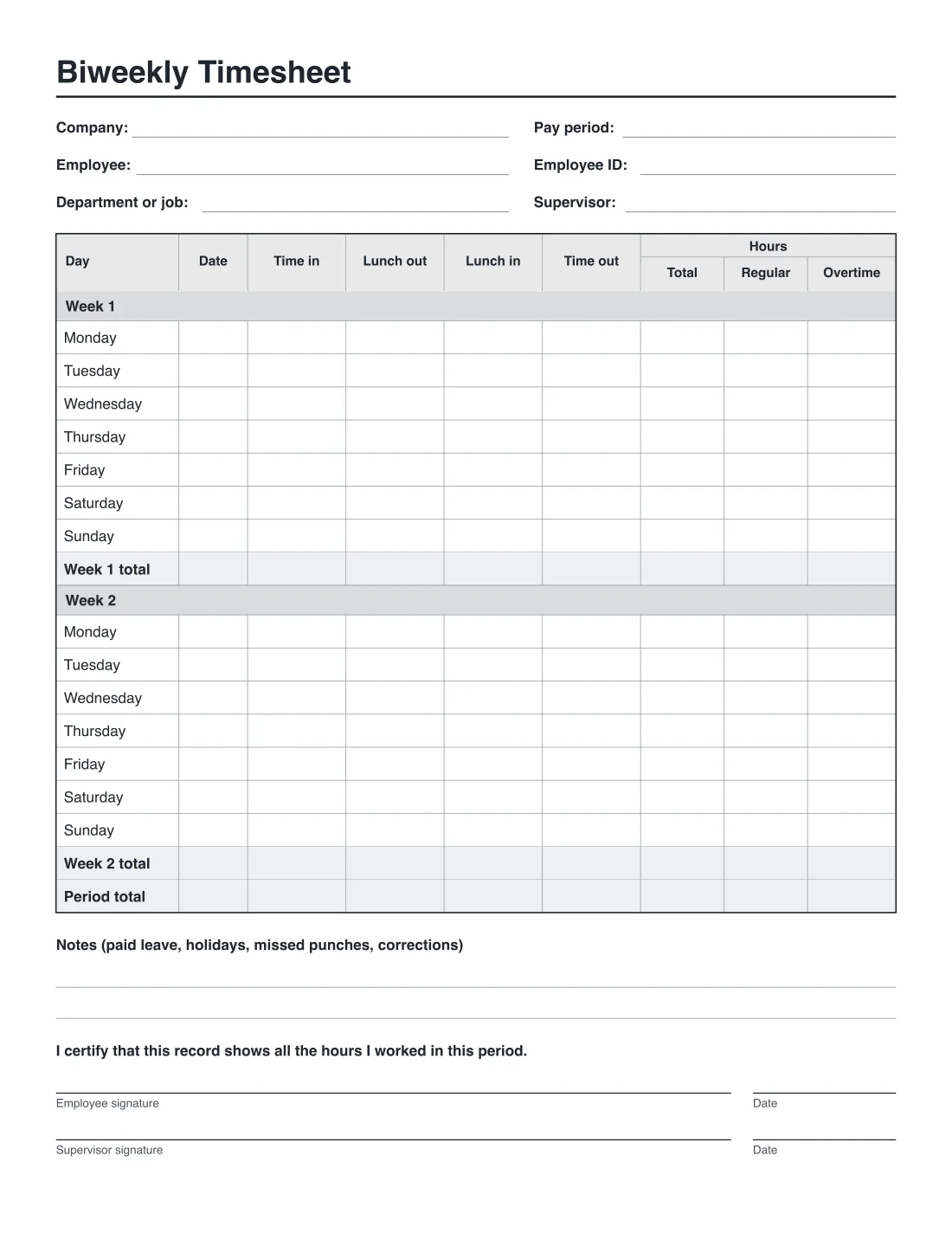
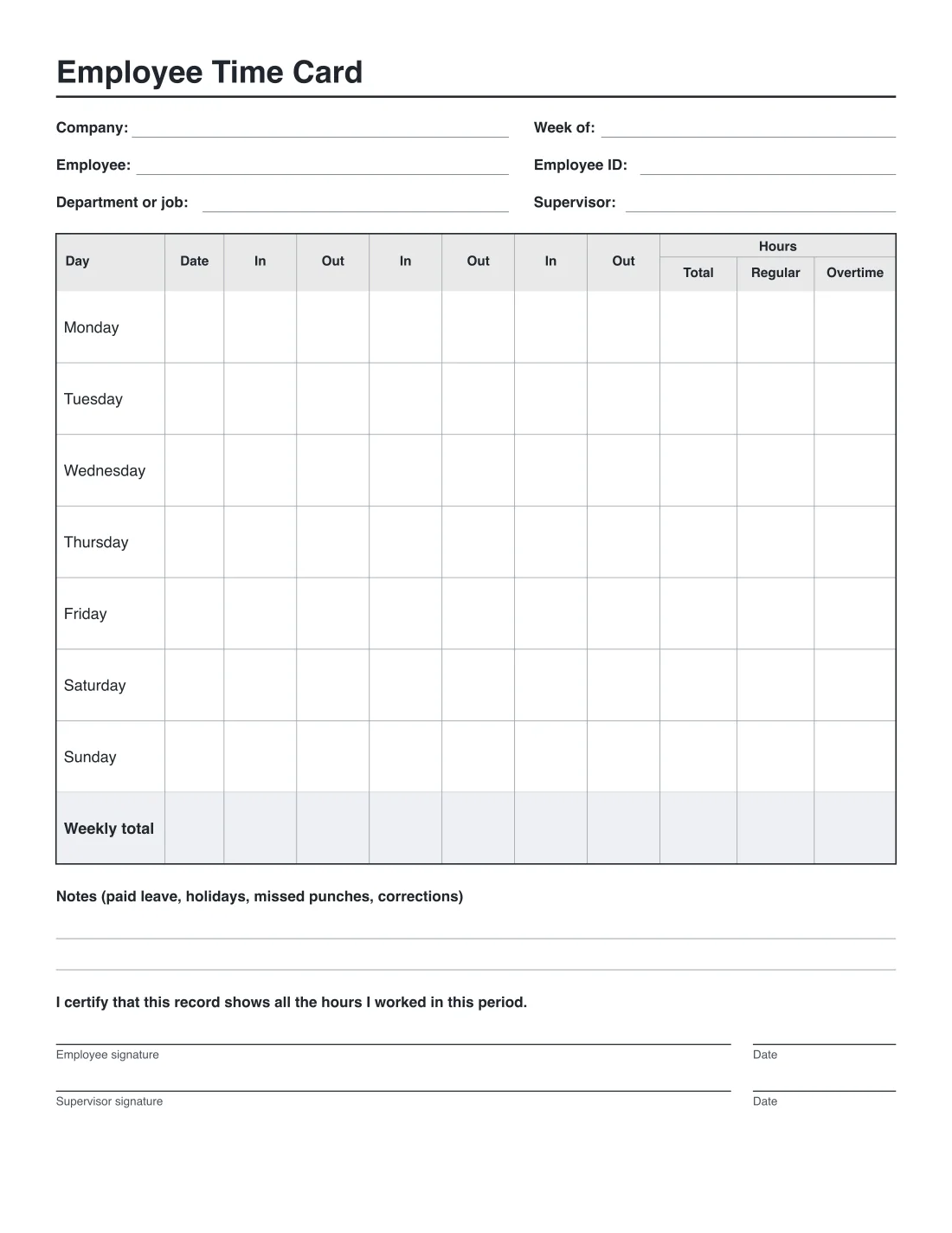
Each layout has a header for the company, the employee, the employee ID, the department or job and the supervisor, plus the week or pay period. The table has one row for each day with the day name and date, then the clock times: time in, lunch out, lunch in and time out on the timesheets, or three in and out pairs on the time card for split shifts and extra breaks. The last three columns hold the total hours for the day, the regular hours and the overtime hours, and a total row adds each week up.
Pick the first day of the week or pay period and every row gets its date, with the date range printed in the header. Then type the times for each day. The page pairs the times in order, so in and out, then back in and out again, and works out the hours to the exact minute. You can show hours as decimals, such as 8.25 for eight and a quarter hours, which most payroll systems expect, or as hours and minutes, such as 8:15.
Under the table there are lines for notes, such as paid leave, a holiday or a missed punch, and signature and date lines for the employee and the supervisor. Download a PDF to print, a PNG image, or the Word version to keep editing the table. Nothing you type is uploaded; the files are made in your browser.
How to print your timesheet template
1. Choose the layout
Weekly timesheet, biweekly timesheet for a two-week pay period, or a time card with three in and out pairs per day.
2. Set the period
Pick the first day of the week or pay period to print the dates, or choose the weekday your workweek starts on and leave the dates blank.
3. Enter the times (optional)
Type the employee details and each day's times. Daily totals, weekly totals and the regular and overtime split are worked out as you type.
4. Print, sign and keep
Download the PDF, PNG or Word file. The employee and supervisor sign, and the employer keeps it with its payroll records.
Weekly timesheet, biweekly timesheet or time card?
A timesheet and a time card record the same thing: the hours an employee worked. "Time card" usually means one card per employee per week with in and out punches, the kind that goes in a time clock rack, while "timesheet" is the broader name. Both are on this page, so pick the layout that matches how your team records time.
| Layout | Days per sheet | Times per day | Best for |
|---|---|---|---|
| Weekly timesheet | 7 days, or Monday to Friday | Time in, lunch out, lunch in, time out | Weekly pay, or one sheet per week |
| Biweekly timesheet | 14 days in two separate weeks | Time in, lunch out, lunch in, time out | Every-other-week payroll |
| Time card | 7 days, or Monday to Friday | Three in and out pairs | Split shifts, several breaks, punch-style records |
How the hours are calculated
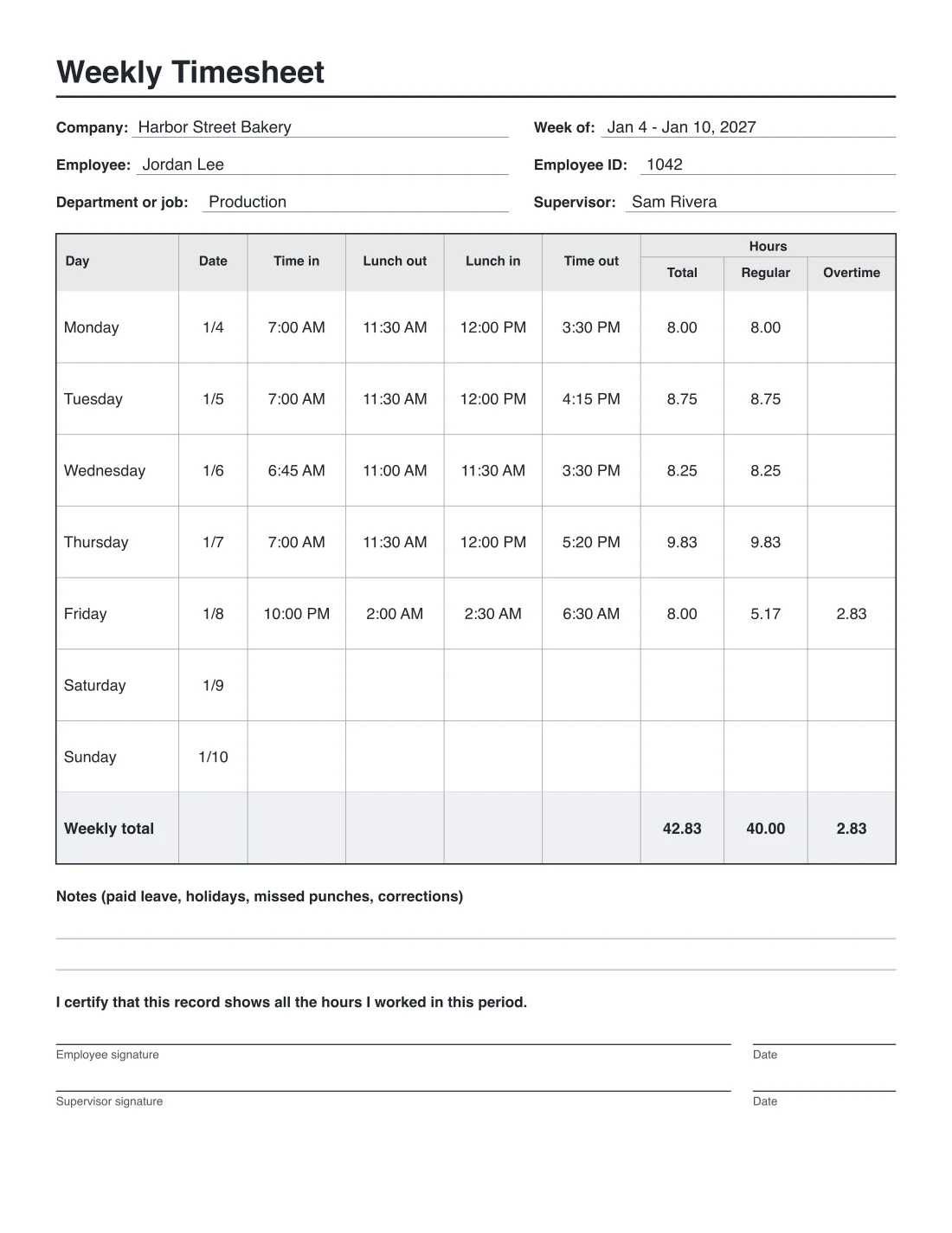
Each pair of times is counted from the first time to the second, and the pairs are added together, so the unpaid lunch between them is left out. On Tuesday, 7:00 to 11:30 is 4.5 hours and 12:00 to 4:15 is 4.25 hours, 8.75 hours in all. A shift that ends after midnight, like Friday's 10:00 PM to 6:30 AM, is counted on the day it started.
Hours are worked out to the exact minute. Decimal hours are rounded to two places only when they are printed, so 5 hours 20 minutes shows as 5.33, and the weekly total adds the exact minutes before rounding. Once the week passes 40 hours, the remaining hours of that day and every later day in the same workweek go in the overtime column: on Friday, 5.17 hours bring the week to exactly 40.00 and the last 2.83 hours are overtime. If you do not want the split, choose to leave the regular and overtime columns blank and fill them in by hand.
Some states also require overtime after a set number of hours in a day. If that applies to you, or your company pays it, turn on daily overtime and enter the hours per day (8 unless you change it). Hours past that limit each day go in the overtime column. The rest of each day still counts toward 40 hours for the week, day by day in order, and once those hours pass 40 the remaining ones are overtime too. No hour is counted twice, so hours that are already daily overtime do not count toward the 40. With an 8-hour daily limit, five 10-hour days give 40 regular and 10 overtime hours, not 20, and six 8-hour days give 40 regular hours and 8 overtime hours on the sixth day. Your state labor office can tell you whether daily overtime applies and how it must be paid.
| Day | In | Lunch out | Lunch in | Out | Total | Regular | Overtime |
|---|---|---|---|---|---|---|---|
| Monday | 7:00 AM | 11:30 AM | 12:00 PM | 3:30 PM | 8.00 | 8.00 | |
| Tuesday | 7:00 AM | 11:30 AM | 12:00 PM | 4:15 PM | 8.75 | 8.75 | |
| Wednesday | 6:45 AM | 11:00 AM | 11:30 AM | 3:30 PM | 8.25 | 8.25 | |
| Thursday | 7:00 AM | 11:30 AM | 12:00 PM | 5:20 PM | 9.83 | 9.83 | |
| Friday | 10:00 PM | 2:00 AM | 2:30 AM | 6:30 AM | 8.00 | 5.17 | 2.83 |
| Weekly total | 42.83 | 40.00 | 2.83 |
What the federal recordkeeping rules say
- The Fair Labor Standards Act requires no particular form for time records. Employers may use a time clock, have workers write in their own times, or use any other method, as long as the records are complete and accurate (DOL Fact Sheet #21).
- For nonexempt workers, the employer's records include the hours worked each day, the total hours worked each workweek, and the time and day of the week when the employee's workweek begins (Fact Sheet #21).
- Payroll records are kept for at least three years. Time cards and other records used to compute wages should be kept for two years (Fact Sheet #21).
- Unless an exemption applies, covered employees must receive overtime pay for hours worked over 40 in a workweek at a rate not less than time and one-half their regular rate of pay (DOL Fact Sheet #23).
- A workweek is a fixed and regularly recurring period of 168 hours, seven consecutive 24-hour periods, and averaging hours over two or more weeks is not permitted. That is why the biweekly timesheet totals each week separately (Fact Sheet #23).
- Your state may have its own wage, overtime and recordkeeping rules. Check with your state labor office before you rely on the 40-hour split alone.
Tips for accurate timesheets
- Record the actual times worked, including early starts and late finishes, rather than the scheduled shift.
- Write a note for anything unusual: a missed punch, a paid holiday, sick leave or a correction, and have both people initial changes.
- Set the first day of the period to the day your workweek actually begins, so the weekly totals and overtime match payroll.
- Have the employee and the supervisor sign each sheet when the period ends, then file it with the payroll records for that pay date.