HOW TO USE IT
About the wedding budget template
A wedding has more vendors, deposits and due dates than most people manage in a year, and the costs add up quickly. A wedding budget starts with the money available, who it comes from, then splits it across the ceremony, reception, attire and vendors, and tracks each booking from the planned amount to the signed contract and the final payment.
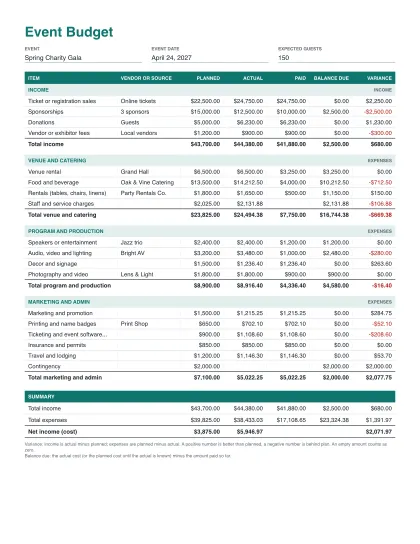
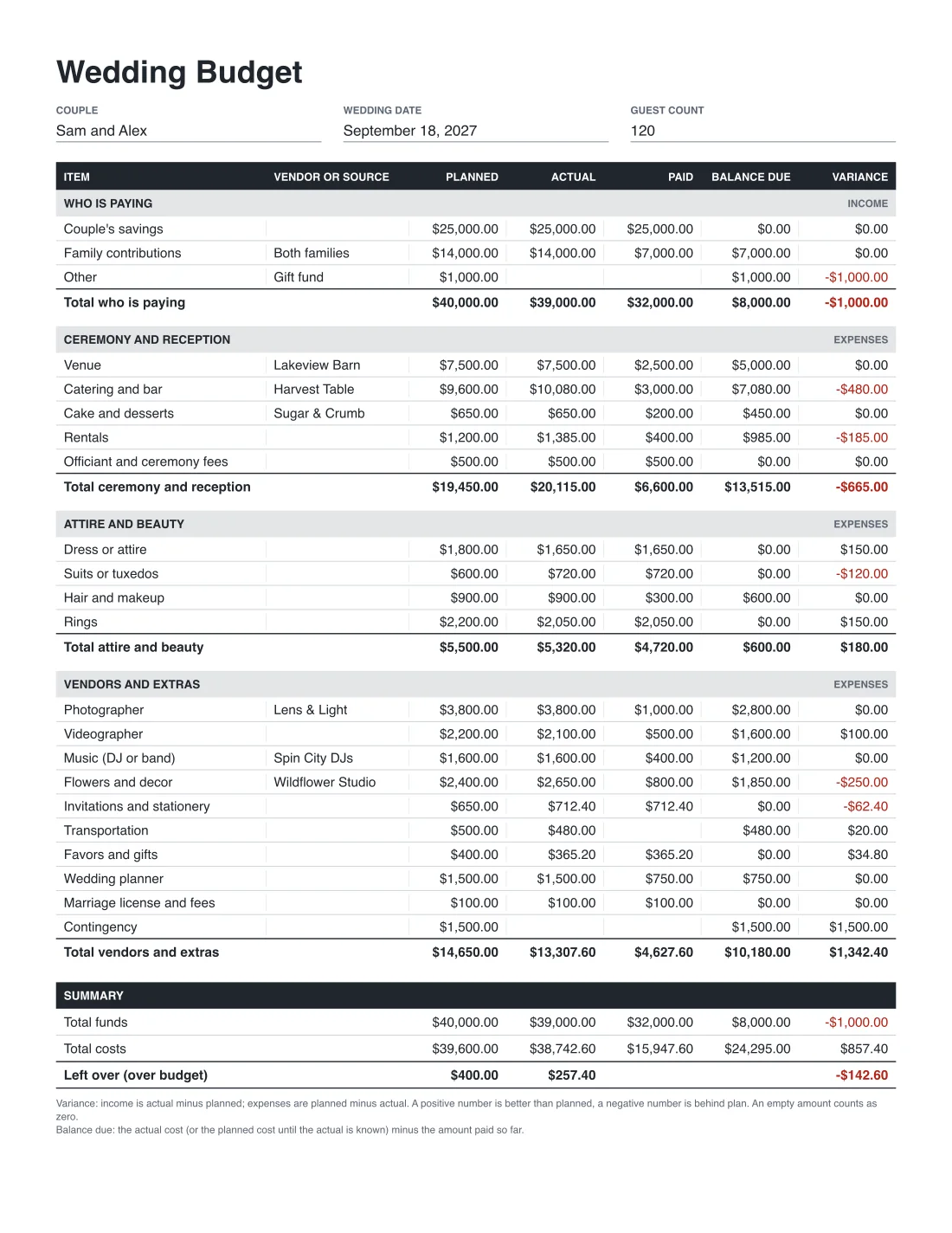
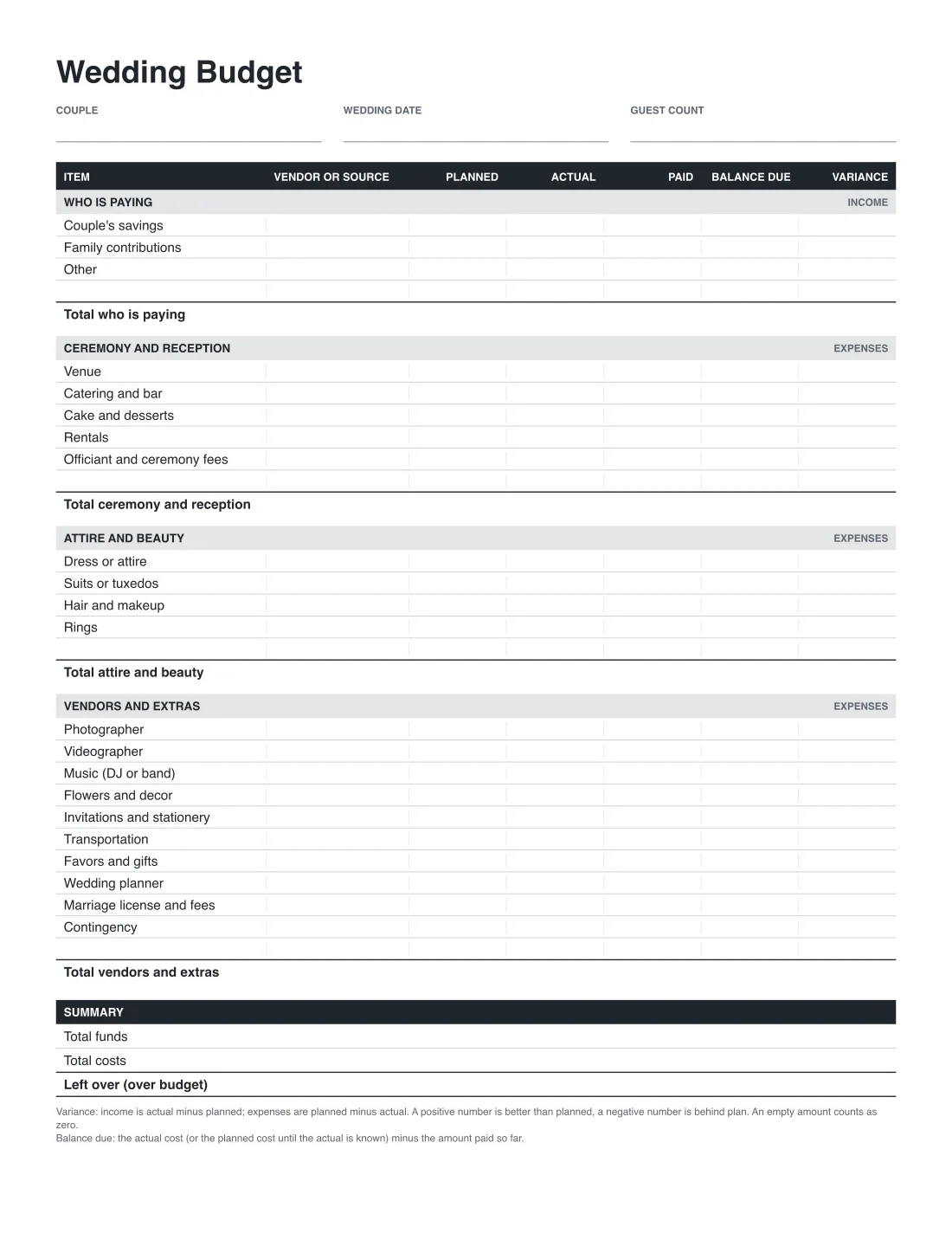
This template starts with who is paying (the couple's savings, family contributions, gifts) and then three cost groups: ceremony and reception, attire and beauty, and vendors and extras, from the photographer and music to invitations, transportation, the marriage license and a contingency line. Each line has a vendor, planned and actual amounts, the amount paid, the balance due and the variance.
The summary compares total funds with total costs, so you can see at any point whether the plan still fits and how much you still have to pay before the day.
How to print your wedding budget template
1. Set the total and who is paying
Talk to everyone who is contributing before you book anything, and enter each contribution. The total funds are your budget; every other number has to fit inside it.
2. Plan each category, then book vendors
Put a planned amount on each line, starting with the biggest decisions: venue, guest count and catering. As you sign contracts, enter the actual amounts and the vendor names, and record each deposit in Paid.
3. Watch the balance due
The Balance due column shows what you still owe each vendor and in total. Download the Excel file to share with your partner or planner in Google Sheets, or print the PDF for your planning binder.
What to include in a wedding budget
- Venue, ceremony and reception, including service charges, tax, gratuity and any cake-cutting or corkage fees.
- Catering and bar per guest, cake and desserts, and rentals such as tables, chairs, linens and tents.
- Attire and beauty: dress or attire, suits or tuxedos, alterations, hair and makeup, and rings.
- Photographer, videographer, music, flowers and decor, invitations and stationery, transportation, favors and gifts.
- Officiant and ceremony fees, the marriage license from your county or city, and a wedding planner if you hire one.
- A contingency line for overtime, extra guests and last-minute purchases.
How to split a wedding budget
Guest count drives most of the cost, because catering, rentals, invitations and favors are priced per person and the venue size follows the guest list. Settle the guest count early and revisit the budget whenever it changes. Venue and catering together are usually the largest share of a wedding budget, so lock them in first and fit the other categories around them.
Decide what matters most to the two of you, such as photography, food or music, and plan those lines generously. Cut back on the lines that matter less, rather than trimming every category a little.
Deposits, payment dates and contracts
Most wedding vendors ask for a deposit to hold the date and the balance a few weeks before the wedding. In this template, the balance due for each vendor is the actual contract amount minus what you have paid; until you have a contract, it uses the planned amount. The total balance due tells you how much cash you need in the final month, when many payments fall due together.
Read each contract for the deposit amount, whether it is refundable, the payment schedule and what happens if the date changes. Keep the contracts and receipts with your budget, and note gratuities, which are often paid on the day.
Use the wedding budget in Excel, Google Sheets or Numbers
- Excel: open the .xlsx file directly. Totals, subtotals and variance are live formulas, so they update as soon as you change an amount.
- Google Sheets: in Google Drive click New > File upload, then open the file with Google Sheets, or use File > Import in a blank spreadsheet. The formulas carry over.
- Numbers on Mac, iPhone and iPad: open the file and Numbers converts it, formulas included.
- Insert rows inside a group (not below its subtotal) and the SUM formulas grow with them. Type amounts as plain numbers; the dollar format is applied for you.
- Sharing the Google Sheets copy with your partner, family or planner lets everyone see the same numbers; decide who updates the Paid column so payments are not entered twice.